
Verify Your Meta Pixel Is Installed, Firing Events Correctly & Troubleshoot Tracking Problems
Is your Meta Pixel actually tracking visitors and conversions on your website?
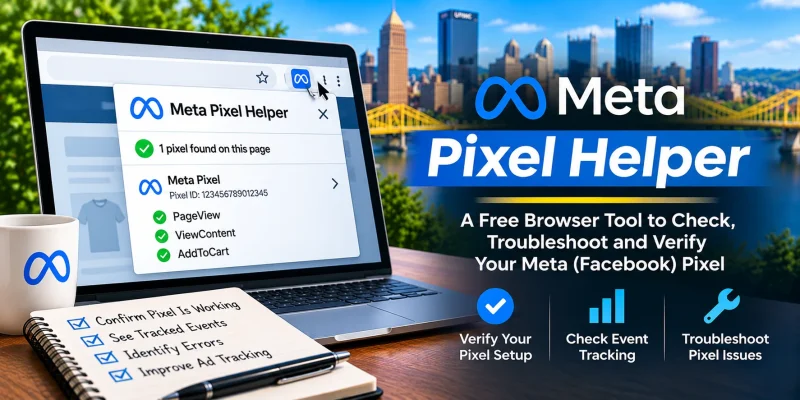
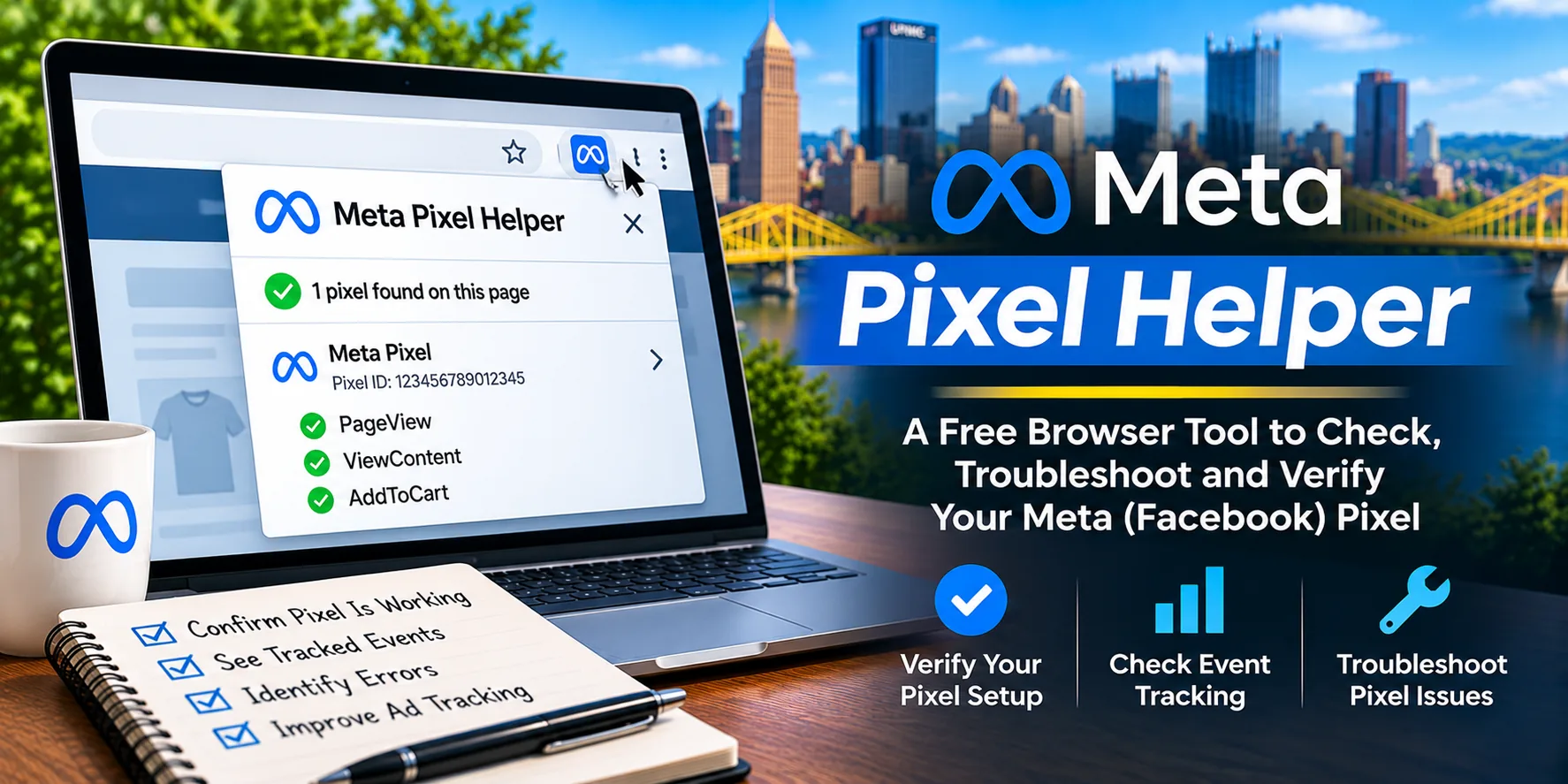
Meta Pixel Helper is a free Chrome extension from Meta that helps you check whether a Meta Pixel is installed on a page and whether it is sending events correctly. It flags errors and warnings so you can fix tracking issues.
It is useful for advertisers and website owners who run Facebook and Instagram ads.
Cost: Free
Developer: Meta
Platform: Google Chrome extension
Category: Advertising Tools
Official Website: https://developers.facebook.com/docs/meta-pixel/support/pixel-helper
Install only from the official Meta page or Chrome Web Store. Features and availability may change, so check the official page for current details.
What Is Meta Pixel Helper?
Meta Pixel Helper detects Meta Pixel code on the page you are viewing and reports what it finds.
When the pixel fires an event, such as a page view or a purchase, the extension shows it so you can confirm tracking works.
It is helpful for marketers, agencies, and developers setting up or auditing ad tracking.
Key Features of Meta Pixel Helper
Pixel Detection
See whether a Meta Pixel is present on the page and which pixel IDs are found.
Event Verification
Confirm that events such as PageView, Lead, or Purchase fire when expected.
Errors and Warnings
Get messages about problems, such as missing parameters or duplicate pixels.
Troubleshooting Guidance
Messages link to explanations that help you decide how to fix an issue.
Quick Check in Chrome
Test pages as you browse without extra setup.
Useful After Launch
Re-check pixels after website or theme updates that may break tracking.
How to Use Meta Pixel Helper
Getting started generally takes only a few steps.
- Visit https://developers.facebook.com/docs/meta-pixel/support/pixel-helper and follow the link to the official Chrome Web Store listing.
- Add the extension to Chrome.
- Open a page on your website.
- Click the extension icon to view detected pixels and events.
- Complete a test action, such as submitting a form, and check that the event fires.
- Fix errors in your tag manager, plugin, or site code.
- Check the page again to confirm the fix.
WordPress tip: If you use a plugin or tag manager for the pixel, avoid also adding it manually in your theme, since duplicate pixels can cause double counting.
Why Pixel Verification Matters
Advertising decisions depend on accurate tracking.
If events are missing or duplicated, you may misjudge which ads are working.
Meta Pixel Helper can help you identify:
- Pixels that are missing from important pages.
- Duplicate pixels that count conversions twice.
- Events that fire at the wrong time.
- Missing parameters, such as value or currency.
- Pixels that stop working after a site update.
Checking your tracking regularly helps you trust the data you use to manage ad spend.
Meta Pixel Helper & AI Search Visibility
The Meta Pixel supports advertising measurement and is separate from organic search and AI answer visibility.
Meta Pixel Helper helps you verify tracking and does not affect how your website appears in search or AI tools.
Using it does not guarantee appearance in Google AI Overviews, Microsoft Copilot, ChatGPT, or other AI-generated answers.
Review privacy and consent requirements that apply to tracking on your website.
Meta Pixel Helper vs. Checking Events in Ads Manager
Each helps verify tracking in a different place.
| Feature | Meta Pixel Helper | Meta Events Manager |
|---|---|---|
| Checks the page you are viewing | Yes | No |
| Shows pixel errors on the page | Yes | Some diagnostics |
| Shows received event history | No | Yes |
| Installed in browser | Yes | No |
| Best for | Quick page checks | Overall event monitoring |
Our recommendation: Use the extension for page-level checks and Events Manager to confirm what Meta actually received.
Common Pixel Problems to Fix
Test your most important conversion pages.
Pixel Not Found
Confirm the base code is installed on every page where it is needed.
Duplicate Pixels
Remove extra installations so events are not counted twice.
Missing Event Parameters
Add required values such as currency and value for purchase events.
Consent Issues
Make sure your cookie and consent setup matches your privacy policy and local rules.
Frequently Asked Questions
Is Meta Pixel Helper free?
Yes. Meta offers the extension free of charge.
Which browser does it work in?
It is a Chrome extension. Check the official page for other supported browsers.
Does it work with WordPress?
Yes. It checks the rendered page, so it works with any website.
Will it install a pixel for me?
No. It only checks existing pixels. You must install the pixel separately.
Does it replace Events Manager?
No. Events Manager shows what Meta received, while the helper checks the page.
Is it safe to install?
Install it from the official Meta page or Chrome Web Store listing and review its permissions.
Access Meta Pixel Helper
Developer: Meta
Software Type: Chrome browser extension
Price: Free
Installation: Browser extension installation
Account: Not required to run the extension
Official Access: https://developers.facebook.com/docs/meta-pixel/support/pixel-helper
Get Started With Meta Pixel Helper →
About This Software Listing
This independent software resource is published by Pittsburgh SEO Services LLC, a digital marketing and SEO company founded by Jon Crain in 2001.
We share marketing tools and website optimization resources to help business owners understand tracking, analytics, and advertising measurement.
Need help with website tracking, SEO, or digital marketing strategy?
Explore our Pittsburgh SEO Services or contact us.
Phone: 412-250-7965
Meta Pixel Helper is developed and maintained by Meta. Pittsburgh SEO Services LLC is an independent software directory publisher and is not affiliated with Meta.