
Working Hours
Mon - Fri 8AM to 5PM
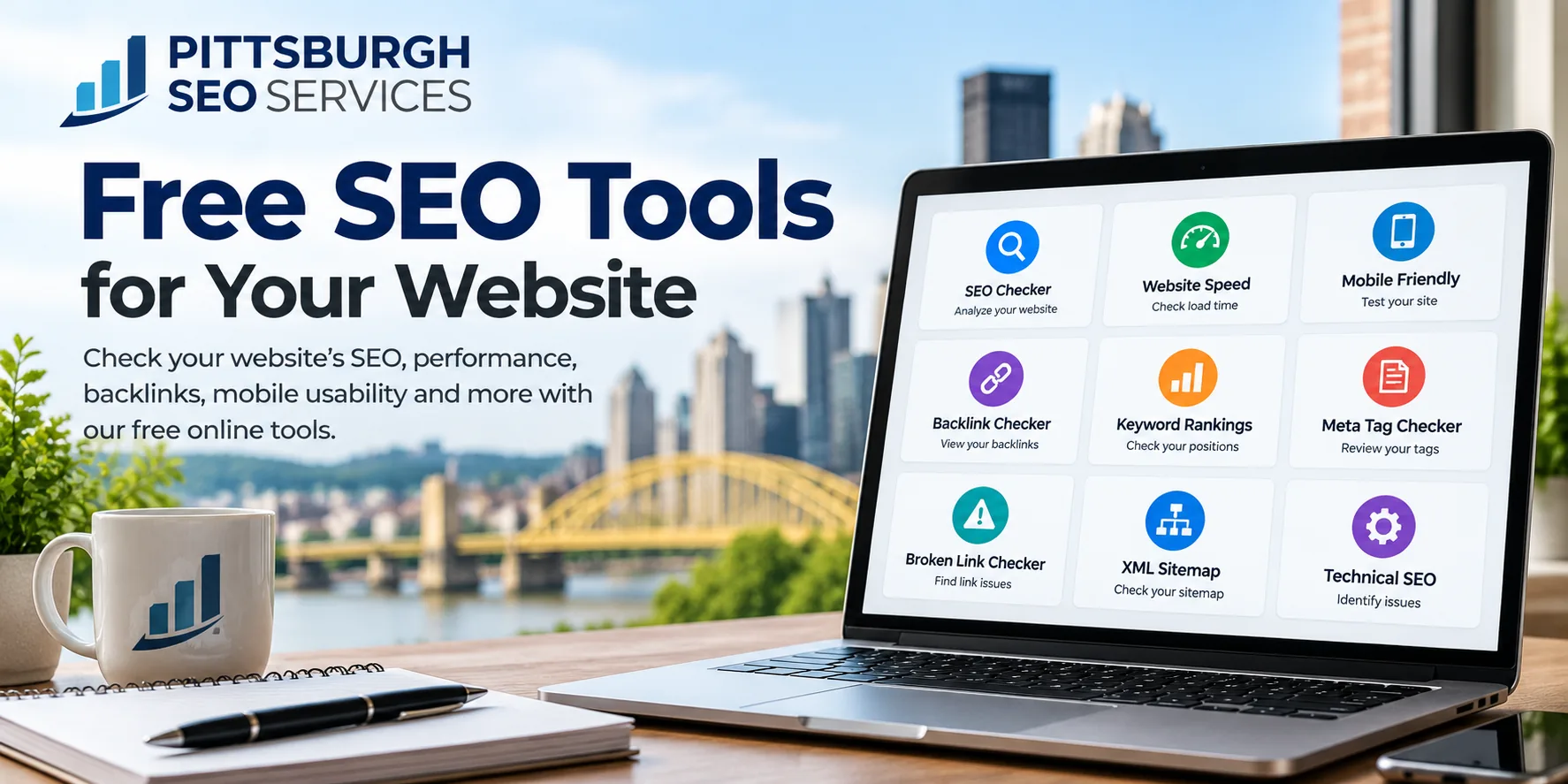
FreeSEO tools & website checkers
20+Tools & checkers on this page
5Categories: audit, speed, technical, rankings & meta
25+Years of SEO & digital marketing experience
1Free SEO Tools
Free SEO Tools & Website Optimization Checkers
Want to see how your website is performing? Pittsburgh SEO Services offers a collection of free SEO tools to help business owners, website developers, and marketers identify common website problems and find opportunities for improvement.
Whether you’re checking website speed, reviewing your backlinks, testing mobile responsiveness, or looking for technical SEO issues, these tools can give you a better understanding of what’s happening with your website.
You don’t need to be an SEO expert to get started. Choose the tool you need, enter your website URL when prompted, and review the results.
2Audit & Analysis
Free Website SEO Audit & Analysis Tools
A good place to start is with an overall website check. These tools can help identify problems that may affect how search engines access, understand, and display your pages.
Free Website SEO Checker
Run an SEO analysis to review common on-page and technical issues. This can help you identify missing metadata, heading problems, and other areas worth investigating.
On-Page SEO Audit Tool
Review important elements of an individual webpage, including page titles, headings, content structure, and other optimization factors.
Website Traffic Analysis
Explore available traffic estimates and website performance information. Third-party traffic estimates can be useful for research, but they should not be treated as exact visitor counts.
3Speed & Mobile
Website Speed & Mobile Optimization Tools
A website should work well whether someone visits from a phone, tablet, or desktop computer. Slow-loading pages and difficult mobile navigation can frustrate visitors before they have a chance to contact your business.
Free Website Speed Checker
Check how quickly your website loads and identify performance issues that may need attention, including large images, unnecessary scripts, and other page resources.
Core Web Vitals Checker
Review performance measurements related to loading speed, responsiveness, and visual stability. These metrics can help identify parts of the user experience that need improvement.
Mobile Responsive Website Checker
See how your website adapts to different screen sizes. Check whether text is readable, navigation works properly, and important content remains accessible on smaller devices.
4Technical SEO
Technical SEO & Website Health Tools
Technical SEO problems can make it harder for search engines to crawl and index your website. Some issues are minor, while others can prevent important pages from appearing in search results.
Broken Link Checker
Find links that lead to missing or unavailable pages. Reviewing broken links regularly can help maintain a better experience for visitors and search engines.
SSL / HTTPS Checker
Check your website’s SSL certificate and HTTPS configuration. A properly configured secure connection helps protect information exchanged between visitors and your website.
Robots.txt Checker
Review your robots.txt file to understand which areas of your website you are asking search engine crawlers to access or avoid.
XML Sitemap Checker
Check whether your XML sitemap is available and properly formatted. A sitemap can help search engines discover important URLs on your website.
Canonical URL Checker
Review canonical tags to see which URL version a page identifies as its preferred version.
Redirect & HTTP Status Code Checker
Check redirects and HTTP response codes, including 301, 302, 404, and 503 responses. These tools can help identify broken destinations and unnecessary redirect chains.
5Rankings & Backlinks
Keyword Rankings & Backlink Research Tools
Understanding where your website appears in search results and which websites link to it can help you make more informed SEO decisions.
Google Search Ranking Checker
Check available ranking information for selected keywords. Search positions can vary by location, device, personalization, and the time of the search.
Backlink Checker
Review available backlink information to see which websites link to your domain. Backlinks can help search engines discover pages and may contribute to a website’s authority and reputation.
Domain Authority & Domain Rating Checkers
Explore third-party domain metrics used by SEO software providers. These scores can be useful for comparing websites, but they are not Google ranking factors.
Business Listing Checker
Review your business information across online directories and listing platforms. Accurate business names, addresses, phone numbers, and other details help customers find consistent information about your company.
6Meta & Content
Free Meta Tag & Content Optimization Tools
Sometimes the smaller details on a webpage need attention. These tools can help you review how your pages are organized and presented.
Meta Title & Description Checkers
Check the length and structure of your page titles and meta descriptions. Clear, relevant metadata helps explain what a page offers and may influence how it appears in search results.
Heading Tag Checker
Review H1, H2, and other headings to see how your page content is organized.
Image Alt Text Checker
Identify images with missing alternative text. Descriptive alt text supports accessibility and can help search engines understand relevant images.
Google Search Preview
Preview how your page title, URL, and description might appear in a Google search result. Google may generate different titles or snippets depending on the search.
Meta Tag Generator
Create basic meta tags for your website and review them before publishing.
7More Tools
More Free SEO & Digital Marketing Tools
Need something more specific?
Pittsburgh SEO Services also provides additional website optimization utilities, including Open Graph checkers, image loading checks, compression tests, URL checks, and other technical tools.
Explore More Free SEO & Digital Marketing Tools →8Next Steps
What Should You Do After Running an SEO Check?
An SEO tool can point out potential problems, but not every warning means something is wrong with your website.
For example, a tool might flag a short page title, even though that title clearly describes the page. Another report might identify a slow-loading resource that has little effect on the actual visitor experience.
The important part is understanding which issues matter and which improvements should come first.
If you’re reviewing your website, start with the basics: make sure important pages can be indexed, check that the site works well on mobile devices, review page speed, and confirm that your content answers the questions customers are searching for.
From there, look at your website’s visibility in Google Search Console and its traffic and conversions in Google Analytics, if those tools are configured.
Need Help Improving Your Website’s SEO?
Free SEO tools are useful for identifying problems, but putting together an effective SEO strategy involves more than fixing individual warnings.
Pittsburgh SEO Services works with businesses throughout Pittsburgh, Western Pennsylvania, and beyond on search engine optimization, local SEO, technical SEO, website design, and digital marketing.
We can help review your website, prioritize improvements, and develop a strategy around the searches that matter to your business.
If you’ve run a few tests and aren’t sure what to do with the results, contact us to discuss your website.