
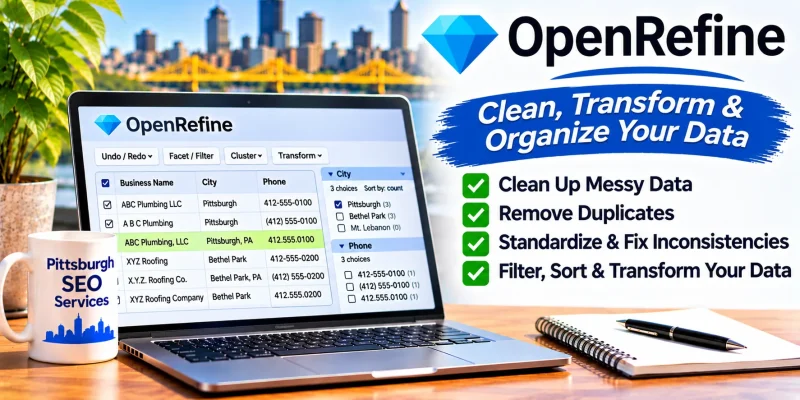
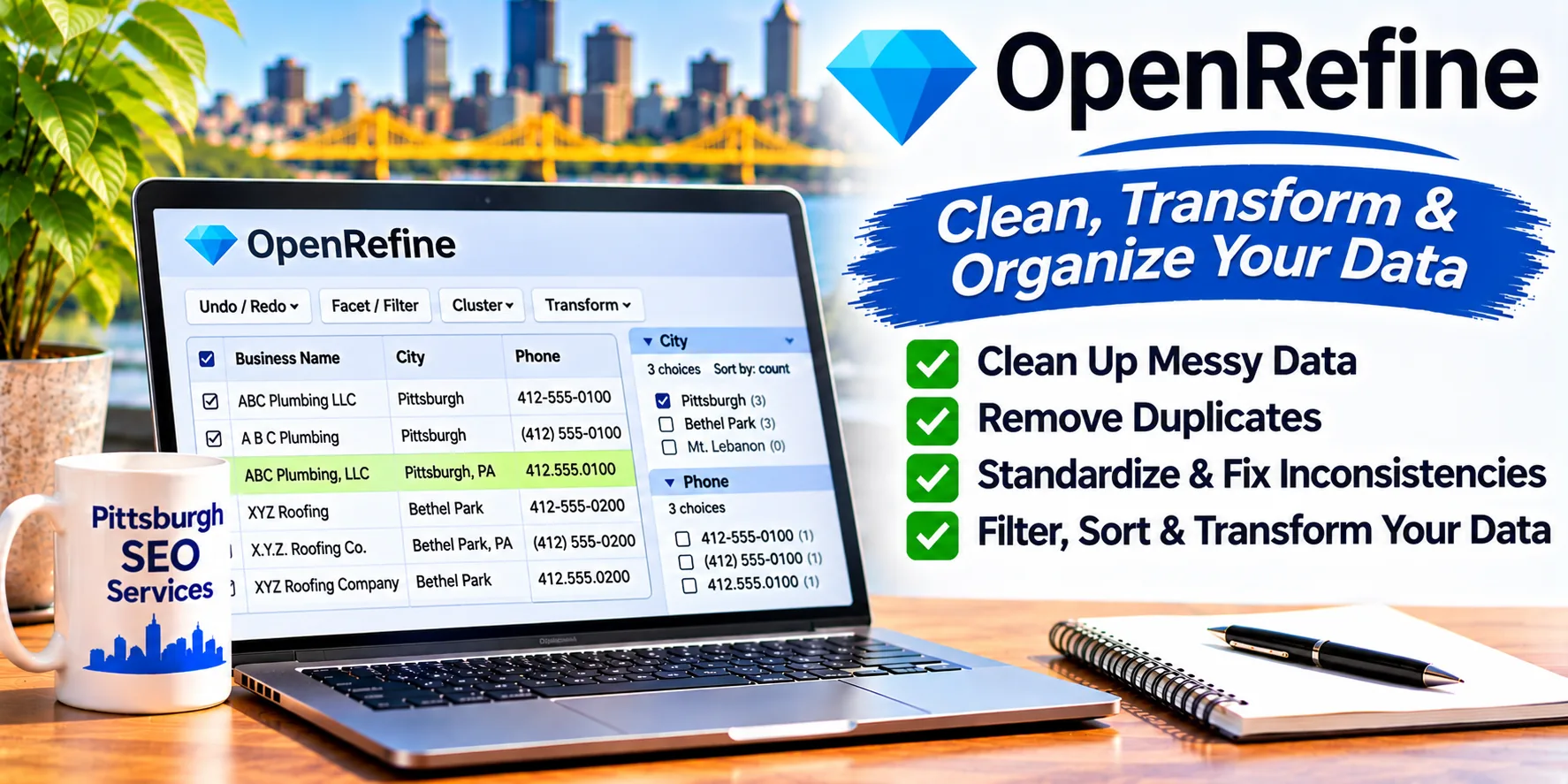
Clean, Transform & Organize Large Spreadsheets, URL Lists and Keyword Exports
Do your keyword lists, crawl exports, or customer spreadsheets look messy, duplicated, or inconsistent?
OpenRefine is a free, open-source desktop application for working with messy data. It helps you explore large datasets, clean inconsistencies, transform values, and match information against other sources.
SEO professionals use it to clean keyword lists, group URLs, and prepare data from crawls and exports.
Cost: Free and open source
Developer: OpenRefine community
Platform: Windows, macOS, and Linux (runs locally with a browser interface)
Category: Data & SEO Utilities
Official Website: https://openrefine.org/
OpenRefine is downloaded from the official website. It runs on your computer and opens in your web browser. System requirements may change, so check the official site.
What Is OpenRefine?
OpenRefine loads spreadsheets and other data files and lets you inspect them as a table.
You can find inconsistent spellings, remove duplicates, split and merge columns, and apply the same fix across thousands of rows.
It is useful for SEO professionals, researchers, and analysts who handle large lists of keywords, URLs, or business data.
Key Features of OpenRefine
Faceting and Filtering
Group similar values to see patterns, outliers, and errors across a column.
Clustering
Detect values that look different but mean the same thing, such as slight variations in a name, and merge them.
Transformations
Use built-in functions to split columns, change text, standardize formats, and more.
Undo and Redo History
Review the steps you performed and undo them if needed.
Reconciliation
Match records against external data sources, where supported.
Export Options
Export cleaned data to formats such as CSV and Excel for use in other tools.
How to Get Started With OpenRefine
Getting started generally takes only a few steps.
- Visit https://openrefine.org/ and download the version for your operating system.
- Install and start the application, which opens in your browser.
- Create a project by importing a CSV or spreadsheet.
- Explore columns using facets and filters.
- Clean values with transformations and clustering.
- Review the change history.
- Export the cleaned data.
Data tip: Keep a copy of your original file. Working on a duplicate makes it easy to compare before and after.
Why Clean Data Matters for SEO
SEO work depends on lists of keywords, URLs, and page data from many sources.
Messy data leads to duplicate work and unreliable analysis.
OpenRefine can help you identify:
- Duplicate keywords or URLs.
- Inconsistent capitalization and spelling.
- URLs with tracking parameters that should be grouped.
- Columns that need splitting or merging.
- Exports from different tools that must be combined.
Clean data makes audits, mapping, and reporting faster and more accurate.
OpenRefine & AI Search Visibility
Accurate business data, consistent naming, and organized content inventories help you maintain a clear web presence.
OpenRefine can help you clean and organize that information.
However, using it does not guarantee appearance in Google AI Overviews, Microsoft Copilot, ChatGPT, or other AI-generated answers.
It is a data preparation tool.
OpenRefine vs. Spreadsheet Software
Both can work with tabular data, but they have different strengths.
| Feature | OpenRefine | Spreadsheet Software |
|---|---|---|
| Handling very large lists | Strong | Can struggle |
| Clustering similar values | Built in | Manual or formulas |
| Undo history for all steps | Yes | Limited |
| Charts and formulas | No | Yes |
| Best for | Data cleaning | Analysis and reporting |
Our recommendation: Clean data in OpenRefine, then analyze and report in your spreadsheet.
Common Data Problems It Can Fix
Start by exploring one column at a time.
Duplicates
Remove or merge repeated keywords and URLs.
Inconsistent Formats
Standardize text case, spacing, and date formats.
Combined Fields
Split full addresses or names into separate columns.
Tracking Parameters
Strip parameters so URLs can be grouped accurately.
Frequently Asked Questions
Is OpenRefine free?
Yes. It is free and open source.
Is my data uploaded online?
OpenRefine runs locally on your computer, according to the project. Review the official documentation for details.
Do I need to know programming?
No, though some transformations use expression languages that are helpful to learn.
What file types can I import?
Common types include CSV, TSV, and Excel. Check the official site for the current list.
Will it improve my SEO?
Not directly. It helps you prepare data for better analysis.
Is it a downloadable program?
Yes. It is downloaded and installed on your computer.
Access OpenRefine
Developer: OpenRefine community
Software Type: Open-source data cleaning application
Price: Free and open source
Installation: Download and install on Windows, macOS, or Linux
Account: Not required
Official Access: https://openrefine.org/
About This Software Listing
This independent software resource is published by Pittsburgh SEO Services LLC, a digital marketing and SEO company founded by Jon Crain in 2001.
We share SEO tools and data resources to help business owners understand keyword research, audits, and website data.
Need help organizing SEO data or improving organic visibility?
Explore our Pittsburgh SEO Services or contact us.
Phone: 412-250-7965
OpenRefine is developed and maintained by the OpenRefine community. Pittsburgh SEO Services LLC is an independent software directory publisher and is not affiliated with the OpenRefine community.