
Compress & Convert Images to WebP, AVIF, JPEG and PNG Right in Your Browser
Are oversized images slowing down your website?
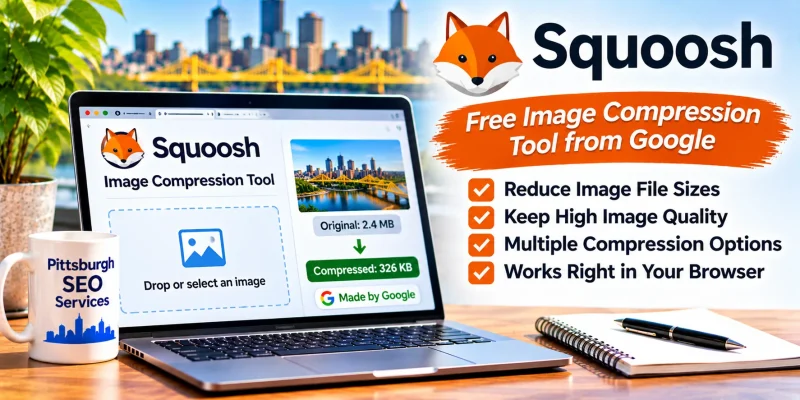
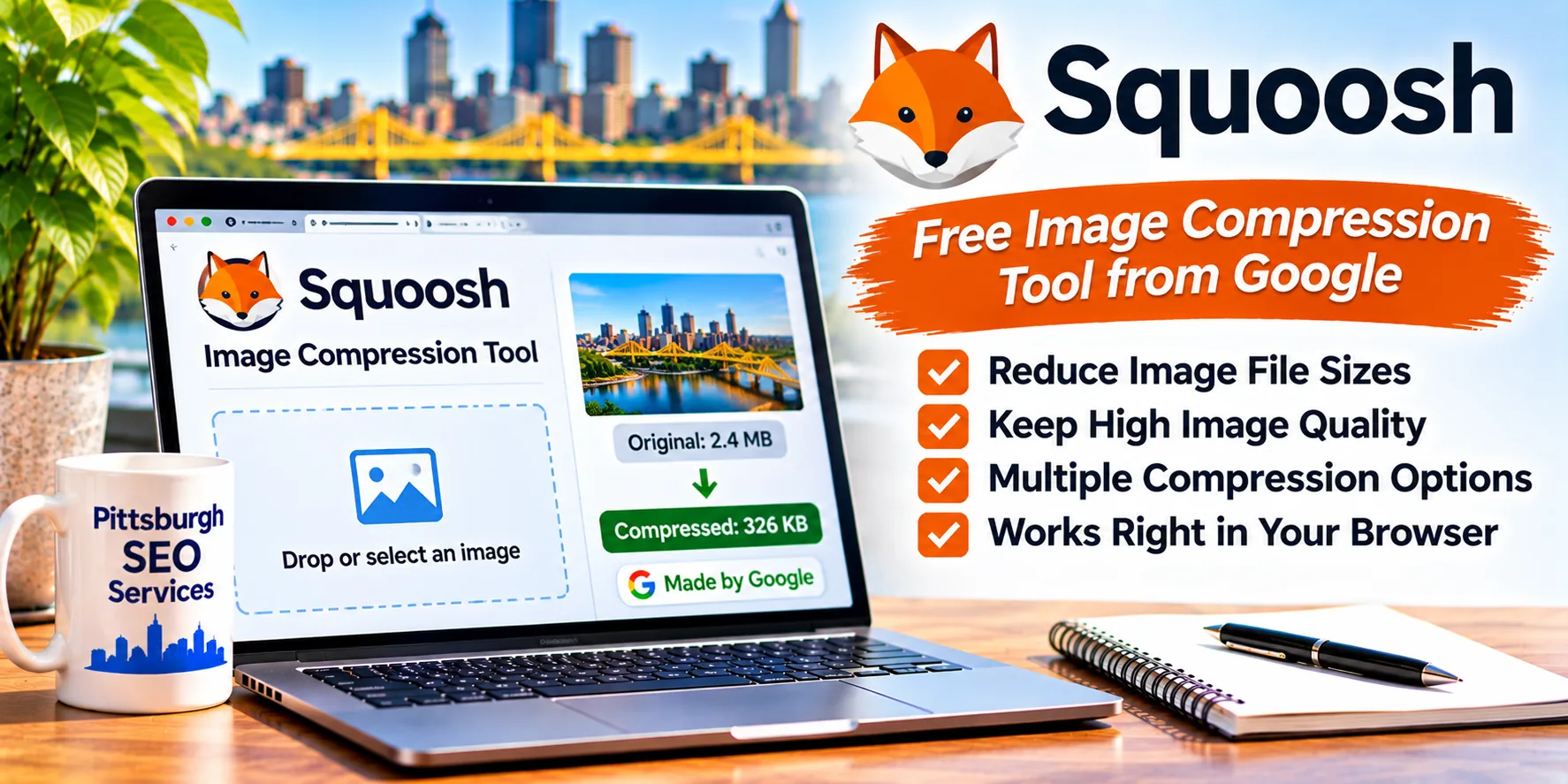
Squoosh is a free image compression and conversion app from the Google Chrome Labs team. It lets you shrink images and convert formats directly in your browser, with a live side-by-side preview.
It is a simple way to prepare lighter images for faster page loading.
Cost: Free
Developer: Google Chrome Labs
Platform: Web-based (works offline once loaded as a progressive web app)
Category: Image Optimization
Official Website: https://squoosh.app/
No installation is required. Image processing happens in your browser. Supported formats and features may change over time.
What Is Squoosh?
Squoosh is a browser-based image optimizer. You drop in an image, choose a format and quality, and compare the result against the original.
It supports modern formats such as WebP and AVIF as well as common ones like JPEG and PNG.
It is helpful for WordPress site owners, designers, and developers who want to reduce image file sizes without a complicated workflow.
Key Features of Squoosh
Side-by-Side Comparison
Drag a slider to compare the original and compressed image so you can see whether quality is acceptable.
Multiple Formats
Convert to WebP, AVIF, JPEG, PNG, and other supported formats.
Adjustable Quality
Change compression settings and watch the file size change in real time.
Resize Options
Reduce image dimensions to match how the image is actually displayed.
Browser-Based Processing
Images are processed locally in your browser rather than uploaded to a server, according to the project.
Works Offline
After loading, the app can work offline as a progressive web app.
How to Compress an Image With Squoosh
Getting started generally takes only a few steps.
- Visit https://squoosh.app/.
- Drag an image into the page or choose a file.
- Select an output format such as WebP.
- Adjust quality while watching the file size.
- Resize the image if it is larger than needed.
- Compare the result with the original.
- Download the optimized image and upload it to your website.
WordPress tip: Resize images to the dimensions your theme needs and use descriptive file names and alt text when you upload them.
Why Image Optimization Matters for SEO
Images are often the largest files on a web page.
Heavy images slow loading, particularly on mobile connections, and can hurt the experience for visitors.
Squoosh can help you identify:
- Large photos uploaded straight from a camera or phone.
- Images saved in older, heavier formats.
- Images much larger than their display size.
- Hero images that delay page loading.
- Pages with many unoptimized images.
Lighter images can improve loading times and user experience, which supports overall site performance.
Squoosh & AI Search Visibility
Fast, well-organized pages are easier for visitors and automated crawlers to access.
Optimized images can support that goal.
However, compressing images does not guarantee that your website will appear in Google AI Overviews, Microsoft Copilot, ChatGPT, or other AI-generated answers.
It is one practical step in good technical SEO.
Squoosh vs. WordPress Image Plugins
Plugins can automate work, while Squoosh gives you manual control.
| Feature | Squoosh | Image Optimization Plugin |
|---|---|---|
| Manual quality control | Yes | Varies |
| Bulk processing | Limited | Often yes |
| Visual comparison | Yes | Varies |
| Works outside WordPress | Yes | No |
| Best for | Key images and hero graphics | Large media libraries |
Our recommendation: Use Squoosh for important images and consider a plugin for automating a large media library.
Common Image Problems to Fix
Review the heaviest images first.
Oversized Dimensions
Resize images to match how they appear on the page.
Heavy File Sizes
Compress to a smaller size while checking visual quality.
Old Formats
Consider WebP or AVIF where your audience and platform support them.
Missing Alt Text
Add short, accurate alt text after uploading.
Frequently Asked Questions
Is Squoosh free?
Yes. It is a free tool from Google Chrome Labs.
Do my images get uploaded to a server?
According to the project, processing happens in your browser. Review the official information if privacy is a concern.
Which formats does it support?
It supports formats such as WebP, AVIF, JPEG, and PNG. Check the app for the current list.
Can I compress many images at once?
Squoosh is designed for one image at a time. A plugin or command-line tool may suit bulk work better.
Does it work with WordPress?
Yes. You compress images first and then upload them to your media library.
Is it a downloadable program?
No. It runs in your browser.
Access Squoosh
Developer: Google Chrome Labs
Software Type: Browser-based image compression app
Price: Free
Installation: No installation required
Account: Not required
Official Access: https://squoosh.app/
About This Software Listing
This independent software resource is published by Pittsburgh SEO Services LLC, a digital marketing and SEO company founded by Jon Crain in 2001.
We share SEO tools and website optimization resources to help business owners understand image optimization and website performance.
Need help speeding up your website or improving technical SEO?
Explore our Pittsburgh SEO Services or contact us.
Phone: 412-250-7965
Squoosh is developed and maintained by Google Chrome Labs. Pittsburgh SEO Services LLC is an independent software directory publisher and is not affiliated with Google Chrome Labs.