
Find Missing Alt Text, Contrast Errors, Form Label Problems & Structural Issues Directly on Your Web Pages
Can every visitor, including people using screen readers or keyboards, use your website?
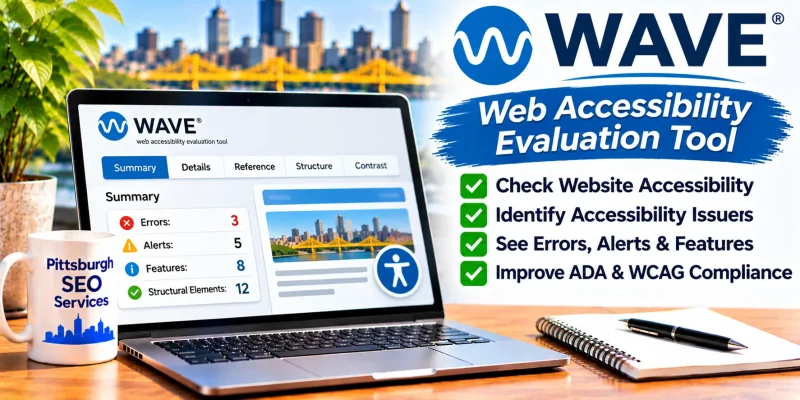
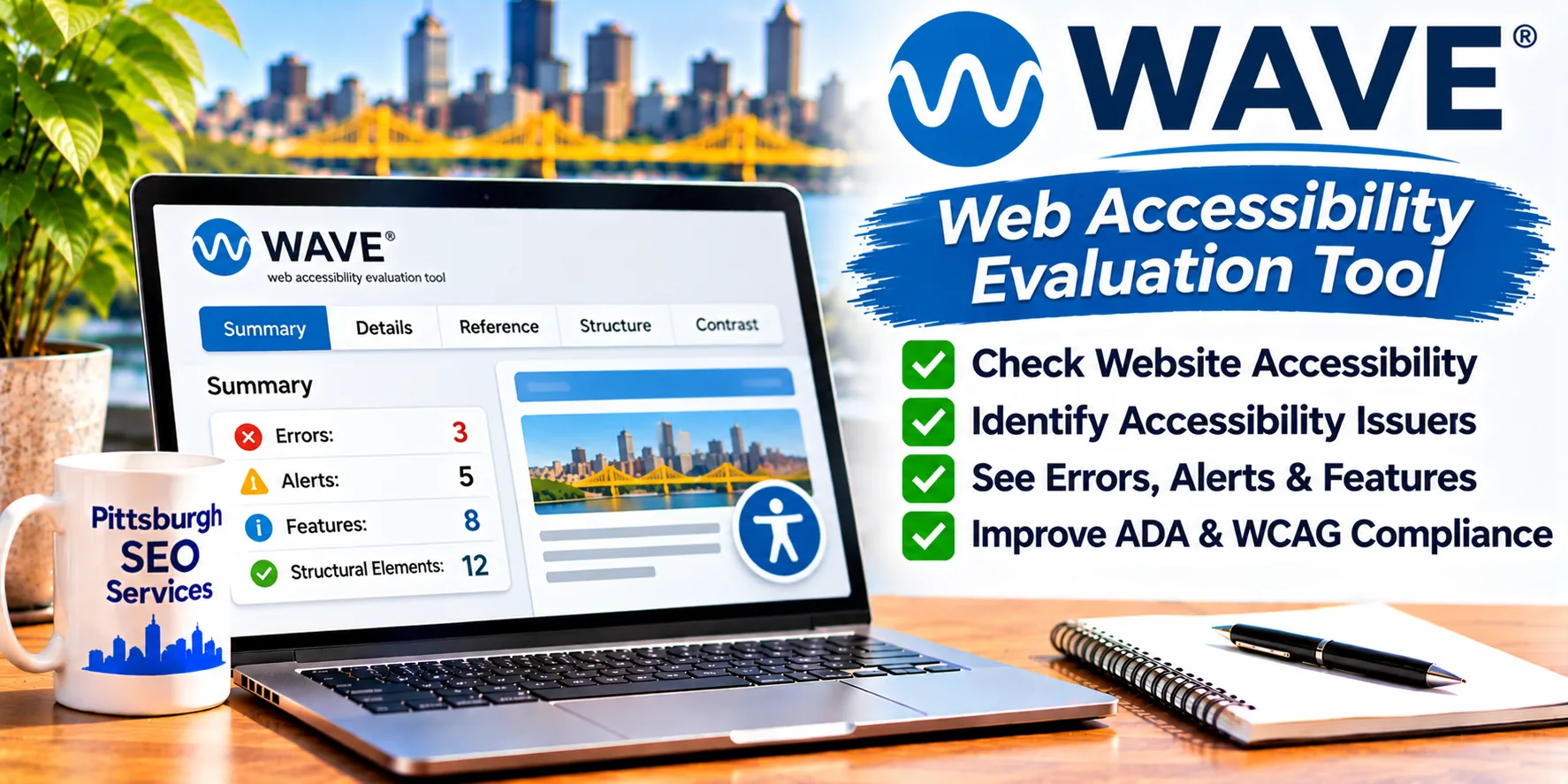
WAVE (Web Accessibility Evaluation Tool) from WebAIM helps you find accessibility issues on web pages. It overlays icons directly on your page to show errors, alerts, and structural elements.
It is available as a web tool and browser extension and is widely used by designers, developers, and site owners.
Cost: Free web tool and browser extension (paid services and API options are offered separately)
Developer: WebAIM (Web Accessibility In Mind)
Platform: Web-based and browser extension
Category: Accessibility Tools
Official Website: https://wave.webaim.org/
Automated tools find only some accessibility issues. Manual review and testing with assistive technology are still important. Check the official site for current features and pricing.
What Is WAVE Accessibility Evaluation Tool?
WAVE evaluates a web page and marks accessibility issues and features right on the page.
It highlights problems such as missing alternative text, empty links, low contrast, and missing form labels, along with positive features it finds.
It is useful for business owners, content editors, designers, and developers who want to make websites easier for everyone to use.
Key Features of WAVE Accessibility Evaluation Tool
Errors and Alerts
Identify definite accessibility errors and items that need review, each marked by an icon on the page.
Contrast Checking
Find text and background color combinations that may be hard to read.
Structure View
Review headings, landmarks, and page structure to see how a page is organized.
Alternative Text Review
See which images have alt text and which may be missing it.
Browser Extension
Run checks on pages you are viewing, including pages that are not publicly available online.
Detailed Explanations
Select an item to read why it matters and how it might be fixed.
How to Use WAVE
Getting started generally takes only a few steps.
- Visit https://wave.webaim.org/.
- Enter a page URL, or install the browser extension from the official listing.
- Run the evaluation.
- Review errors, contrast errors, and alerts.
- Check the structure and reading order.
- Fix issues in your content or theme.
- Run WAVE again to confirm the fixes.
Testing tip: Check your home page, a service page, a contact page, and any page with forms, since forms often have the most accessibility problems.
Why Website Accessibility Matters
Accessible websites are easier for everyone to use, including people with disabilities.
Many accessibility improvements, such as clear headings and descriptive image text, also help overall usability.
Depending on your location and business, accessibility may also have legal or compliance considerations, so consult a qualified professional for advice.
WAVE Accessibility Evaluation Tool can help you identify:
- Images with missing or unhelpful alt text.
- Low contrast between text and background.
- Form fields without labels.
- Empty links and buttons.
- Skipped heading levels.
Fixing these items can make your website easier to use and easier for assistive technology to interpret.
WAVE & AI Search Visibility
Clear structure, descriptive text, and well-labeled content are easier for people and automated systems to understand.
Accessibility improvements can support that goal.
However, using WAVE does not guarantee appearance in Google AI Overviews, Microsoft Copilot, ChatGPT, or other AI-generated answers.
Accessibility should be pursued because it helps people, not as a ranking tactic.
WAVE vs. Accessibility Insights
Both are free tools with different strengths.
| Feature | WAVE | Accessibility Insights |
|---|---|---|
| Visual icons on the page | Yes | Some views |
| Guided manual tests | No | Yes |
| Quick page evaluation | Yes | Yes (FastPass) |
| Browser extension | Yes | Yes |
| Best for | Quick visual checks | Structured testing |
Our recommendation: Use WAVE for quick visual checks and a guided tool for more thorough testing.
Common Accessibility Issues
Start with the errors WAVE flags.
Missing Alt Text
Add short, meaningful descriptions to informative images.
Low Contrast
Adjust colors so text is easy to read against its background.
Missing Form Labels
Connect labels to every field so assistive technology can read them.
Empty Links or Buttons
Give links and buttons clear, descriptive text.
Frequently Asked Questions
Is WAVE free?
The web tool and browser extension are free to use. Paid services and API options are separate, so check the official site.
Does WAVE guarantee compliance?
No. Automated tools detect only some issues, and manual testing is still needed.
Does it work with WordPress?
Yes. It evaluates any web page, including WordPress pages.
Can it check pages behind a login?
The browser extension can check pages you are viewing, which may include pages that are not public.
Will it improve my SEO?
Not directly, though many accessibility fixes improve overall page quality.
Is it a downloadable program?
It is mainly a web tool, with an optional browser extension.
Access WAVE
Developer: WebAIM (Web Accessibility In Mind)
Software Type: Web accessibility evaluation tool
Price: Free web tool and browser extension (paid services and API options are offered separately)
Installation: Online use or browser extension installation
Account: Not required for basic use
Official Access: https://wave.webaim.org/
About This Software Listing
This independent software resource is published by Pittsburgh SEO Services LLC, a digital marketing and SEO company founded by Jon Crain in 2001.
We share SEO tools and website optimization resources to help business owners understand accessibility, usability, and technical website quality.
Need help improving website accessibility, usability, or organic visibility?
Explore our Pittsburgh SEO Services or contact us.
Phone: 412-250-7965
WAVE Accessibility Evaluation Tool is developed and maintained by WebAIM. Pittsburgh SEO Services LLC is an independent software directory publisher and is not affiliated with WebAIM.