
Update Plugins, Manage Users, Search-Replace Databases & Automate WordPress Tasks From the Terminal
Spending too much time clicking through the WordPress dashboard for routine tasks?
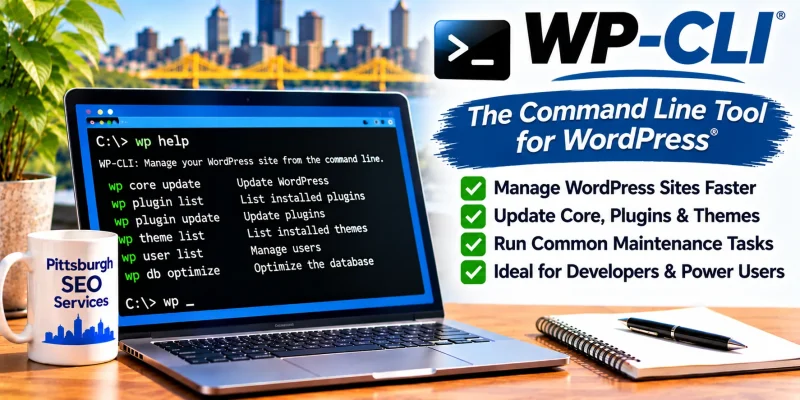
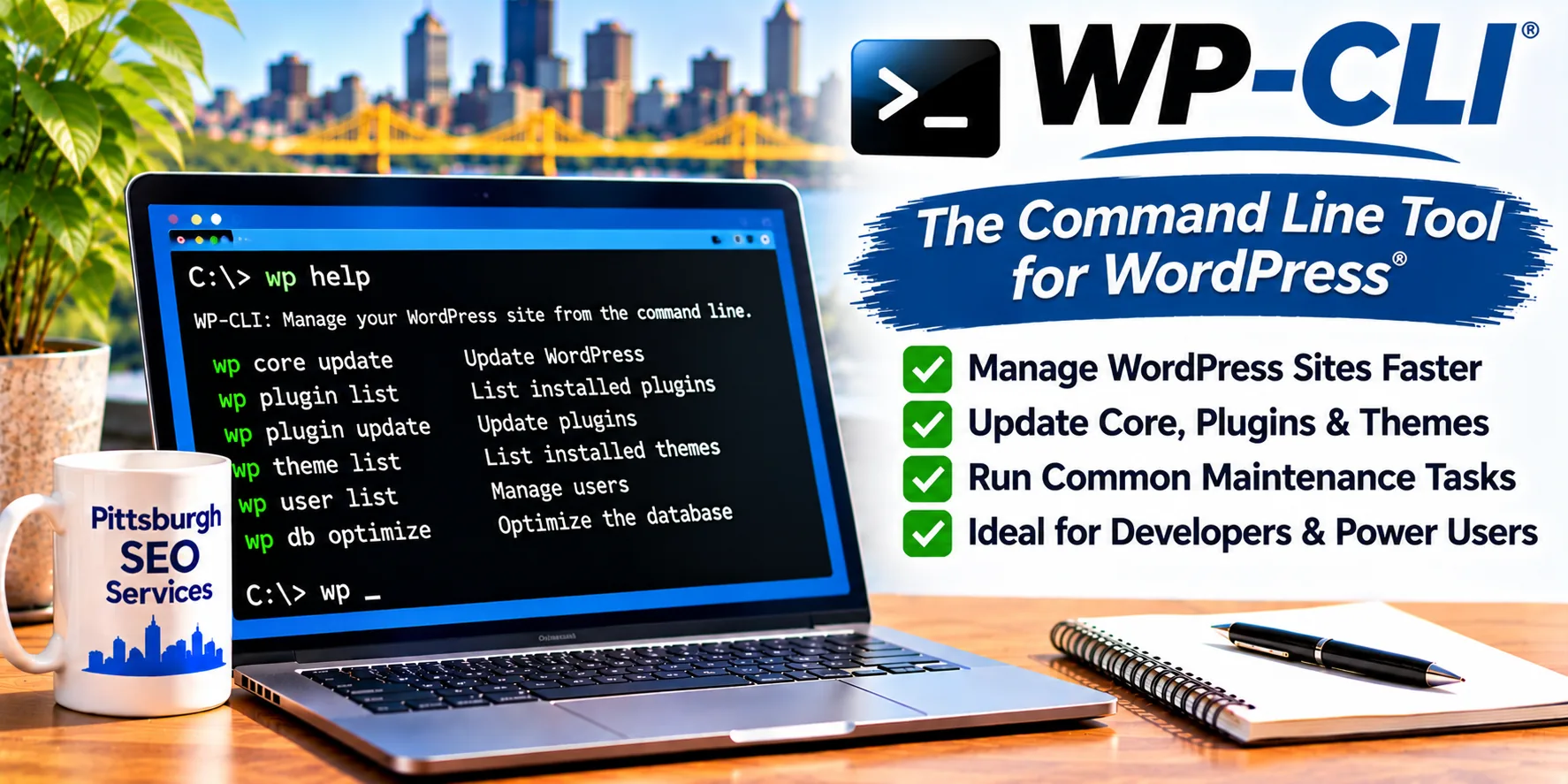
WP-CLI is the official command-line interface for WordPress. It lets you manage plugins, themes, users, databases, and settings by typing commands instead of clicking through the admin area.
It is an open-source tool that developers and administrators use to save time and automate repetitive work.
Cost: Free and open source
Developer: WP-CLI project contributors
Platform: Command line (Linux, macOS, and Windows environments)
Category: WordPress Tools
Official Website: https://wp-cli.org/
WP-CLI requires access to a command line on your server or local machine. Hosting providers differ, so check whether your host supports it.
What Is WP-CLI?
WP-CLI runs commands against a WordPress installation from a terminal.
Tasks that take many clicks in the dashboard, such as updating every plugin or exporting a database, can often be done with a single command.
It is best suited to developers, agencies, and administrators comfortable working in a terminal.
Key Features of WP-CLI
Plugin and Theme Management
Install, activate, update, and remove plugins and themes with commands.
Core Updates
Check for and install WordPress core updates.
Database Tools
Export and import databases and run search-replace operations, which are useful for site migrations.
User Management
Create users, reset passwords, and change roles quickly.
Scripting and Automation
Combine commands in scripts and scheduled jobs for repeatable maintenance.
Extensible
Add custom commands, and use many available packages and plugin-provided commands.
How to Get Started With WP-CLI
Getting started generally takes only a few steps.
- Visit https://wp-cli.org/ and review the installation instructions for your system.
- Confirm you have command-line access and the required PHP version.
- Install WP-CLI following the official steps.
- Run a basic command, such as checking the version, to confirm it works.
- Navigate to your WordPress folder.
- Run a command, such as listing installed plugins.
- Back up your site before running changes like updates or database replacements.
Safety tip: Always back up your database before running bulk commands such as search-replace, and test commands on a staging copy first.
Why WP-CLI Matters for WordPress Maintenance
Routine maintenance adds up, especially across many websites.
Command-line tools make those tasks faster and more consistent.
WP-CLI can help you identify:
- Outdated plugins and themes.
- Large database changes needed after a migration.
- Admin accounts that need quick access changes.
- Cache or transient cleanup.
- Tasks you repeat on a schedule.
Keeping sites updated and well maintained supports security, stability, and performance.
WP-CLI & AI Search Visibility
A well-maintained, reliable website is easier for people and automated crawlers to use.
WP-CLI can help keep WordPress updated and consistent.
However, using it does not guarantee appearance in Google AI Overviews, Microsoft Copilot, ChatGPT, or other AI-generated answers.
It is a maintenance tool, not a ranking tool.
WP-CLI vs. the WordPress Dashboard
Both manage the same site in different ways.
| Factor | WP-CLI | WordPress Dashboard |
|---|---|---|
| Ease for beginners | Harder | Easier |
| Speed for bulk tasks | Very fast | Slower |
| Automation | Yes | Limited |
| Visual interface | No | Yes |
| Best for | Developers and admins | Everyday site owners |
Our recommendation: Use the dashboard for everyday editing and WP-CLI for bulk maintenance, migrations, and automation.
Common WP-CLI Problems
Most issues relate to environment setup.
Command Not Found
Confirm WP-CLI is installed and available in your path.
Not a WordPress Installation
Run commands from the folder that contains WordPress, or use the path option.
Permission Errors
Check file permissions and the user running the command.
PHP or Memory Limits
Adjust server settings for long-running commands.
Frequently Asked Questions
Is WP-CLI free?
Yes. It is free and open source.
Do I need to be a developer?
Basic comfort with a terminal is needed. Beginners should practice on a test site.
Does my host support it?
Many hosts do, but not all. Check with your hosting provider.
Is it safe?
It is a widely used tool, but commands can change or delete data, so back up first.
Will it improve my SEO?
Not directly. It helps you maintain and manage WordPress efficiently.
Is it a downloadable program?
Yes. It is installed on your server or computer and used from the command line.
Access WP-CLI
Developer: WP-CLI project contributors
Software Type: Open-source command-line tool for WordPress
Price: Free and open source
Installation: Installed on a server or computer with command-line access
Account: Not required
Official Access: https://wp-cli.org/
About This Software Listing
This independent software resource is published by Pittsburgh SEO Services LLC, a digital marketing and SEO company founded by Jon Crain in 2001.
We share WordPress tools and website optimization resources to help business owners understand safer website maintenance and technical SEO.
Need help maintaining WordPress or improving technical SEO?
Explore our Pittsburgh SEO Services or contact us.
Phone: 412-250-7965
WP-CLI is developed and maintained by the WP-CLI project. Pittsburgh SEO Services LLC is an independent software directory publisher and is not affiliated with the WP-CLI project.