
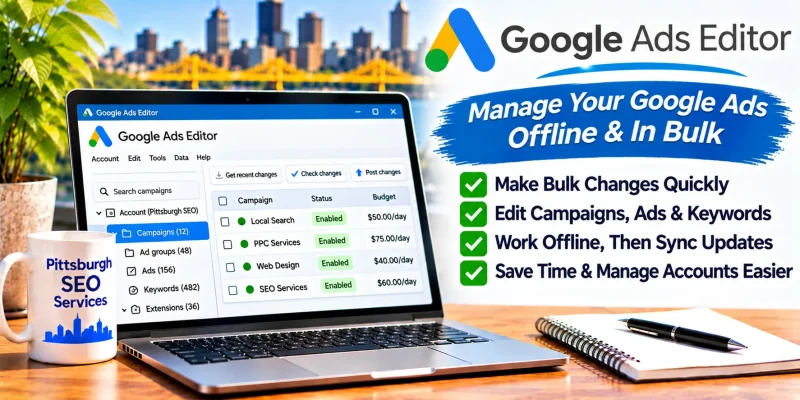
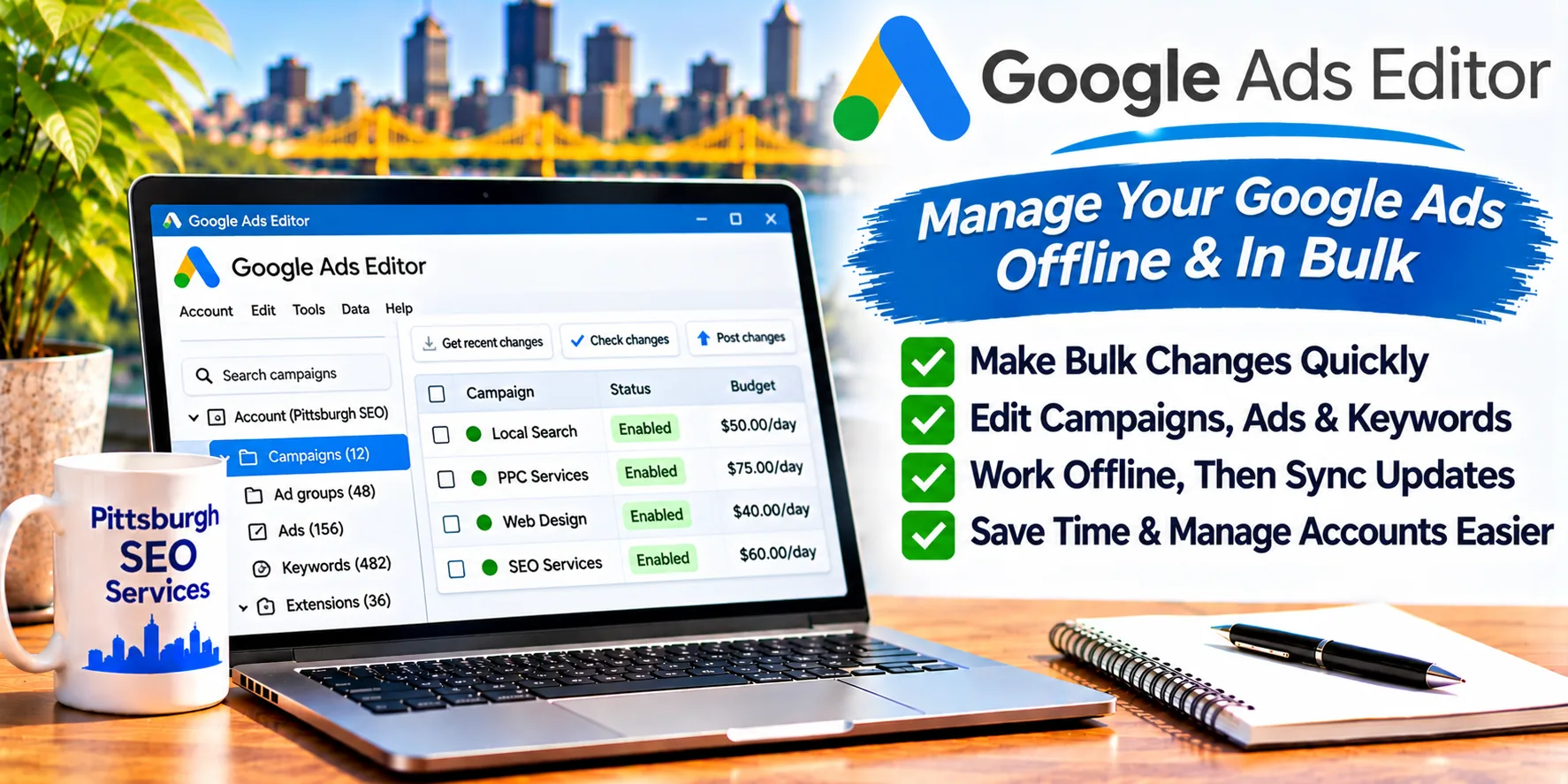
Edit Campaigns Offline, Make Bulk Changes & Review Changes Before Posting Them to Your Account
Are you making the same Google Ads change one campaign at a time?
Google Ads Editor is a free desktop application from Google for managing Google Ads accounts. You download account data, make changes offline or in bulk, review them, and then post them back to your account.
It is designed for advertisers and agencies who manage many campaigns, ad groups, keywords, and ads.
Cost: Free (advertising spend is separate)
Developer: Google
Platform: Windows and macOS (desktop application)
Category: Advertising Tools
Official Website: https://ads.google.com/home/tools/ads-editor/
A Google Ads account is required. Supported systems and features are set by Google and may change, so check the official page for current details.
What Is Google Ads Editor?
Google Ads Editor lets you work on your campaigns in a desktop app rather than in the web interface.
You can download your account, edit keywords, ads, and settings in bulk, copy items between campaigns, and review changes before sending them live.
It is useful for advertisers and agencies who need to make many edits efficiently.
Key Features of Google Ads Editor
Bulk Editing
Change many keywords, ads, bids, or settings at once instead of one at a time.
Offline Work
Download your account, make edits without an internet connection, and post them when ready.
Change Review
Review proposed changes before they are posted to your account.
Copy and Paste Across Campaigns
Move or duplicate keywords, ads, and ad groups between campaigns and accounts.
Import and Export
Use spreadsheet files to import changes or export data for review.
Multi-Account Support
Manage multiple accounts from one place, where permissions allow.
How to Get Started With Google Ads Editor
Getting started generally takes only a few steps.
- Visit https://ads.google.com/home/tools/ads-editor/ and download the application for your system.
- Install it and sign in with the Google account that has access to your Google Ads account.
- Download your account data.
- Make edits to campaigns, ad groups, keywords, or ads.
- Review the changes for accuracy.
- Post the changes to your account.
- Monitor results in your Google Ads account.
Safety tip: Download the latest account data before editing and review your pending changes carefully. Bulk edits can affect many ads and budgets at once.
Why Google Ads Editor Matters for Paid Search Management
Managing larger accounts in a web browser can be slow and repetitive.
A dedicated editor saves time and helps keep structure consistent across campaigns.
Google Ads Editor can help you identify:
- Campaigns that need the same keyword updates.
- Ad copy that must change across many ad groups.
- Bid or budget adjustments across several campaigns.
- Account structure that needs reorganizing.
- Seasonal changes that must be applied quickly.
Used carefully, bulk editing can save time and reduce manual errors.
Google Ads Editor & AI Search Visibility
Paid advertising and organic search are separate channels.
Google Ads Editor helps you manage paid campaigns and does not affect your organic search or AI answer visibility.
Using it does not guarantee appearance in Google AI Overviews, Microsoft Copilot, ChatGPT, or other AI-generated answers.
Many businesses use paid search alongside SEO for a more complete strategy.
Google Ads Editor vs. the Google Ads Web Interface
Each has its place.
| Feature | Google Ads Editor | Google Ads Web Interface |
|---|---|---|
| Bulk editing | Strong | Available but more limited |
| Offline work | Yes | No |
| Real-time reporting | Limited | Yes |
| Installation required | Yes | No |
| Best for | Large-scale edits | Reporting and quick changes |
Our recommendation: Use the web interface for reporting and the Editor for larger structural changes.
Common Problems to Avoid
Most mistakes come from rushing bulk changes.
Outdated Account Data
Download the latest changes before editing to avoid conflicts.
Unreviewed Bulk Edits
Check the change summary before posting.
Wrong Account Selected
Confirm the correct account before posting.
Policy Disapprovals
Review ad text against Google Ads policies.
Frequently Asked Questions
Is Google Ads Editor free?
The application is free. Advertising costs are separate and based on your campaigns.
Do I need a Google Ads account?
Yes. You need access to a Google Ads account.
Which systems does it support?
Google lists Windows and macOS. Check the official page for current requirements.
Can it replace the web interface?
Not entirely. Reporting and some features are easier in the web interface.
Will it improve my ad performance?
The tool does not improve results by itself. It helps you manage changes efficiently.
Is it a downloadable program?
Yes. It is a desktop application downloaded from the official site.
Access Google Ads Editor
Developer: Google
Software Type: Desktop advertising management application
Price: Free (advertising spend is separate)
Installation: Download and install on Windows or macOS
Account: Google Ads account required
Official Access: https://ads.google.com/home/tools/ads-editor/
Get Started With Google Ads Editor →
About This Software Listing
This independent software resource is published by Pittsburgh SEO Services LLC, a digital marketing and SEO company founded by Jon Crain in 2001.
We share marketing tools and website optimization resources to help business owners understand search marketing and advertising management.
Need help with search marketing, SEO, or paid advertising strategy?
Explore our Pittsburgh SEO Services or contact us.
Phone: 412-250-7965
Google Ads Editor is developed and maintained by Google. Pittsburgh SEO Services LLC is an independent software directory publisher and is not affiliated with Google.