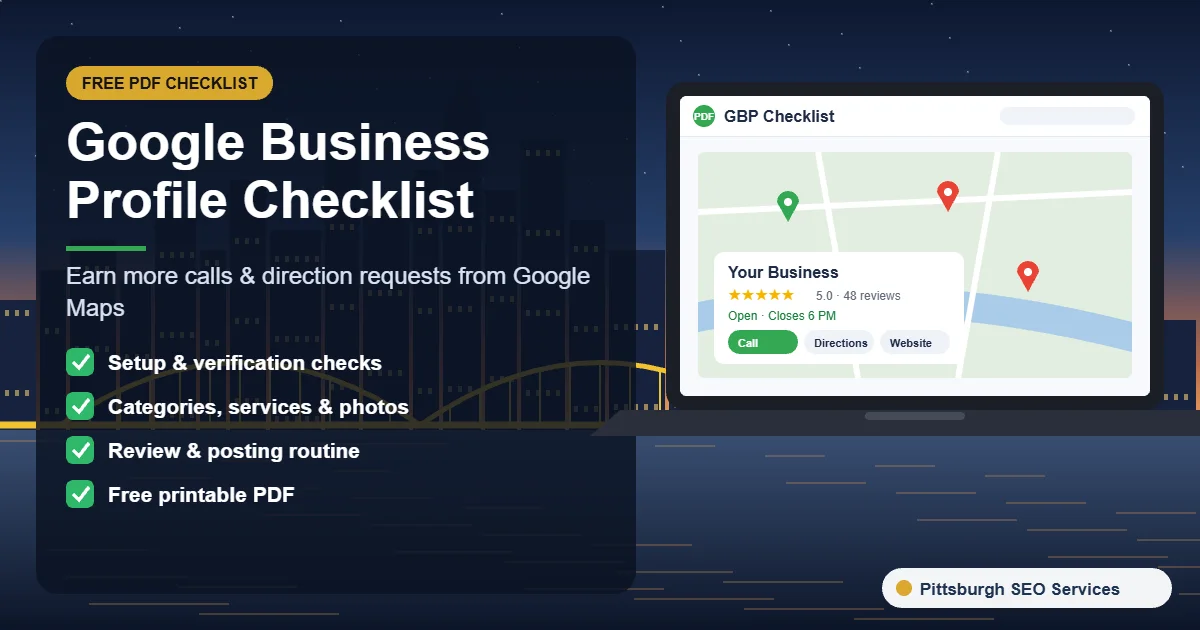
Your Google Business Profile is often the first thing customers see. This free checklist covers every setting that helps you earn more calls, website clicks and direction requests from Google Maps and local search.
Use it to audit a new profile or review an existing one each quarter.
Download the Free PDF Checklist →
Format: PDF (printable)
Cost: Free, no email required
Best for: Any business with a Google Business Profile
Written by: Jon Crain, founder of Pittsburgh SEO Services (since 2001)
Last updated: November 2026
What’s Inside the Google Business Profile Checklist
- Setup and verification checks
- Choosing primary and secondary categories
- Services, products and business description
- Photo and Updates (posts) routine
- Review requests and responses
- Ongoing maintenance checklist
- Common mistakes that trigger suspensions
Who This Checklist Is For
Local business owners managing their own profile, and marketing staff or agencies who manage profiles for clients.
How to Use It
- Download the PDF and open your Business Profile on Google Search or Maps.
- Work through each section and check off completed items.
- Fix anything inaccurate first: name, address, phone, hours and categories.
- Set a monthly reminder for photos, Updates and review replies.
Why It Matters for SEO & AI Search
A complete, accurate and active profile helps Google match you to relevant local searches and gives customers confidence to call.
Google’s AI features and other assistants rely on accurate business facts, so keeping your profile correct supports how your business is described. No checklist guarantees map pack rankings.
Frequently Asked Questions
Is this checklist free?
Yes, it is a free PDF with no email required.
Is Google Business Profile the same as Google My Business?
Yes. Google renamed Google My Business to Google Business Profile.
How often should I update my profile?
Review it monthly and add photos and Updates at least twice a month.
Can keywords in my business name help?
Adding keywords that are not part of your real name violates Google’s guidelines and can lead to suspension.
What if my profile is suspended?
Review Google’s guidelines, fix the issue and request reinstatement. We can help if needed.
About the Author
Jon Crain founded Pittsburgh SEO Services LLC in 2001. Our team has built more than 500 websites and helps businesses across Western Pennsylvania, Ohio and West Virginia with SEO, local search, websites and AI search visibility. This checklist is based on the same process we use with clients.
Want help putting it into practice? Explore our Pittsburgh Local SEO Services or contact us at 412-250-7965.