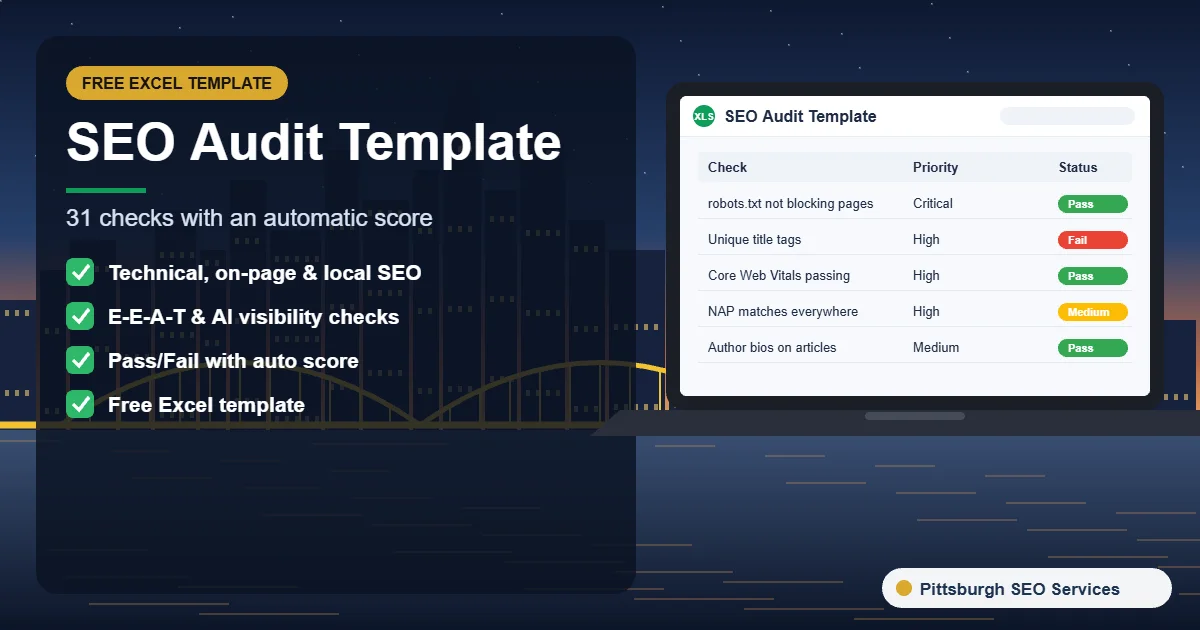
Not sure what is holding your website back? This free SEO audit template gives you 31 checks covering technical SEO, on-page SEO, local SEO, E-E-A-T, AI visibility and tracking.
Mark each item Pass, Fail or N/A and the summary calculates your score and critical issues automatically.
Download the Free Excel Template →
Format: Excel spreadsheet (.xlsx) – also opens in Google Sheets
Cost: Free, no email required
Best for: Website owners, marketers and agencies
Written by: Jon Crain, founder of Pittsburgh SEO Services (since 2001)
Last updated: November 2026
What’s Inside the SEO Audit Template
- 31 audit checks grouped by area
- Priority level for every check (Critical, High, Medium)
- Pass / Fail / N/A dropdowns with color coding
- Automatic score and count of failing critical items
- Notes column for fixes and owners
- Instructions tab
Who This Template Is For
Business owners checking their own website, in-house marketers and agencies running quick audits for clients.
How to Use It
- Download the Excel file (it also opens in Google Sheets).
- Use Google Search Console, PageSpeed Insights and your website to check each item.
- Choose Pass, Fail or N/A in column D.
- Fix Critical failures first, then High priority items.
- Re-run the audit after fixes or every quarter.
Why It Matters for SEO & AI Search
Most ranking problems come from a handful of basics: crawlability, indexing, page quality, local signals and trust. A structured audit makes sure nothing obvious is missed.
The template includes AI visibility checks so your site is ready for AI-powered search as well as traditional results.
Frequently Asked Questions
Is the SEO audit template free?
Yes. Download it free, no email required.
Does it work in Google Sheets?
Yes. Upload the .xlsx to Google Drive and open it in Sheets.
What tools do I need?
Google Search Console, PageSpeed Insights and a browser. Optional: a crawler like Screaming Frog.
How is the score calculated?
Pass checks divided by all checks marked Pass or Fail.
Can you run the audit for me?
Yes. Contact us for a professional SEO audit.
About the Author
Jon Crain founded Pittsburgh SEO Services LLC in 2001. Our team has built more than 500 websites and helps businesses across Western Pennsylvania, Ohio and West Virginia with SEO, local search, websites and AI search visibility. This template is based on the same process we use with clients.
Want help putting it into practice? Explore our Pittsburgh SEO Services or contact us at 412-250-7965.