
See How Visitors Click, Scroll & Struggle on Your Website to Improve Usability and Conversions
Are visitors reaching your website but not calling, filling out forms, or buying?
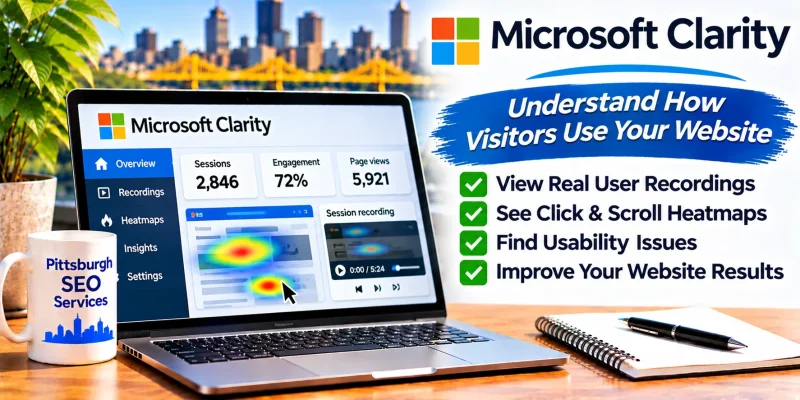
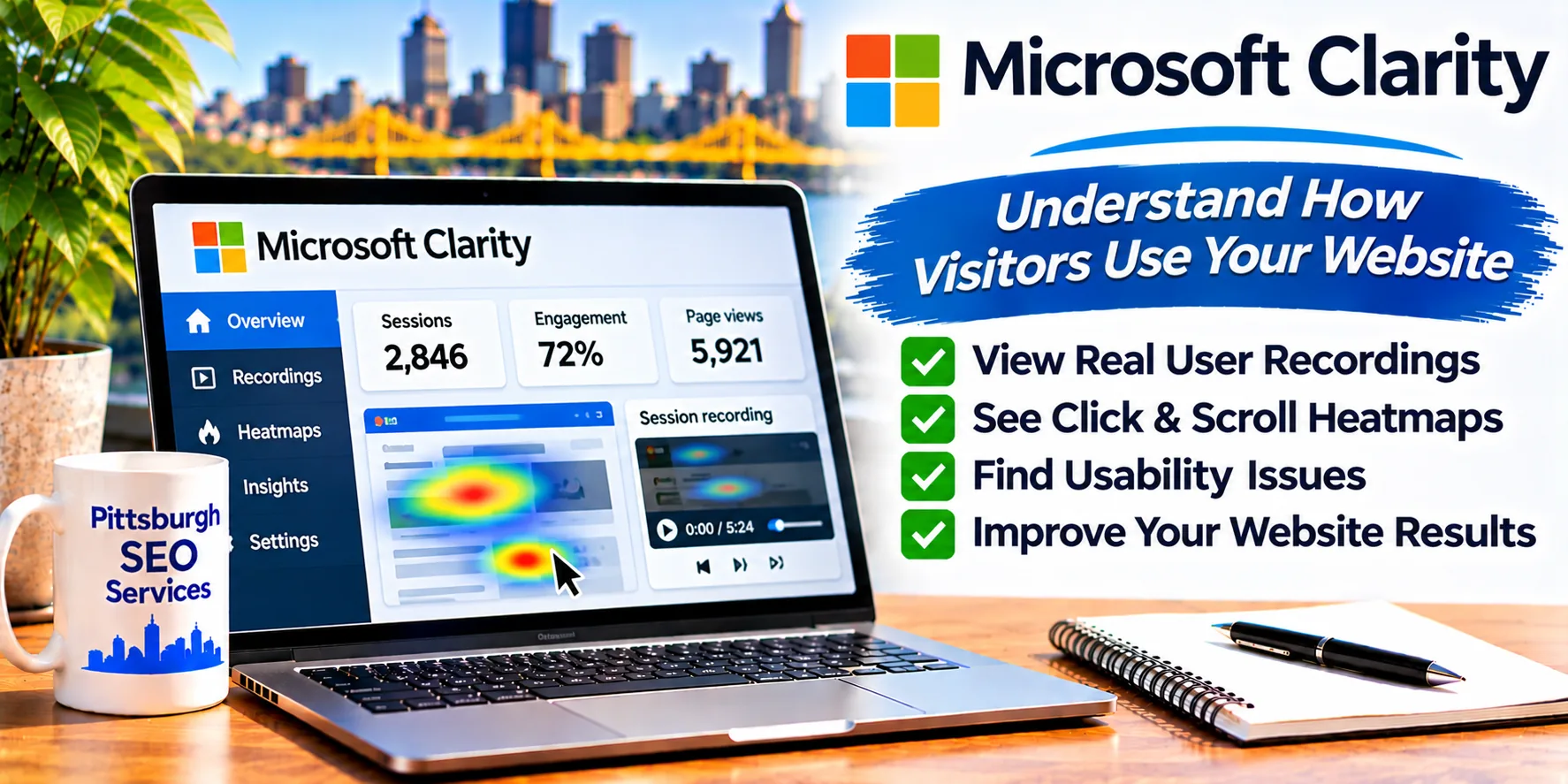
Microsoft Clarity is a free behavior analytics tool that shows how people interact with your web pages. Heatmaps and session recordings reveal where visitors click, how far they scroll, and where they run into problems.
It complements traditional analytics by showing what visitors actually do, not just how many arrive.
Cost: Free
Developer: Microsoft
Platform: Web-based (installed on your website with a tracking code, plugin, or integration)
Category: Website Analytics & Tracking
Official Website: https://clarity.microsoft.com/
Access Microsoft Clarity Free →
No desktop software is required. You add a Clarity project to your website. Review privacy and consent requirements for your visitors before installing.
What Is Microsoft Clarity?
Microsoft Clarity is Microsoft’s free platform for understanding visitor behavior on websites.
Once the tracking code is installed, Clarity records interactions and presents them as heatmaps, session replays, and behavior insights.
It is useful for business owners, designers, marketers, and developers who want evidence for design and conversion improvements.
Key Features of Microsoft Clarity
Heatmaps
View where visitors click and how far they scroll on a page, helping you see which content gets attention and which is missed.
Session Recordings
Replay anonymized visits to watch how people navigate, hesitate, or abandon a page.
Behavior Insights
Automatic signals highlight friction, such as repeated clicks on elements that do not respond or visitors who quickly return to the previous page.
Filters and Segments
Narrow data by device, country, traffic source, and other attributes to find patterns.
Dashboard
Review high-level trends such as sessions, pages per session, and scroll depth.
Integrations
Connect Clarity with supported platforms such as Google Analytics and website builders, or use available WordPress options.
How to Set Up Microsoft Clarity
Getting started generally takes only a few steps.
- Visit https://clarity.microsoft.com/ and sign in.
- Create a new project and enter your website URL.
- Install the tracking code, plugin, or supported integration.
- Confirm that data is being collected.
- Wait for enough visits to gather meaningful data.
- Review heatmaps and recordings for important pages.
- Make improvements and compare behavior afterward.
Privacy tip: Update your privacy policy and consent settings as needed, and avoid collecting sensitive information in recordings.
Why Microsoft Clarity Matters for Website Performance
Traffic numbers do not explain why a page is not producing calls, form submissions, or sales.
Behavior data can reveal usability problems that are hard to see in a standard analytics report.
Microsoft Clarity can help you identify:
- Buttons or links visitors expect to click but cannot.
- Forms that visitors abandon.
- Sections of a page that are never seen.
- Mobile layout problems.
- Pages where visitors quickly leave.
Clarity does not change search rankings directly, but a clearer, easier-to-use website can improve the experience that customers and search engines value.
Microsoft Clarity & AI Search Visibility
As AI-powered search sends visitors to websites, the quality of the on-page experience matters more.
Clarity helps you understand whether visitors who arrive can find what they need.
However, using Clarity does not guarantee visibility in Google AI Overviews, Microsoft Copilot, ChatGPT, or other AI-generated answers.
It is best treated as a tool for improving usability and conversions.
Microsoft Clarity vs. Google Analytics
The tools answer different questions and are often used together.
| Question | Microsoft Clarity | Google Analytics |
|---|---|---|
| Where do visitors click and scroll? | Heatmaps | Limited |
| What did a visit look like? | Session recordings | Not available |
| How many users and sessions? | Basic metrics | Detailed metrics |
| Traffic sources and conversions | Basic | Detailed |
| Cost | Free | Free standard version |
Our recommendation: Use Clarity for behavior insights and Google Analytics for broader traffic and conversion reporting.
Common Usability Problems Clarity Can Reveal
Start by reviewing your most important landing pages.
Dead Clicks
Visitors click elements that do nothing. Make buttons and links obvious and working.
Rage Clicks
Repeated rapid clicks can indicate frustration or a broken element.
Hidden Phone Numbers or Forms
If heatmaps show visitors scroll past them, move calls to action higher.
Mobile Layout Issues
Watch mobile sessions for overlapping or hard-to-tap elements.
Frequently Asked Questions
Is Microsoft Clarity free?
Microsoft provides Clarity at no charge. Check Microsoft for current terms.
Does Clarity work with WordPress?
Yes. You can add the tracking code or use available plugin or integration options.
Does Clarity slow down my website?
Any tracking script adds some load. Install it carefully and test your page speed after adding it.
Does Clarity record personal information?
Clarity includes masking options, but you are responsible for privacy settings and disclosures. Avoid capturing sensitive data.
Will Clarity improve my rankings?
Not directly. It helps you find usability and conversion problems that you can fix.
Is it a downloadable program?
No. It runs online and uses a tracking code on your website.
Access Microsoft Clarity Free
Developer: Microsoft
Software Type: Online behavior analytics platform
Price: Free
Installation: Tracking code, plugin, or integration on your website
Account: Required
Official Access: https://clarity.microsoft.com/
Get Started With Microsoft Clarity →
About This Software Listing
This independent software resource is published by Pittsburgh SEO Services LLC, a digital marketing and SEO company founded by Jon Crain in 2001.
We share analytics and website optimization resources to help business owners understand visitor behavior and improve website performance.
Need help improving website usability, conversions, or organic search visibility?
Explore our Pittsburgh SEO Services or contact us.
Phone: 412-250-7965
Microsoft Clarity is developed and maintained by Microsoft. Pittsburgh SEO Services LLC is an independent software directory publisher and is not affiliated with Microsoft.