
Trace Redirect Chains, Status Codes, Canonicals & HTTP Headers for Any URL
Not sure whether a URL redirects once, many times, or to the wrong page?
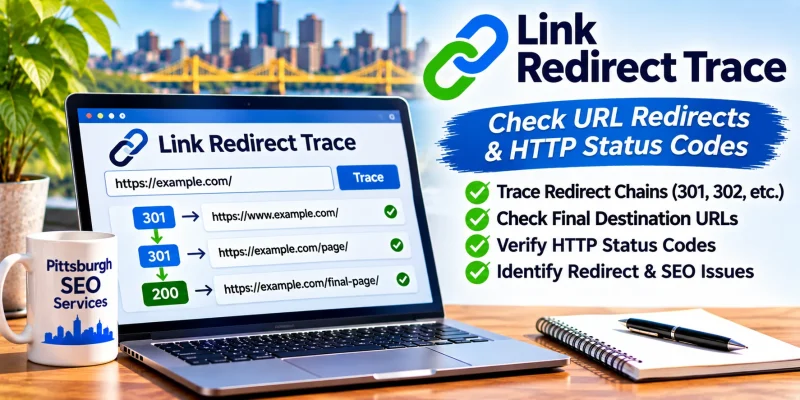
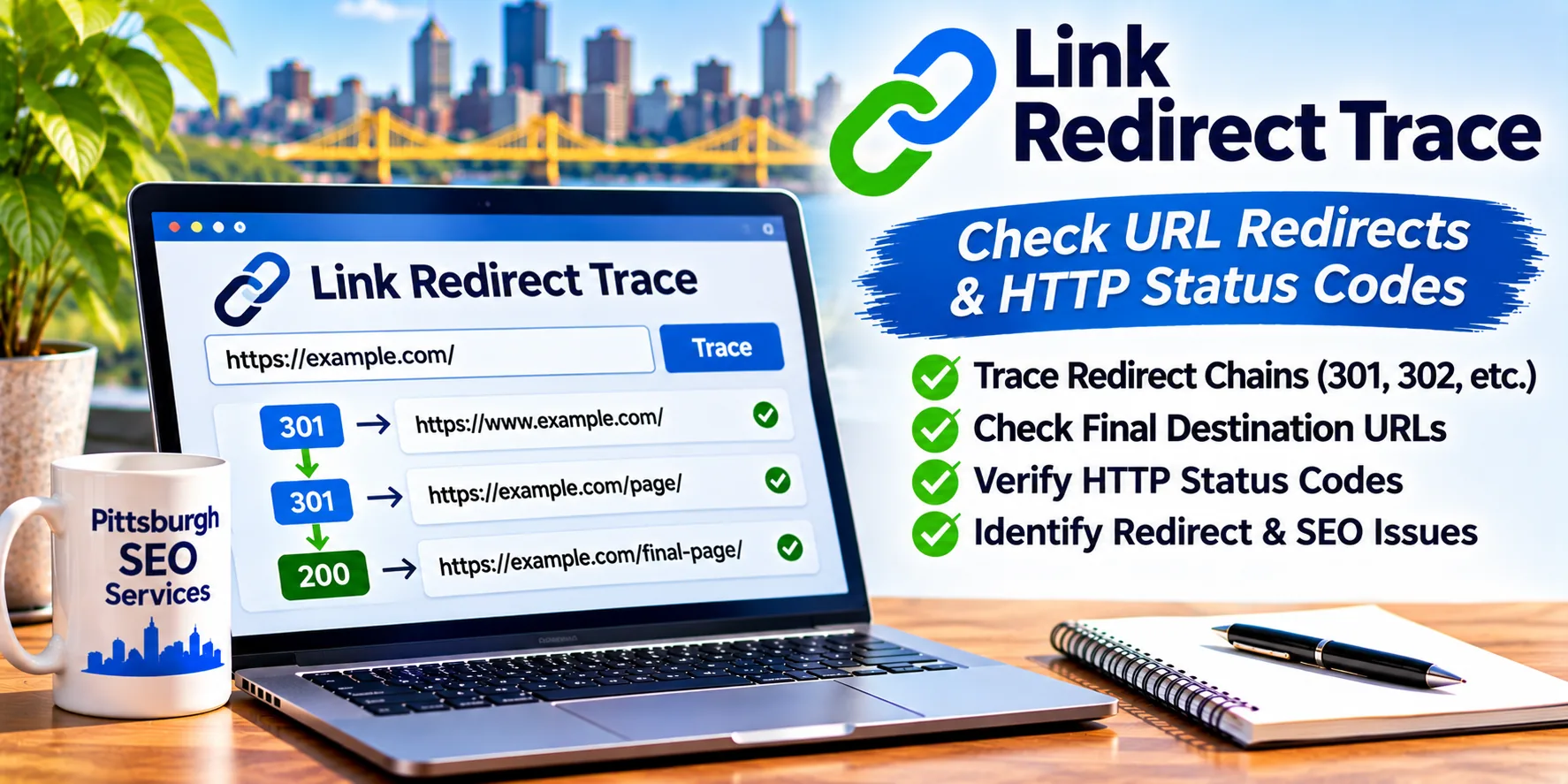
Link Redirect Trace is a Chrome extension from LinkResearchTools that shows how a URL is handled. It displays HTTP status codes, redirect chains, headers, and other signals as you browse.
It is a practical tool for finding redirect and indexing issues that can affect SEO.
Cost: Free
Developer: LinkResearchTools
Platform: Google Chrome extension
Category: Browser SEO Extensions
Official Website: https://smart.linkresearchtools.com/seo-tool/link-redirect-trace-extension
Install only from the official source or Chrome Web Store. Availability and features are controlled by the developer and may change.
What Is Link Redirect Trace?
Link Redirect Trace lets you see what happens when a browser requests a URL.
For each step, it can show the HTTP status code and key header information, so you can see whether a redirect is permanent, temporary, or broken.
It is useful for SEO professionals, WordPress administrators, and developers who migrate sites or troubleshoot indexing.
Key Features of Link Redirect Trace
Redirect Chain Tracing
See each step a URL takes before reaching its final destination.
HTTP Status Codes
Identify 200, 301, 302, 404, and server error responses at a glance.
HTTP Header Details
Review response headers such as canonical links or robots directives, where present.
Indexability Signals
Check on-page and header signals that may prevent indexing, such as noindex directives.
Quick Access in Chrome
Check pages as you browse without leaving the tab.
Useful for Migrations
Confirm that old URLs redirect to the correct new pages after a redesign.
How to Use Link Redirect Trace
Getting started generally takes only a few steps.
- Visit the official page at https://smart.linkresearchtools.com/seo-tool/link-redirect-trace-extension.
- Follow the link to the Chrome Web Store listing and add the extension.
- Pin the extension to your toolbar.
- Open the URL you want to check.
- Click the extension to view the redirect path and status codes.
- Fix redirect chains or wrong destinations in your site settings.
- Check the URL again to confirm the change.
WordPress tip: After changing permalinks or moving to HTTPS, test a sample of old URLs to confirm each redirects once to the correct page.
Why Redirects Matter for SEO
Redirects guide visitors and search engines from old URLs to new ones.
When they are set up poorly, they can slow pages, waste crawl resources, or send people to the wrong place.
Link Redirect Trace can help you identify:
- Redirect chains with several hops.
- Temporary redirects used where a permanent one is intended.
- Redirect loops.
- Old URLs ending in 404 errors.
- HTTP pages that do not redirect to HTTPS.
Cleaning these up supports a smoother experience for visitors and clearer signals for search engines.
Link Redirect Trace & AI Search Visibility
Correct redirects and status codes help ensure automated systems can reach your content.
Link Redirect Trace helps you verify that important URLs resolve properly.
However, correct redirects do not guarantee appearance in Google AI Overviews, Microsoft Copilot, ChatGPT, or other AI-generated answers.
It supports technical SEO fundamentals only.
Link Redirect Trace vs. Browser Developer Tools
Developer tools can show the same information, but the extension is simpler.
| Feature | Link Redirect Trace | Chrome DevTools Network Panel |
|---|---|---|
| Redirect chain at a glance | Yes | Requires reading the network log |
| Status codes | Clear display | Available |
| Learning curve | Low | Moderate |
| Deep debugging | Limited | Extensive |
| Best for | Quick checks | Detailed troubleshooting |
Our recommendation: Use the extension for fast checks and DevTools when you need deeper investigation.
Common Redirect Problems to Fix
Review key pages after any URL change.
Redirect Chains
Point old URLs directly to the final destination with a single 301 where appropriate.
302 Used Instead of 301
Use a permanent redirect when a page has moved for good.
Redirect Loops
Check server and plugin rules that send a URL back to itself.
Redirects to Irrelevant Pages
Send old URLs to the closest matching new page rather than the home page.
Frequently Asked Questions
Is Link Redirect Trace free?
It is offered free by the developer. Check the official listing for current details.
Which browser does it work in?
It is a Chrome extension. Check the official listing for supported browsers.
What is a redirect chain?
It is a series of redirects before the final page loads. Fewer steps are generally better.
Does it work with WordPress?
Yes. It checks how any URL responds, regardless of the platform.
Will it fix redirects for me?
No. It shows what is happening so you can fix the settings.
Is it safe to install?
Install it from the official Chrome Web Store listing and review its permissions.
Access Link Redirect Trace
Developer: LinkResearchTools
Software Type: Chrome browser extension
Price: Free
Installation: Browser extension installation
Account: Not required
Official Access: https://smart.linkresearchtools.com/seo-tool/link-redirect-trace-extension
Get Started With Link Redirect Trace →
About This Software Listing
This independent software resource is published by Pittsburgh SEO Services LLC, a digital marketing and SEO company founded by Jon Crain in 2001.
We share SEO tools and website optimization resources to help business owners understand redirects, status codes, and technical SEO.
Need help fixing redirects or technical SEO issues?
Explore our Pittsburgh SEO Services or contact us.
Phone: 412-250-7965
Link Redirect Trace is developed and maintained by LinkResearchTools. Pittsburgh SEO Services LLC is an independent software directory publisher and is not affiliated with LinkResearchTools.