
Working Hours
Mon - Fri 8AM to 5PM
Local Business Schema Generator
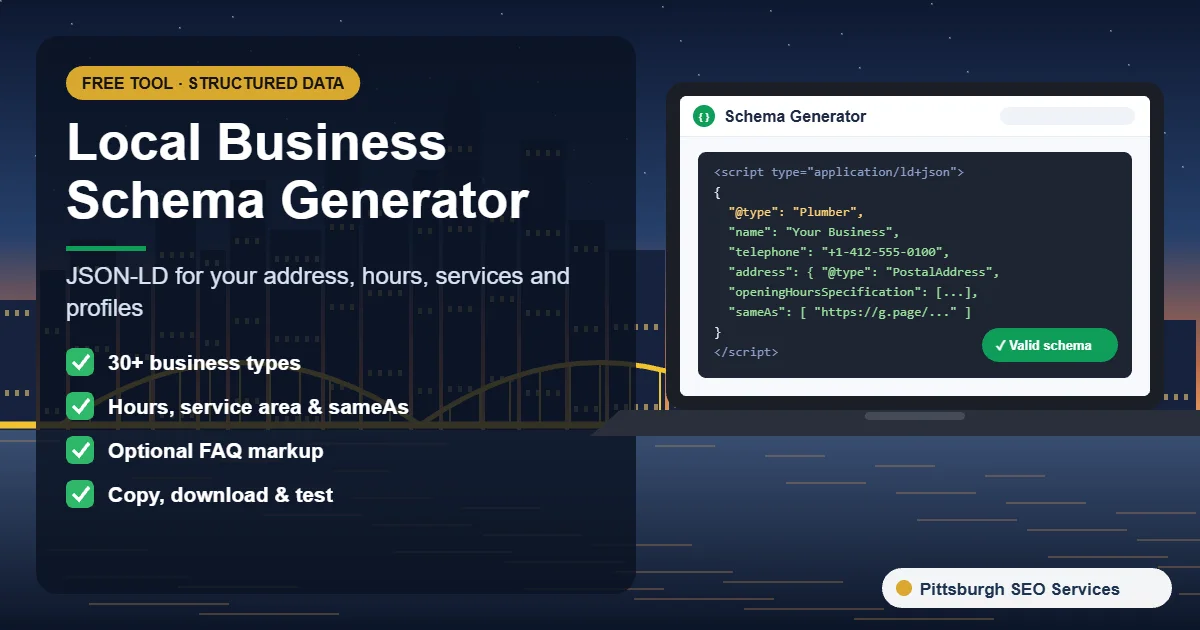
Create LocalBusiness structured data (JSON-LD) for your website in a couple of minutes. Fill in the form, copy the code and test it with Google.
Build Your Local Business Schema
Fill in what applies to your business. Only use details that are true and that also appear on your website. Required fields are marked *.
Address
Opening hours
Services and profiles
FAQ (optional: only questions that are visible on the same page)
Your JSON-LD code
Paste this into the <head> of your website, or into the header code area of your theme, SEO plugin or website builder. Then test it with the links below.
How to Use the Local Business Schema Generator
- Pick the closest business type. Specific types such as Plumber, RoofingContractor or Dentist tell search engines more than the general LocalBusiness type.
- Enter your name, address and phone exactly as they appear on your Google Business Profile and website. Consistency matters more than formatting.
- Add hours, services, the areas you serve and your profile links. Days with the same hours are grouped automatically.
- Click Generate Schema Markup, then copy the code or download it.
- Add it to your site. Paste it into the head of your homepage or contact page, or into the header code area of your theme, SEO plugin or website builder.
- Test it with Google’s Rich Results Test and the Schema.org validator, then use the URL Inspection tool in Search Console to ask Google to recrawl the page.
What Local Business Schema Does
Schema markup is code that describes your business in a standard vocabulary (schema.org) that search engines and AI tools read reliably. Instead of having to work out your hours or phone number from the page design, they get them as clearly labeled facts.
Google says structured data helps it understand a page and can make it eligible for richer search results. For local businesses, the markup supports the same facts shown on your Google Business Profile. That consistency across your website, profile and directory listings is one of the signals that helps search engines and AI assistants trust your business details.
Schema isn’t a ranking shortcut. It won’t move a thin page to the top of Google. What it does is remove guesswork about who you are, where you are and what you do, which matters more now that AI answers are built from facts pulled across many sources.
What the Generator Includes
- Business type from more than 30 common schema.org types
- Name, URL, phone, email, logo and photo
- Postal address and optional map coordinates, or a service-area version without a street address
- Opening hours as OpeningHoursSpecification
- Areas served and main services
- sameAs links to your Google Business Profile, social media and directory listings
- Founding year and founder, which support trust and E-E-A-T
- Optional FAQPage markup for questions and answers that appear on the same page
Schema Mistakes That Cause Problems
- Marking up information that isn’t on the page. Google’s structured data guidelines say markup must reflect content visible to users. Put your hours and FAQs on the page, too.
- Adding star ratings about your own business. Google doesn’t show review stars for reviews a business publishes about itself in LocalBusiness or Organization markup, so this generator leaves ratings out on purpose.
- Different details in different places. If your schema, footer and Google Business Profile show different phone numbers or addresses, fix the listings first.
- Using a street address you don’t show customers. Service-area businesses that hide their address on Google should use the service-area option.
- Duplicate business schema. If your SEO plugin already outputs Organization or LocalBusiness markup, update that instead of adding a second, conflicting copy.
How This Tool Works
The generator runs in your browser and doesn’t send your details anywhere. It follows the schema.org vocabulary and Google’s documentation for LocalBusiness structured data, and it checks for the most common mistakes before it shows the code, such as missing required fields or a URL without https://. It can’t confirm that your information is correct, so double-check it against your Google Business Profile.
We use this same structure on client websites and on our own. If you want a second set of eyes, our free website review includes a structured data check.
Frequently Asked Questions
What is local business schema?
Local business schema is structured data, usually written in JSON-LD, that describes a business’s name, address, phone, hours, services and other details using the schema.org vocabulary so search engines and AI tools can read them reliably.
Where do I put LocalBusiness schema on my website?
Add it to the page that best represents the business, usually the homepage or contact page. Paste the code into the page head or into the header code area of your theme, SEO plugin or website builder. A multi-location business should put each location’s markup on that location’s page.
Does schema markup improve rankings?
Not directly. Google says structured data helps it understand a page and can make it eligible for rich results. For local businesses it reinforces accurate business details, which supports local and AI search visibility over time.
Should a service-area business include its street address?
If you hide your address on your Google Business Profile, leave the street address out of your schema as well and list the cities or areas you serve instead. The generator has a checkbox for this.
Can I add review stars with this schema?
No. Google doesn’t display star ratings for reviews a business publishes about itself in LocalBusiness or Organization markup, so this tool doesn’t add them. Focus on getting genuine reviews on your Google Business Profile.
How do I test my schema markup?
Use Google’s Rich Results Test to check the code or the live page, and the Schema.org validator to check it against the schema.org vocabulary. After you publish, use URL Inspection in Google Search Console to request a recrawl.
Is this schema generator free?
Yes. It is free, needs no account and runs in your browser. Your details are not sent to our server.
Sources and Further Reading
- Google Search Central: Local business structured data
- Google Search Central: General structured data guidelines
- Google Search Central: Making review rich results more helpful (self-serving reviews)
- Schema.org: LocalBusiness
- Google Rich Results Test
Related Free Tools and Guides
- Schema Markup Starter Pack for Local Businesses (free PDF) – copy-and-edit examples
- AI Search Visibility Checker – see whether your schema is being found
- Google Review Link Generator
- Open Graph Checker and Generator
- Pittsburgh Local SEO Checklist (free PDF)
Need Help With This?
We add and maintain structured data as part of our local SEO and website services, including multi-location businesses and sites built on WordPress, Wix, Squarespace and Shopify.
Get a free website and local SEO review
Prefer to talk it through? Call 412-250-7965. Pittsburgh SEO Services LLC is based in Moon Township, PA and works with businesses in Western Pennsylvania, Ohio and West Virginia.