
Get Your Business Listed on Bing, Bing Maps & Microsoft Services
Is your business visible to people who search on Bing and Microsoft devices?
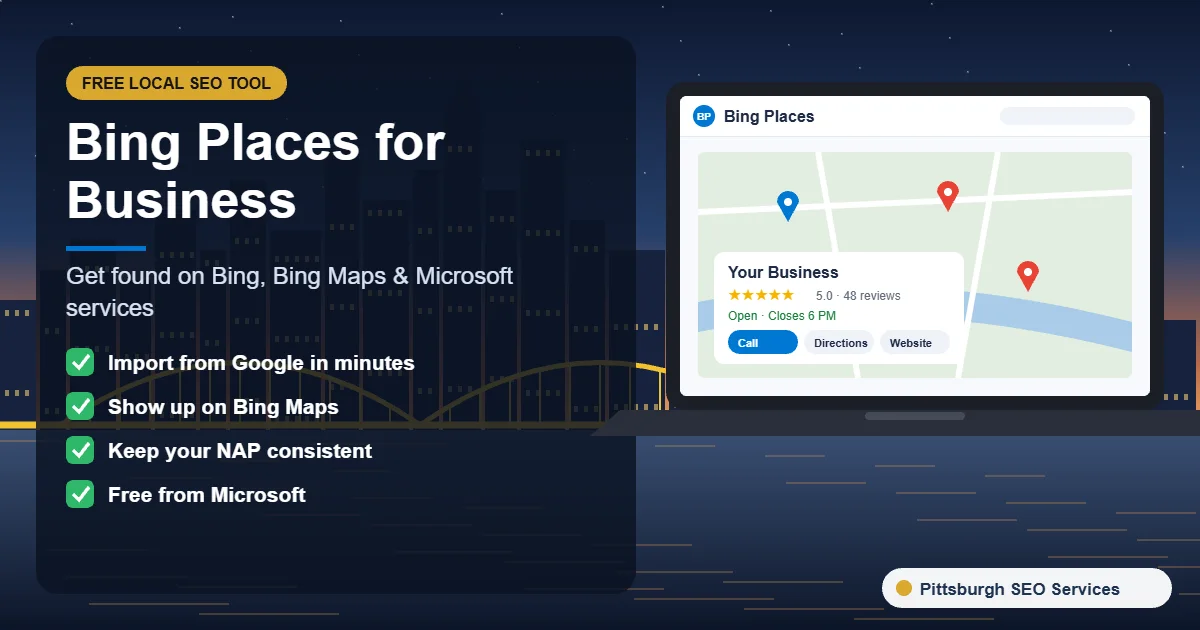
Bing Places for Business is a free local business listing service from Microsoft.
It controls how your business appears in Bing search results and Bing Maps, and you can import your existing Google Business Profile to set it up quickly.
Cost: Free
Developer: Microsoft
Platform: Web browser
Category: Local SEO & Business Listings
Official Website: https://www.bingplaces.com/
Access Bing Places for Business →
A Microsoft, Google or Facebook account can be used to sign in. Verification is required. Features are set by Microsoft and may change.
Reviewed by Jon Crain, founder of Pittsburgh SEO Services (in digital marketing since 2001). Last updated November 2026.
What Is Bing Places for Business?
Bing Places for Business is Microsoft’s free tool for managing local business listings on Bing.
Businesses can add their name, address or service area, phone, hours, categories, photos and website.
Bing data is also used across Microsoft products, so an accurate listing reaches more than just bing.com users.
Key Features of Bing Places for Business
Import From Google
Import your Google Business Profile details to create or update your Bing listing quickly.
Business Details
Manage categories, hours, contact information and descriptions.
Photos
Add photos of your business, team and work.
Multiple Locations
Manage several locations from one dashboard.
Verification
Verify ownership to protect your listing.
Bing Maps Visibility
Appear on Bing Maps and local results.
How to Get Started With Bing Places for Business
Getting started generally takes only a few steps.
- Go to https://www.bingplaces.com/ and sign in.
- Choose to import from Google Business Profile or add your business manually.
- Confirm your business details and categories.
- Complete verification.
- Add photos and a description.
- Check that details match your website and Google profile.
- Review the listing periodically for accuracy.
Tip: Importing from Google Business Profile is usually the fastest route and keeps your details consistent.
Why Bing Places for Business Matters for Local SEO
Bing is the default search engine in Microsoft Edge and Windows search, and it powers results in other services.
Consistent listings across search engines build trust in your business information.
Bing Places can help you:
- Reach Bing and Microsoft users
- Keep NAP (name, address, phone) consistent
- Show hours and services on Bing Maps
- Support local SEO beyond Google
- Protect your listing from incorrect edits
Bing Places for Business & AI Search Visibility
Microsoft Copilot uses Bing search data when answering many questions. An accurate Bing Places listing helps make sure your business details are correct in that ecosystem.
A listing does not guarantee your business is mentioned in Copilot or other AI answers.
Bing Places for Business vs. Google Business Profile
Most local businesses should have both.
| Feature | Bing Places for Business | Google Business Profile |
|---|---|---|
| Cost | Free | Free |
| Search engine | Bing | |
| Import option | From Google | N/A |
| Posts & Q&A | Limited | Yes |
| Reviews management | Limited | Yes |
Common Problems to Avoid
If your Bing listing is missing or wrong, our Pittsburgh Local SEO Services team can help. Common mistakes:
Never Claiming the Listing
Bing may already show your business using outdated data. Claim and correct it.
Mismatched Details
Different phone numbers or addresses across platforms confuse search engines.
Wrong Categories
Choose categories that match your Google profile and services.
Skipping Verification
Unverified listings are easier for others to change.
Frequently Asked Questions
Is Bing Places free?
Yes. Bing Places for Business is free.
Can I import from Google Business Profile?
Yes. Bing Places offers an import option for Google Business Profile.
Does Bing matter for local SEO?
Yes. Bing powers search in Microsoft products and contributes to local visibility.
Can service-area businesses list on Bing?
Yes. You can list a service area.
How long does verification take?
It depends on the method; some are instant.
Does Bing Places affect Copilot?
Copilot draws on Bing data, so accurate listings help keep your information correct.
Access Bing Places for Business
Official Access: https://www.bingplaces.com/
Get Started With Bing Places for Business →
About This Software Listing
This independent software resource is published by Pittsburgh SEO Services LLC, a digital marketing and SEO company founded by Jon Crain in 2001.
We share marketing tools and website optimization resources to help business owners understand search marketing, local SEO and AI search visibility.
Need your business listed correctly everywhere?
Explore our Pittsburgh Local SEO Services and Google, Amazon & Apple Business Listing Services or contact us.
Phone: 412-250-7965
Bing Places for Business is developed and maintained by Microsoft. Pittsburgh SEO Services LLC is an independent software directory publisher and is not affiliated with Microsoft.