
Working Hours
Mon - Fri 8AM to 5PM
Local SEO Page Checker
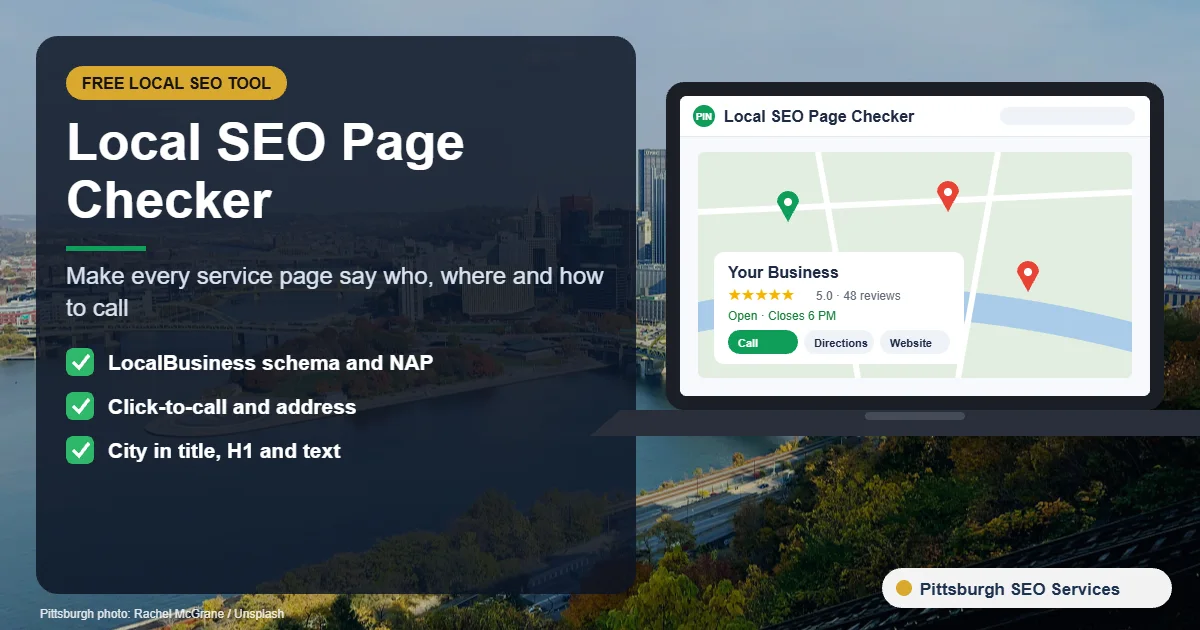
Find out whether a service or location page gives customers and Google the local details they look for: who you are, where you work, how to call and how to get a quote.
Want help fixing these issues?
Send us your results and we'll reply by email with what we'd fix first. No obligation and no sales pressure.
Thanks, we've got it. We'll review your results and reply by email, usually within one business day. Need us sooner? Call 412-250-7965.
How to Use the Local SEO Page Checker
- Enter the page address. Check your homepage first, then your main service pages and any city or service-area pages.
- Optionally add your business name, main phone and main city. With these, the tool checks that they appear on the page and that the phone matches your schema.
- Click Check Local SEO and work through the What to fix list from the top.
What the Checker Looks For
- LocalBusiness schema and whether it includes an address, telephone, opening hours and
sameAslinks to your profiles. - A visible phone number and a
tel:link so mobile visitors can call with one tap. - Consistent contact details. The phone you enter should match the page and the schema. Several unlabeled numbers can confuse customers.
- A street address or service area in the page text, usually in the header, footer or contact section.
- Your city in the title tag, the H1 and the body text, so the page clearly says where you work.
- A map or directions link, such as a Google Maps embed or a link to your Google Business Profile.
- A way to request a quote, whether a form on the page or a clear link to one.
Why These Signals Matter
Google says local results are mainly based on relevance, distance and prominence. Your Google Business Profile does most of the work in the map results, but your website supports all three: it explains what you do and where, it links your business details together, and it is where many searchers decide whether to call.
The checks in this tool come from what we see when we audit local business websites around Pittsburgh. Many service pages never mention a city, put the phone number in an image instead of text, or have schema with an old address from before the business moved. Each of these is small, but together they make it harder for Google, AI search tools and customers to connect your website to the area you serve.
Tips for Service-Area Businesses
- You don’t have to show a home address. If you work at customers’ locations and hide your address on Google, list the towns and neighborhoods you serve instead. Use
areaServedin your schema. - Write real city pages, not copies. A page for each main area works best when it includes local projects, photos, permits or conditions that are specific to that place.
- Use one main phone number everywhere. If you use call tracking, keep your main number in the schema and on your Google Business Profile.
- Link your profiles. Add your Google Business Profile, Facebook and key directories to
sameAsso search engines can connect them.
Frequently Asked Questions
What is a local SEO checker?
A local SEO checker reviews a web page for the details that help it show up for local searches, such as business schema, a visible phone number, an address or service area, the city in the title and headings, and a map or directions link.
Does this check my Google Business Profile?
No. It checks your website page. Your Google Business Profile is managed in Google and has its own ranking factors, such as categories, reviews and how complete the profile is. The two work together.
What does NAP mean?
NAP stands for name, address and phone number. Keeping them the same on your website, your schema, your Google Business Profile and directories helps customers and search engines trust that the details are correct.
Should every page include my phone number?
Yes, ideally in the header or footer as clickable text. Most local searches happen on phones, and a tap-to-call link makes it easy for someone to reach you.
Do I need a separate page for each city I serve?
Only for areas where you have enough to say. A useful city page includes local projects, photos and details for that area. Many near-identical pages with only the city name changed can be treated as low-quality doorway pages.
Why does the tool say no address was found?
The checker looks for a street address pattern with a ZIP code in the page text. If your address is only in an image or a map, or you serve customers at their location and don’t show an address, it won’t be detected. List your service areas instead.
Is the Local SEO Page Checker free?
Yes. It is free and needs no account. Results are cached for 10 minutes and there is a limit on how many checks one visitor can run per hour.
Sources and Further Reading
- Google Business Profile Help: Tips to improve your local ranking on Google
- Google Business Profile Help: Guidelines for representing your business on Google
- Google Search Central: Local business structured data
- Google Search Central: Spam policies (doorway abuse)
Related Free Tools and Guides
- Local Business Schema Generator – add LocalBusiness schema
- Google Review Link Generator – get more Google reviews
- Structured Data (Schema) Checker
- Meta Title Checker
- Pittsburgh SEO services
Need Help With This?
We do local SEO for Pittsburgh-area contractors, healthcare practices and service businesses, from Google Business Profile optimization to service-area pages and review systems.
Get a free website and local SEO review
Prefer to talk it through? Call 412-250-7965. Pittsburgh SEO Services LLC is based in Moon Township, PA and works with businesses in Western Pennsylvania, Ohio and West Virginia.