
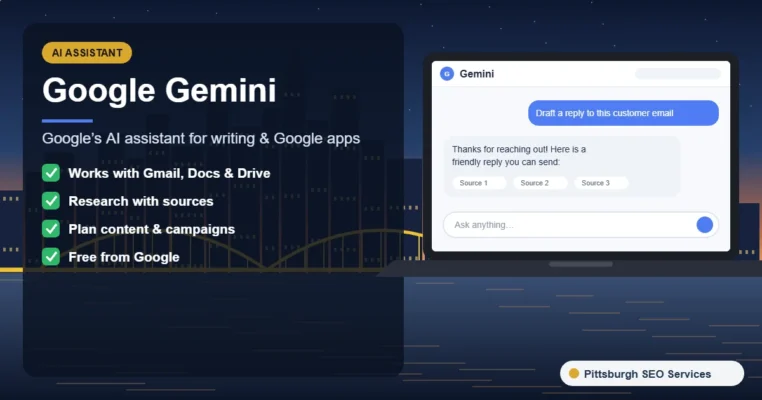
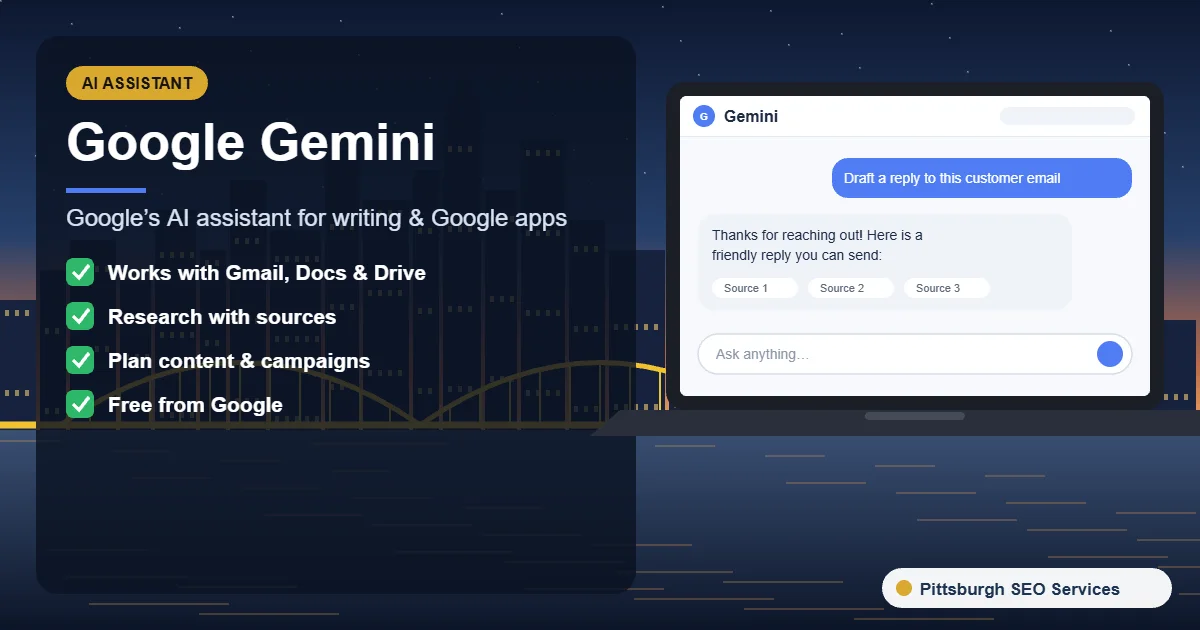
Google’s AI Assistant for Writing, Research & Google Apps
Already using Gmail, Docs and Drive? Gemini works right alongside them.
Gemini is Google’s AI assistant. It answers questions, drafts content, summarizes information and connects with Google apps.
Google also uses Gemini models to power AI features across its products.
Cost: Free; paid Google AI plans add more features
Developer: Google
Platform: Web, Android, iOS
Category: AI Assistants & AI Search
Official Website: https://gemini.google.com/
Features vary by plan, country and account type. Check Google’s site for current details.
Reviewed by Jon Crain, founder of Pittsburgh SEO Services (in digital marketing since 2001). Last updated November 2026.
What Is Google Gemini?
Google Gemini is an AI assistant from Google that helps with writing, planning, learning and research.
It can work with Google apps such as Gmail, Docs, Drive and Maps when you allow it.
Gemini is available on the web and in mobile apps.
Key Features of Google Gemini
Writing Help
Draft emails, posts and documents.
Google App Extensions
Pull information from Gmail, Drive, Maps and YouTube when enabled.
Image Understanding
Upload images and ask questions about them.
Research
Summarize topics with links to sources.
Workspace Integration
Use Gemini inside Docs, Gmail and Sheets on eligible plans.
Mobile Assistant
Use Gemini on Android and iOS.
How to Get Started With Google Gemini
Getting started generally takes only a few steps.
- Visit https://gemini.google.com/ and sign in with your Google account.
- Type or speak your request.
- Enable Google app extensions if you want Gemini to use your Gmail or Drive.
- Review responses and check sources.
- Edit drafts before publishing.
Tip: Use the “double-check” option where available to compare a response with Google Search results.
Why Google Gemini Matters for Small Business Marketing
Gemini fits naturally into businesses that already run on Google Workspace.
It also reflects how Google approaches AI in search.
Businesses use Gemini to:
- Draft and reply to emails faster
- Summarize documents in Drive
- Plan content and campaigns
- Research topics with sources
- Brainstorm ideas on the go
Google Gemini & AI Search Visibility
Google’s AI Overviews in Search are powered by Gemini models. Strong SEO fundamentals, helpful content and accurate business information help support visibility in Google’s AI features.
No setting or payment guarantees inclusion in Gemini or AI Overview answers.
Google Gemini vs. ChatGPT
Choose based on the tools you already use.
| Feature | Google Gemini | ChatGPT |
|---|---|---|
| Developer | OpenAI | |
| Free plan | Yes | Yes |
| Google app integration | Built in | Via connectors |
| Web search | Yes | Yes |
| Mobile apps | Android & iOS | Android & iOS |
Common Problems to Avoid
AI tools are powerful, but they can be wrong. If you need help building AI-ready content, our Pittsburgh SEO Services team can help. Common mistakes:
Publishing AI Text Without Review
AI can produce confident but incorrect statements. Fact-check everything before publishing.
Sharing Sensitive Information
Avoid entering private customer data or confidential business information.
Generic, Thin Content
Content that adds no real experience or expertise is less helpful to readers and search engines.
Ignoring Your Own Voice
Edit drafts so they sound like your business and reflect your actual services.
Frequently Asked Questions
Is Google Gemini free?
Yes. Gemini has a free version; paid plans add features.
Is Gemini the same as Google Bard?
Yes. Google renamed Bard to Gemini.
Does Gemini power AI Overviews?
Google’s AI Overviews use Gemini models customized for Search.
Can Gemini read my Gmail?
Only if you enable the relevant extension or Workspace features.
Can I use Gemini for business content?
Yes, but review and edit everything before publishing.
Is there a Gemini app?
Yes, on Android and iOS.
Access Google Gemini
Official Access: https://gemini.google.com/
Get Started With Google Gemini →
About This Software Listing
This independent software resource is published by Pittsburgh SEO Services LLC, a digital marketing and SEO company founded by Jon Crain in 2001.
We share marketing tools and website optimization resources to help business owners understand search marketing, local SEO and AI search visibility.
Want your business to show up when people ask AI assistants for recommendations?
Explore our Pittsburgh SEO Services or contact us.
Phone: 412-250-7965
Google Gemini is developed and maintained by Google. Pittsburgh SEO Services LLC is an independent software directory publisher and is not affiliated with Google.