
Microsoft’s AI Assistant, Powered by Bing
Millions of Windows and Edge users can ask Copilot for answers. Is your business ready?
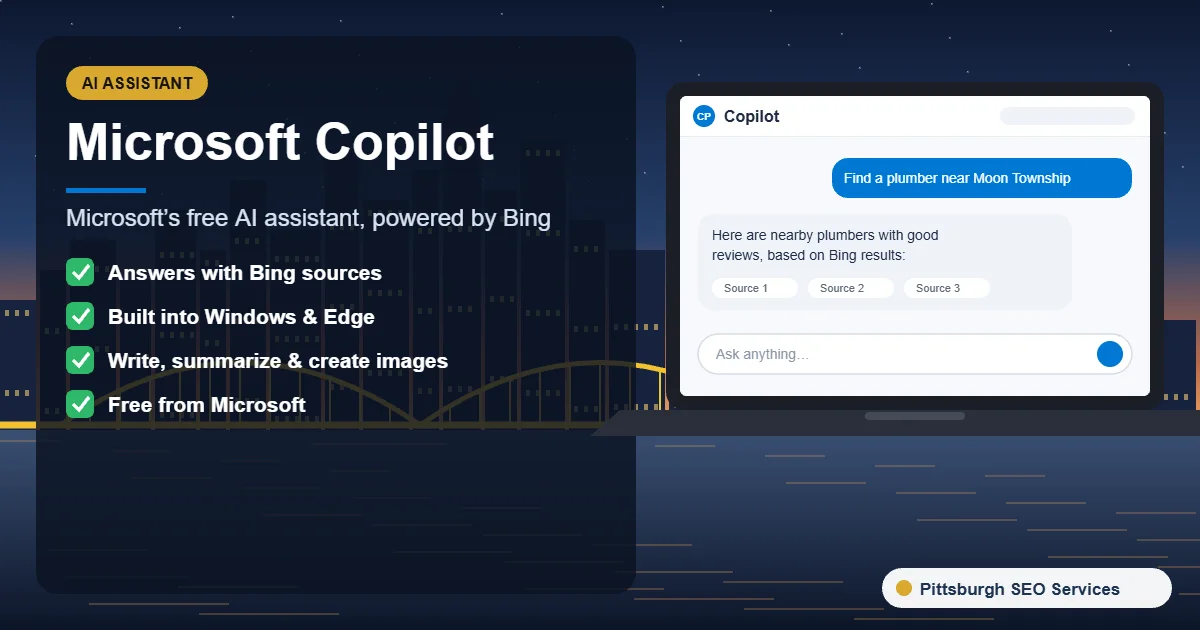
Microsoft Copilot is Microsoft’s AI assistant. It answers questions, writes content and searches the web using Bing.
It is built into Windows, Microsoft Edge and Bing, and paid versions work inside Microsoft 365 apps.
Cost: Free; Microsoft 365 Copilot is a paid add-on for business apps
Developer: Microsoft
Platform: Web, Windows, Edge, iOS, Android
Category: AI Assistants & AI Search
Official Website: https://copilot.microsoft.com/
Features vary between the free Copilot app and paid Microsoft 365 Copilot plans.
Reviewed by Jon Crain, founder of Pittsburgh SEO Services (in digital marketing since 2001). Last updated November 2026.
What Is Microsoft Copilot?
Microsoft Copilot is a free AI assistant from Microsoft that combines conversational AI with Bing web search.
It can answer questions with sources, draft text, summarize pages and create images.
It is available on the web, in Windows and Edge, and in mobile apps.
Key Features of Microsoft Copilot
Bing-Powered Answers
Responses include links to web sources.
Writing Help
Draft emails, posts and descriptions.
Edge Integration
Summarize the page you are reading in Microsoft Edge.
Image Creation
Generate images from text descriptions.
Voice
Talk with Copilot on mobile and desktop.
Microsoft 365 Copilot
Paid version works inside Word, Excel, Outlook and Teams.
How to Get Started With Microsoft Copilot
Getting started generally takes only a few steps.
- Visit https://copilot.microsoft.com/ or open Copilot in Windows or Edge.
- Sign in with a Microsoft account for more features.
- Ask your question or request.
- Review the cited sources.
- Edit any drafts before using them.
Tip: Make sure your business is listed in Bing Places for Business. Copilot relies on Bing data for many local answers.
Why Microsoft Copilot Matters for Small Business Marketing
Copilot reaches users across Windows and Edge.
Because it is powered by Bing, Bing SEO and Bing Places listings matter more than many businesses realize.
Businesses use Copilot to:
- Draft content and emails
- Summarize web pages and documents
- Research competitors and topics
- Check how their business appears in Bing-powered answers
- Work inside Microsoft 365 apps (paid)
Microsoft Copilot & AI Search Visibility
Copilot uses Bing search results. Verifying your site in Bing Webmaster Tools and claiming Bing Places for Business help Bing understand your business.
No setting or payment guarantees your business will be mentioned in Copilot answers.
Microsoft Copilot vs. ChatGPT
Both are general AI assistants with web search.
| Feature | Microsoft Copilot | ChatGPT |
|---|---|---|
| Developer | Microsoft | OpenAI |
| Search engine | Bing | Its own search features |
| Built into Windows | Yes | No (separate app) |
| Free plan | Yes | Yes |
| Office app integration | Microsoft 365 Copilot (paid) | Via connectors |
Common Problems to Avoid
AI tools are powerful, but they can be wrong. If you need help building AI-ready content, our Pittsburgh SEO Services team can help. Common mistakes:
Publishing AI Text Without Review
AI can produce confident but incorrect statements. Fact-check everything before publishing.
Sharing Sensitive Information
Avoid entering private customer data or confidential business information.
Generic, Thin Content
Content that adds no real experience or expertise is less helpful to readers and search engines.
Ignoring Your Own Voice
Edit drafts so they sound like your business and reflect your actual services.
Frequently Asked Questions
Is Microsoft Copilot free?
Yes. The Copilot app is free. Microsoft 365 Copilot for business apps is paid.
Is Copilot the same as Bing Chat?
Yes. Microsoft rebranded Bing Chat as Copilot.
Does Copilot use Bing?
Yes. Copilot uses Bing to search the web.
How can my business show up in Copilot?
Strengthen your Bing presence with Bing Webmaster Tools, Bing Places and helpful content.
Can Copilot create images?
Yes, it can generate images from text prompts.
Is there a Copilot app?
Yes, on iOS, Android and Windows.
Access Microsoft Copilot
Official Access: https://copilot.microsoft.com/
Get Started With Microsoft Copilot →
Want a deeper walkthrough? Read our full guide: Bing Places for Business.
About This Software Listing
This independent software resource is published by Pittsburgh SEO Services LLC, a digital marketing and SEO company founded by Jon Crain in 2001.
We share marketing tools and website optimization resources to help business owners understand search marketing, local SEO and AI search visibility.
Want your business to show up when people ask AI assistants for recommendations?
Explore our Pittsburgh SEO Services or contact us.
Phone: 412-250-7965
Microsoft Copilot is developed and maintained by Microsoft. Pittsburgh SEO Services LLC is an independent software directory publisher and is not affiliated with Microsoft.