
Working Hours
Mon - Fri 8AM to 5PM
ADA & Website Accessibility Checker
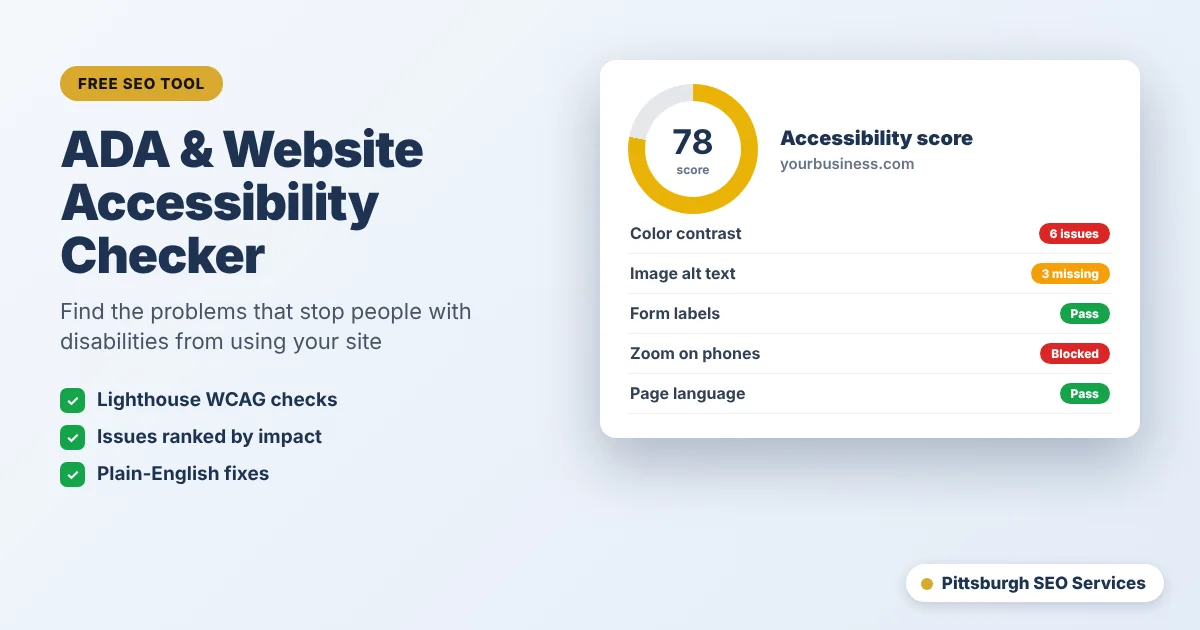
Find the accessibility problems that keep people with disabilities from using your website, and that put many small businesses at risk of ADA demand letters.
FREE FULL REPORT
See your full detailed results
Enter your name and email to unlock every check and fix on screen. We'll also email you a copy of the full report.
- Every check, with what passed and what to fix
- A copy of the full report in your inbox
- Optional: a free review from our team
How to Use the Accessibility Checker
- Enter a page URL. Start with your home page, then test your contact page, a service page and any booking or quote form.
- Click Check Accessibility. The test loads your page in Google Lighthouse and can take up to 40 seconds.
- Test more pages at once. Add up to 4 more pages, such as your contact and service pages, to compare scores side by side.
- Download a PDF report to share with your web designer.
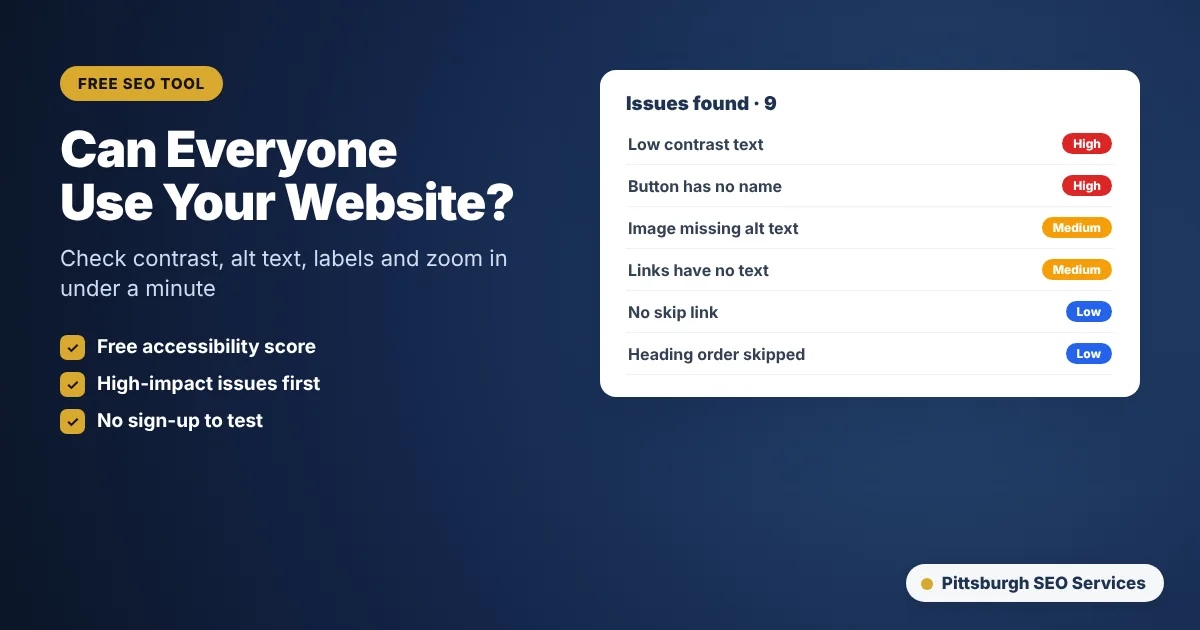
- Fix the high-impact issues first. These are the ones most likely to stop a screen reader or keyboard user from finishing a task.
What the Checker Tests
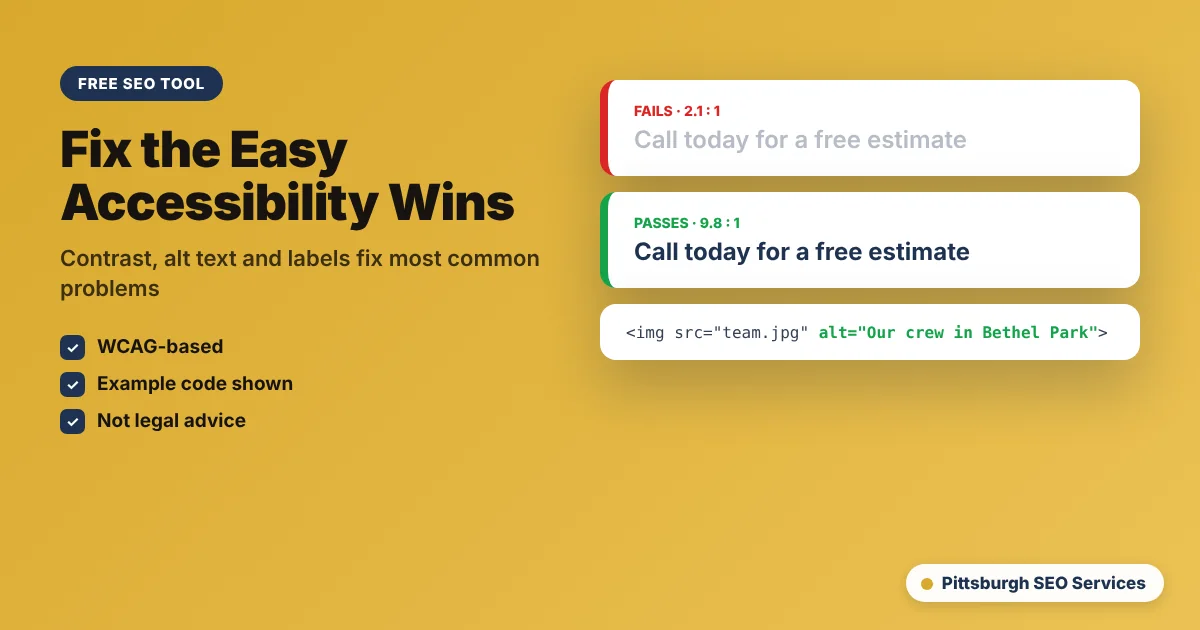
- Color contrast. Light gray text on white is the most common failure we see on small business sites.
- Image alt text. Screen readers read the alt text out loud. Missing alt text leaves blind visitors guessing.
- Form labels and button names. Every field and button needs a name a screen reader can announce.
- Link names. Icon-only links, like social media icons, need hidden text that says where they go.
- Page language and headings. These help assistive technology read and navigate the page.
- Zoom on phones. Some themes block pinch-zoom, which makes the site unusable for many people with low vision.
- Skip link and accessibility statement. Two easy wins that show good faith.
Why Website Accessibility Matters for Small Businesses
The U.S. Department of Justice has said that the ADA applies to the websites of businesses open to the public. Thousands of accessibility lawsuits and demand letters are filed every year, and many target small local businesses. Beyond legal risk, an accessible site works better for everyone: older customers, people on small phone screens and people using voice assistants.
Most accessibility guidance points to the Web Content Accessibility Guidelines (WCAG) at level AA as the standard to aim for.
What an Automated Check Can’t Do
Automated tools find roughly a third of accessibility problems. The rest need a person: tabbing through the page with a keyboard, listening with a screen reader, and checking that error messages, pop-ups and videos work for everyone. Use this checker to fix the obvious problems quickly, then plan a manual review. This tool does not certify compliance and is not legal advice.
Frequently Asked Questions
Does passing this test mean my website is ADA compliant?
No. Automated tests catch only some issues and no tool can certify ADA compliance. A good score means you have fixed the common, easy-to-detect problems. A manual review with a keyboard and screen reader is the next step.
What standard does the checker use?
It runs Google Lighthouse accessibility audits, which are based on the Web Content Accessibility Guidelines (WCAG), plus a few extra checks of our own.
What should I fix first?
Fix the high-impact issues first, especially color contrast, missing form labels, missing alt text and unnamed buttons or links. They affect the most visitors.
Do accessibility overlay widgets fix these problems?
Usually not. Overlay widgets don’t change your underlying code, and many accessibility experts and disabled users report that they cause new problems. Fixing the site itself is the reliable approach.
Does accessibility help SEO?
Many fixes overlap with SEO best practices, such as descriptive alt text, clear headings, readable text and fast, mobile-friendly pages.
Is the accessibility checker free?
Yes. It is free and needs no account. To keep it fast and fair, there is a limit on how many checks one visitor can run, and you may be asked to complete a quick human check.
Sources and Further Reading
- ADA.gov: Guidance on Web Accessibility and the ADA
- W3C: Web Content Accessibility Guidelines (WCAG) 2.2
- Chrome for Developers: Lighthouse accessibility scoring
Related Free Tools and Guides
- Image Alt Text Checker
- Heading Tags Checker
- Free Website SEO Audit Tool – a full 35-check review
- Core Web Vitals Checker
Need Help With This?
We fix contrast, alt text, form labels, headings and theme problems on WordPress, Shopify and Wix sites, and we build new sites with accessibility in mind from the start.
Get a free website and local SEO review
Prefer to talk it through? Call 412-250-7965. Pittsburgh SEO Services LLC is based in Moon Township, PA and works with businesses in Western Pennsylvania, Ohio and West Virginia.