
Working Hours
Mon - Fri 8AM to 5PM
Local Keyword Generator
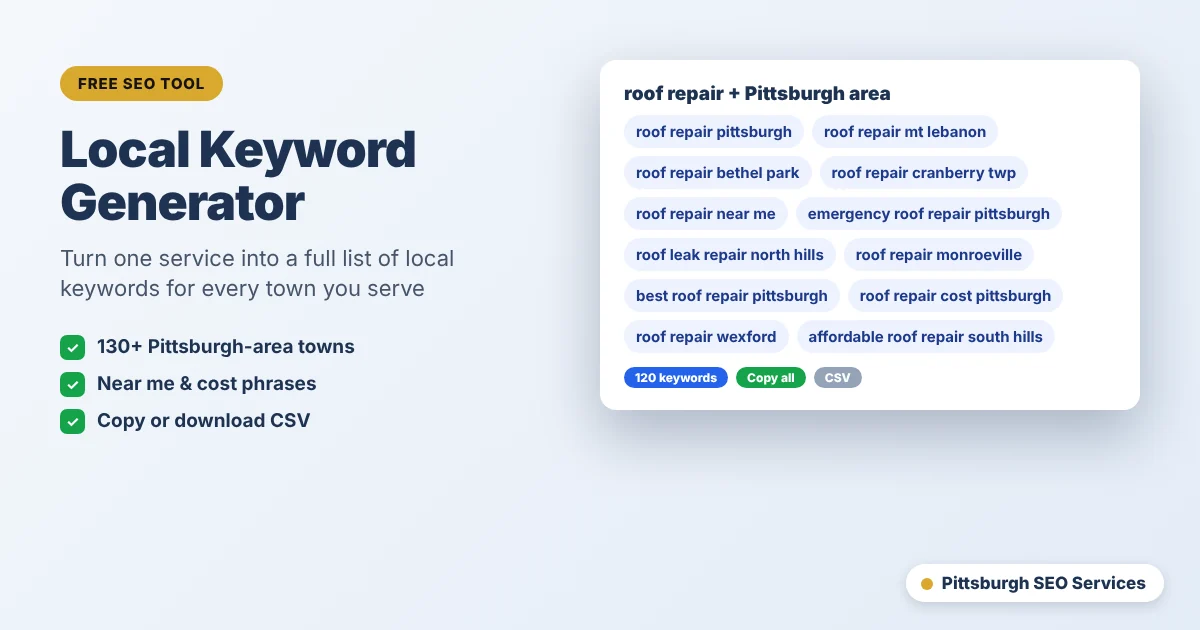
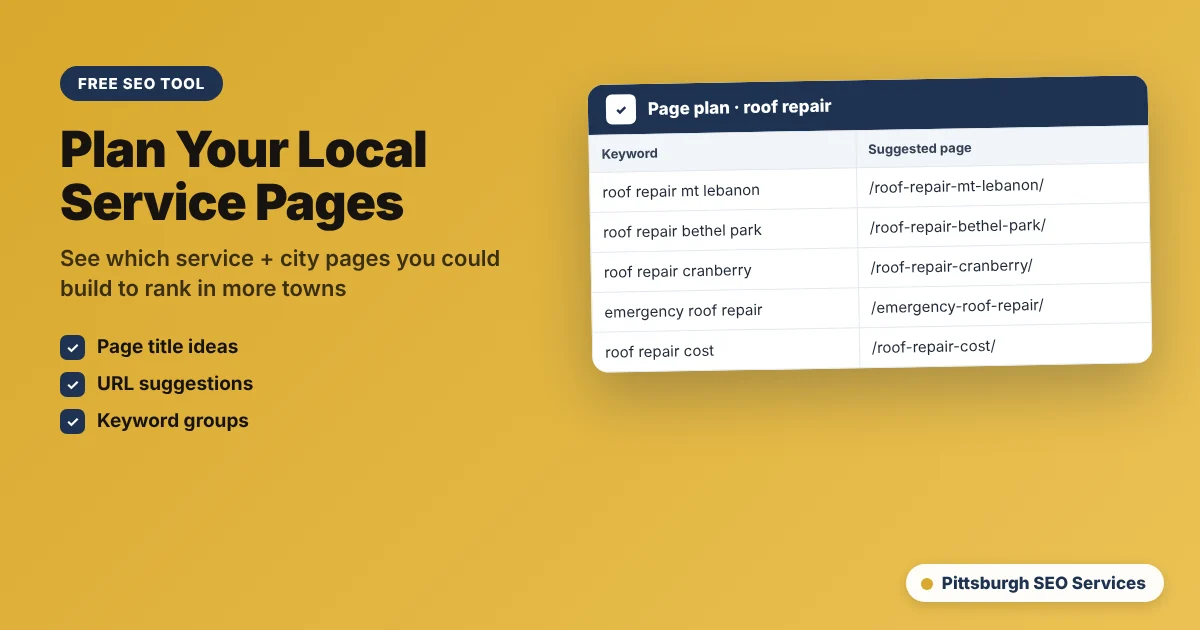
Turn your services into a full list of local keywords for every Pittsburgh-area town you serve, plus a plan for the pages that could rank for them.
FREE FULL REPORT
See your full detailed results
Enter your name and email to unlock every check and fix on screen. We'll also email you a copy of the full report.
- Every check, with what passed and what to fix
- A copy of the full report in your inbox
- Optional: a free review from our team
How to Use the Local Keyword Generator
- Enter your services, one per line, using the words customers search, such as “roof repair” rather than “roofing restoration solutions”.
- Choose keyword types: service + town, near me, best, cost, emergency, affordable, company and licensed.
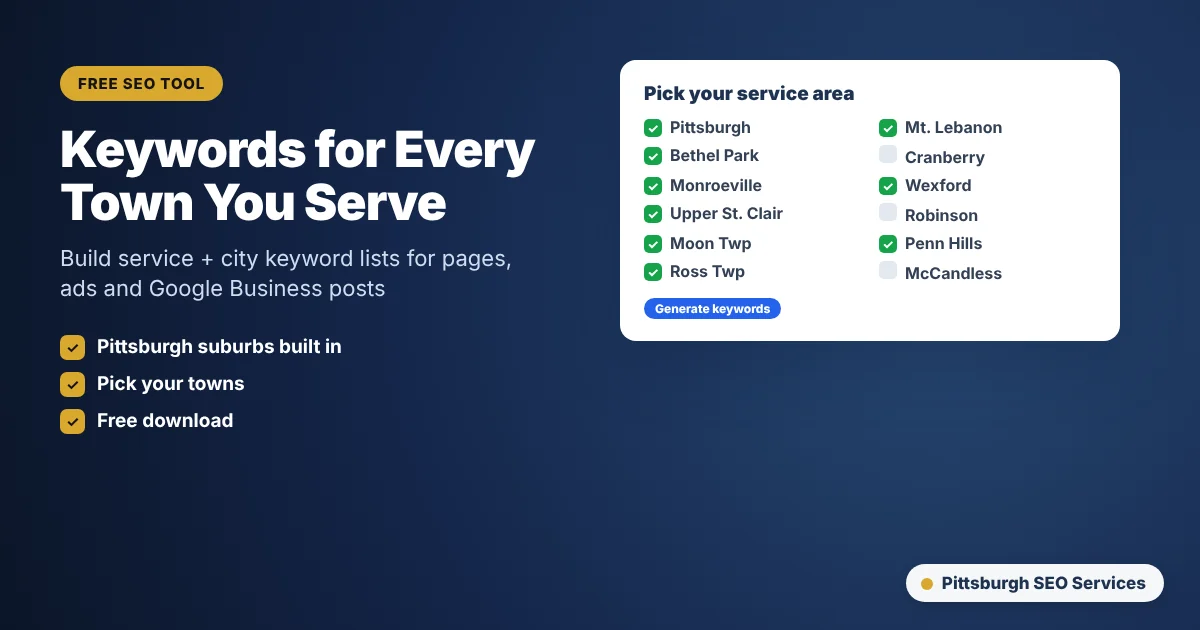
- Pick your towns. Check a whole region, or open it and choose individual towns. Add any others in the box below.
- Click Generate, then copy the list or download the CSV.
What to Do With Your Keywords
- Check search volume in Google Keyword Planner or Search Console. Many town-level phrases have small volume, but they add up and the searchers are ready to hire.
- Group, don’t duplicate. One strong page can rank for a service across several nearby towns. You don’t need a page for every combination.
- Use them naturally in titles, headings, page copy, image alt text, Google Business Profile posts and review replies.
- Track results with Search Console and our Local Rank Grid Checker.
A Word on City Pages
Pages that only swap the town name are treated by Google as doorway pages and rarely rank well. A good location page includes something specific: jobs you’ve done there, photos, reviews from local customers, local permits or conditions, and driving directions or service details. Start with the towns where you already have the most customers and work.
Built for Western Pennsylvania
The town list covers the city of Pittsburgh’s neighborhoods, the South Hills, North Hills, East and West suburbs, the Mon Valley, Cranberry and Butler County, and parts of Beaver, Washington and Westmoreland counties, the areas our clients serve most.
Frequently Asked Questions
What is a local keyword?
A local keyword combines a service with a place or local intent, such as “roof repair Bethel Park” or “plumber near me”. People searching these are usually ready to hire.
Do I need “near me” on my website?
No. Google understands “near me” from the searcher’s location. Focus on clearly stating your services and the towns you serve. “Near me” phrases are still useful for understanding demand.
Should I create a page for every town?
Only where you can add real, specific detail. Many near-identical city pages can be treated as doorway pages. Start with your most important towns.
Does this tool show search volume?
No. It builds the list. Paste it into Google Keyword Planner or another keyword tool to check volume and competition.
Can I use towns outside the Pittsburgh area?
Yes. Add any towns in the “Other towns” box, separated by commas.
Is the Local Keyword Generator free?
Yes. It is free, needs no account and runs in your browser.
Sources and Further Reading
- Google Search Central: Spam policies (doorway abuse)
- Google Ads Help: Use Keyword Planner
- Google Business Profile Help: Tips to improve your local ranking on Google
Related Free Tools and Guides
Need Help With This?
We research local keywords, plan service and location pages and write them for Pittsburgh-area businesses so they rank in more of the towns they serve.
Get a free website and local SEO review
Prefer to talk it through? Call 412-250-7965. Pittsburgh SEO Services LLC is based in Moon Township, PA and works with businesses in Western Pennsylvania, Ohio and West Virginia.