
Working Hours
Mon - Fri 8AM to 5PM
Free Business Card Maker
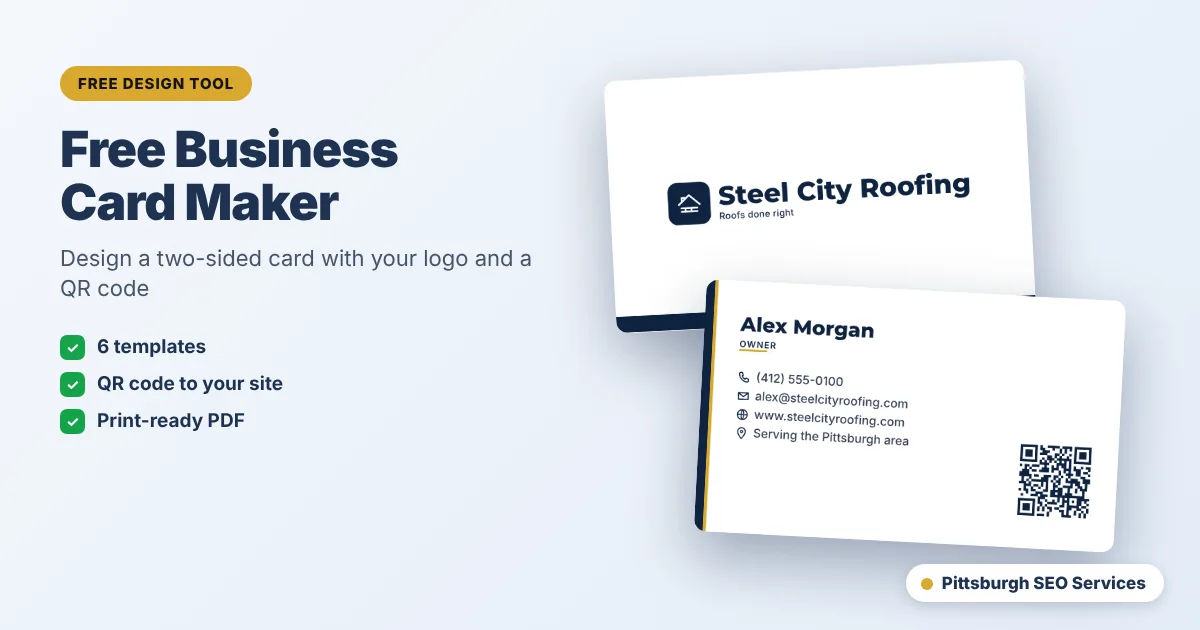
Design a professional two-sided business card with your logo and a QR code, then download files ready for any print shop or your home printer.
Loading the business card maker…
FREE FULL REPORT
See your full detailed results
Enter your name and email to unlock every check and fix on screen. We'll also email you a copy of the full report.
- Every check, with what passed and what to fix
- A copy of the full report in your inbox
- Optional: a free review from our team
How to Use the Business Card Maker
- Choose a template: classic, bold color, split panel, minimal, corner accent or centered.
- Enter your details: business name, tagline, your name and title, phone, email, website and address or service area.
- Add a QR code that opens your website or your Google review page (optional).
- Choose horizontal or vertical, and preview rounded corners if your printer offers them.
- Pick your logo, colors and fonts. Turn on the trim line to see where the card will be cut.
- Download a print-ready PDF, a sheet to print at home, or PNG files.
Your Logo, Added Automatically
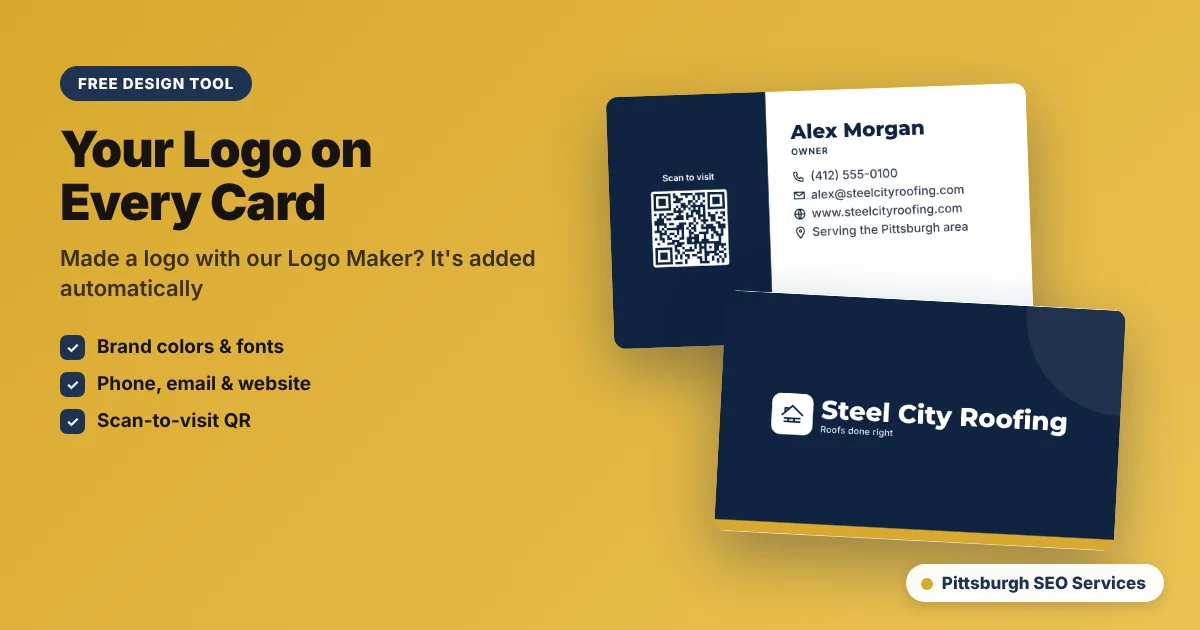
If you’ve made a logo with our Free Logo Maker in the same browser, it’s placed on your card with your brand colors and fonts. You can also upload a logo file, or use your business name on its own.
Files You Get
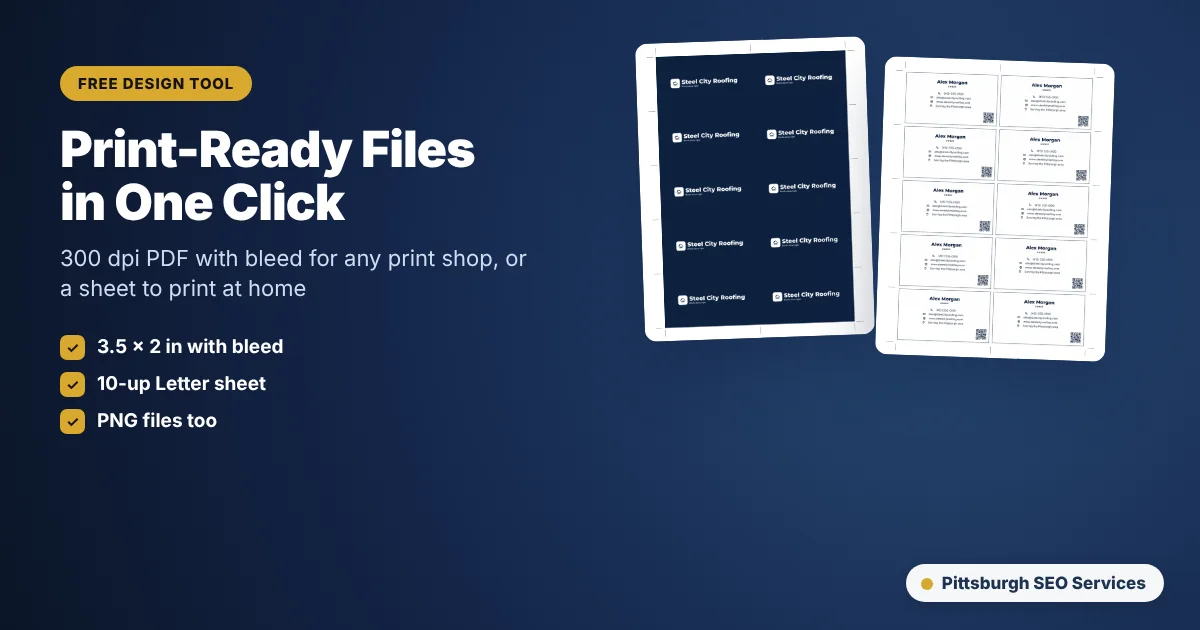
- Print-ready PDF: front and back pages at 3.75 × 2.25 inches, which is the standard 3.5 × 2 inch card plus a 1/8 inch bleed on every side, at 300 dpi. Upload it to a print shop or an online printer.
- Print-at-home sheet: 10 cards per Letter page with cut marks. The back page is mirrored so the fronts and backs line up when you print double-sided and flip on the long edge.
- PNG files: front and back, with and without bleed.
Tips for Better Business Cards
- Keep it simple. Your name, what you do, and one or two ways to reach you matter most.
- Make the QR code trackable. Build your website link with our UTM Link Builder, so scans show up as “business card” in Google Analytics.
- Use heavy card stock, at least 14 pt (about 100 lb cover), for a professional feel.
- Print at 100% (“Actual size”) at home so the cut marks line up.
- Check everything twice, especially the phone number and email, before you print a box of 500.
Frequently Asked Questions
Is the business card maker free?
Yes. Designing is free with no account. Enter your name and email once to unlock the print files, which also unlocks our Logo Maker and Social Media Image Maker.
What size are the cards?
Standard U.S. business cards: 3.5 × 2 inches. The print-ready PDF adds a 1/8 inch bleed on every side, so the file is 3.75 × 2.25 inches.
What is bleed?
Bleed is extra background past the cut line. Printers cut cards in stacks and the cut can shift slightly. Bleed prevents thin white edges.
Can I upload this to Vistaprint or another online printer?
Yes. Choose a standard 3.5 × 2 inch card and upload the print-ready PDF, or the PNG files with bleed if the printer asks for images.
Will the QR code work after printing?
Yes. It holds your website address directly, with no redirect service, so it keeps working as long as your website does. Test it with your phone before printing.
Do you keep my information?
Your card details are saved in your own browser so you can come back and edit. Uploaded logos aren’t saved.
Sources and Further Reading
Related Free Tools and Guides
- Free Logo Maker
- Free Social Media Image Maker
- UTM Link Builder & QR Code Generator
- Google Review Link Generator – put a review QR code on the back
Need Help With This?
Need a full brand and a website that brings in calls? We design logos, business websites and local SEO plans for Pittsburgh-area businesses.
Get a free website and local SEO review
Prefer to talk it through? Call 412-250-7965. Pittsburgh SEO Services LLC is based in Moon Township, PA and works with businesses in Western Pennsylvania, Ohio and West Virginia.