
Working Hours
Mon - Fri 8AM to 5PM
Google Ads Budget Calculator
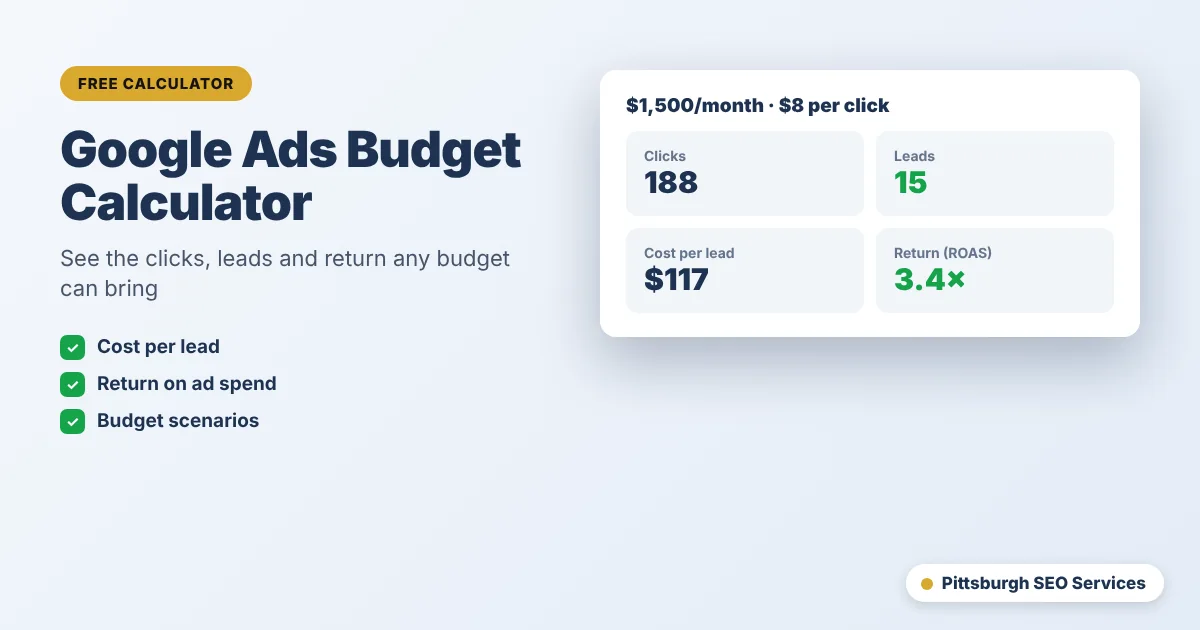
How much should you spend on Google Ads? See the clicks, leads and return you can expect from any monthly budget before you spend a dollar.
FREE FULL REPORT
See your full detailed results
Enter your name and email to unlock every check and fix on screen. We'll also email you a copy of the full report.
- Every check, with what passed and what to fix
- A copy of the full report in your inbox
- Optional: a free review from our team
How to Use the Google Ads Budget Calculator
- Pick your industry to fill in a typical cost-per-click range, or enter your own cost per click from Keyword Planner or your account.
- Enter your monthly budget.
- Enter your landing page conversion rate, close rate and average job value.
- Choose whether to include management fees.
What You’ll See
- Clicks, leads and jobs your budget could produce each month.
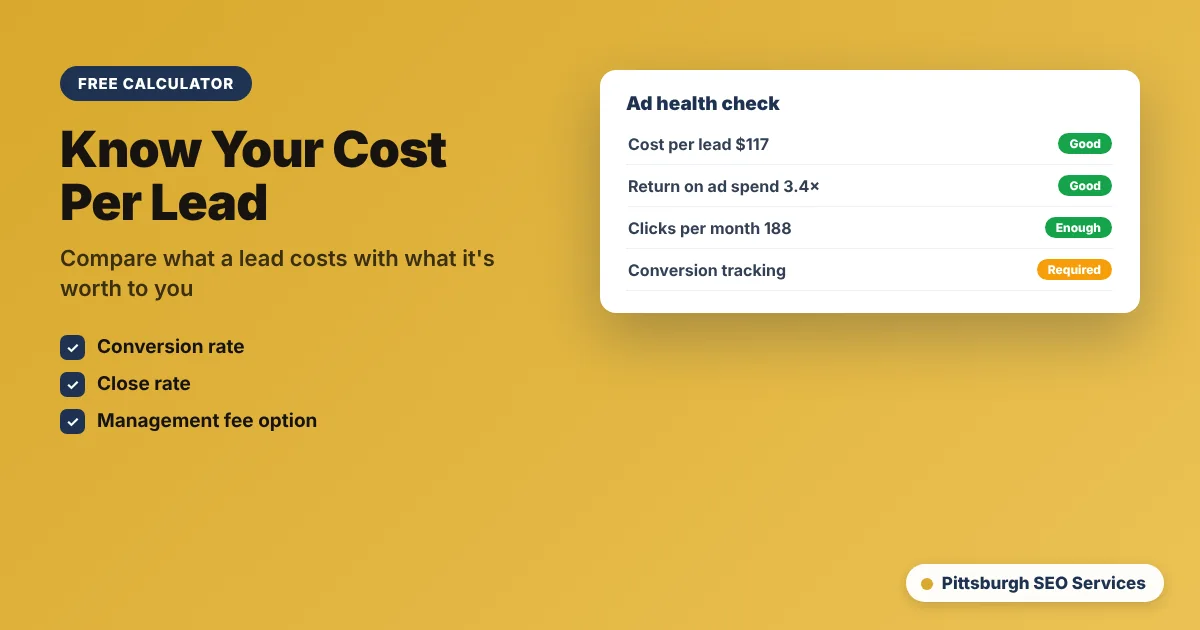
- Cost per lead, compared with what a lead is worth to you.
- Return on ad spend (ROAS): revenue divided by total cost. Many local service businesses aim for 3× or more.
- A data check: fewer than about 100 clicks a month makes it hard for Google’s automated bidding to learn.
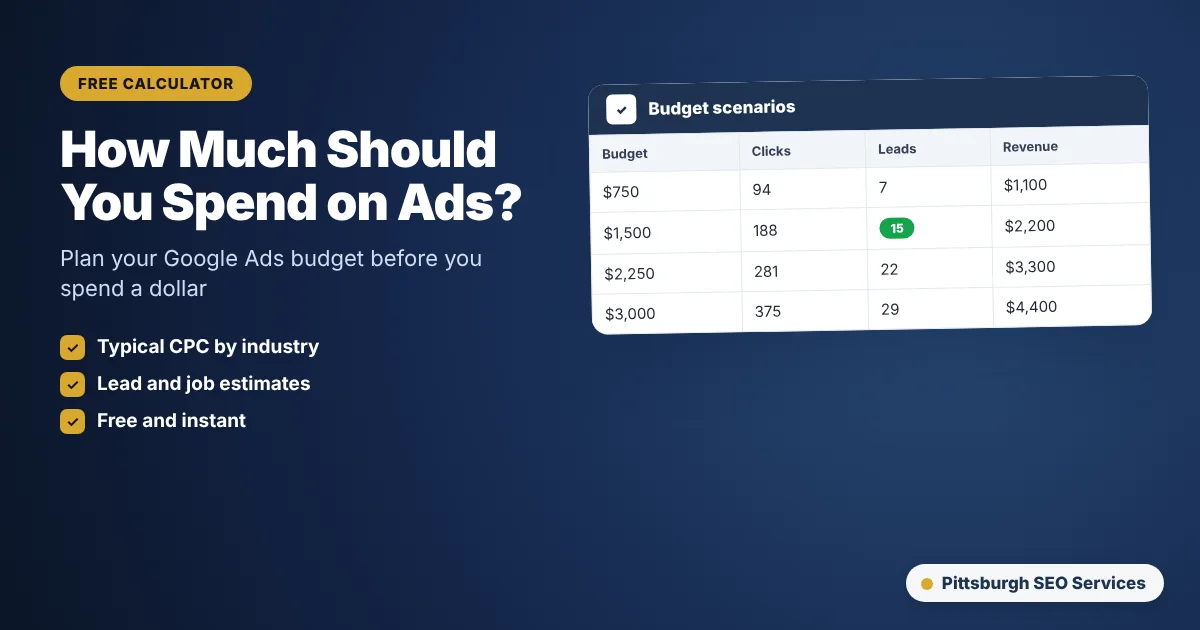
- Budget scenarios at half, one and a half and double your budget.
How to Get More From a Small Budget
- Focus. Target your most profitable services and the towns closest to you before expanding.
- Use negative keywords to block searches like “jobs”, “DIY” and “free”.
- Send clicks to a matching page, not your home page. A clear service page with a phone number and short form converts far better.
- Track every lead. Without conversion tracking for calls and forms, Google can’t optimize and you can’t tell what’s working.
- Consider Local Services Ads if your industry qualifies, alongside search ads.
Ads and SEO Work Together
Ads bring leads right away while SEO builds results that don’t stop when you stop paying. Many local businesses run ads for their most valuable services while their organic rankings grow, then scale ads back as SEO takes over.
Frequently Asked Questions
How much should a small business spend on Google Ads?
Many local service businesses start between $1,000 and $3,000 per month. Use the calculator to check that your budget buys enough clicks, at least about 100 a month, to produce steady leads.
What is a good cost per lead?
It depends on what a customer is worth. A lead is affordable when the cost per lead is well below your average job value times your close rate.
Where do the cost-per-click ranges come from?
They are rough starting ranges for Pittsburgh-area local service searches. Check real estimates for your keywords and area in Google Keyword Planner.
What is ROAS?
Return on ad spend is the revenue your ads produce divided by what they cost. A 3× ROAS means $3 in revenue for every $1 spent.
Why are my real results different?
Costs per click change with competition, season, your Quality Score and your landing page. Treat these numbers as a planning estimate.
Is the Google Ads calculator free?
Yes. It’s free, needs no account and runs in your browser.
Sources and Further Reading
- Google Ads Help: Use Keyword Planner
- Google Ads Help: About Smart Bidding
- Google Ads Help: About Quality Score
Related Free Tools and Guides
- Tracking Tag Checker – make sure conversions are tracked
- SEO ROI Calculator
- UTM Link Builder & QR Code Generator
- Local Keyword Generator
Need Help With This?
We manage Google Ads for local businesses for $250 a month, with call and form tracking, negative keywords and landing pages built to convert.
Get a free website and local SEO review
Prefer to talk it through? Call 412-250-7965. Pittsburgh SEO Services LLC is based in Moon Township, PA and works with businesses in Western Pennsylvania, Ohio and West Virginia.