
Working Hours
Mon - Fri 8AM to 5PM
Local Rank Grid Checker
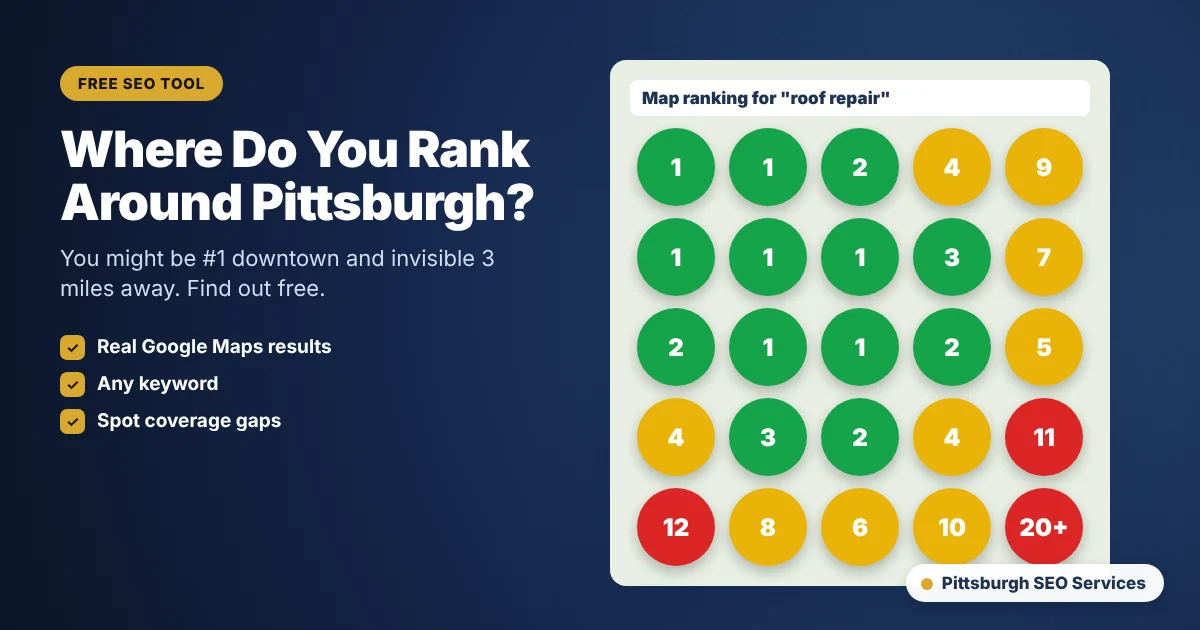
You might be #1 at your front door and invisible three miles away. See your Google Maps rankings across your whole service area for any keyword.
FREE FULL REPORT
See your full detailed results
Enter your name and email to unlock every check and fix on screen. We'll also email you a copy of the full report.
- Every check, with what passed and what to fix
- A copy of the full report in your inbox
- Optional: a free review from our team
How to Use the Local Rank Grid Checker
- Enter your business name and city exactly as they appear on Google.
- Enter one keyword, such as “plumber”, “roof repair” or “dentist”. Use the words customers type.
- Choose the grid spacing. Use 0.5–1 mile in dense areas like the city of Pittsburgh and 2–3 miles for a wide suburban or rural service area.
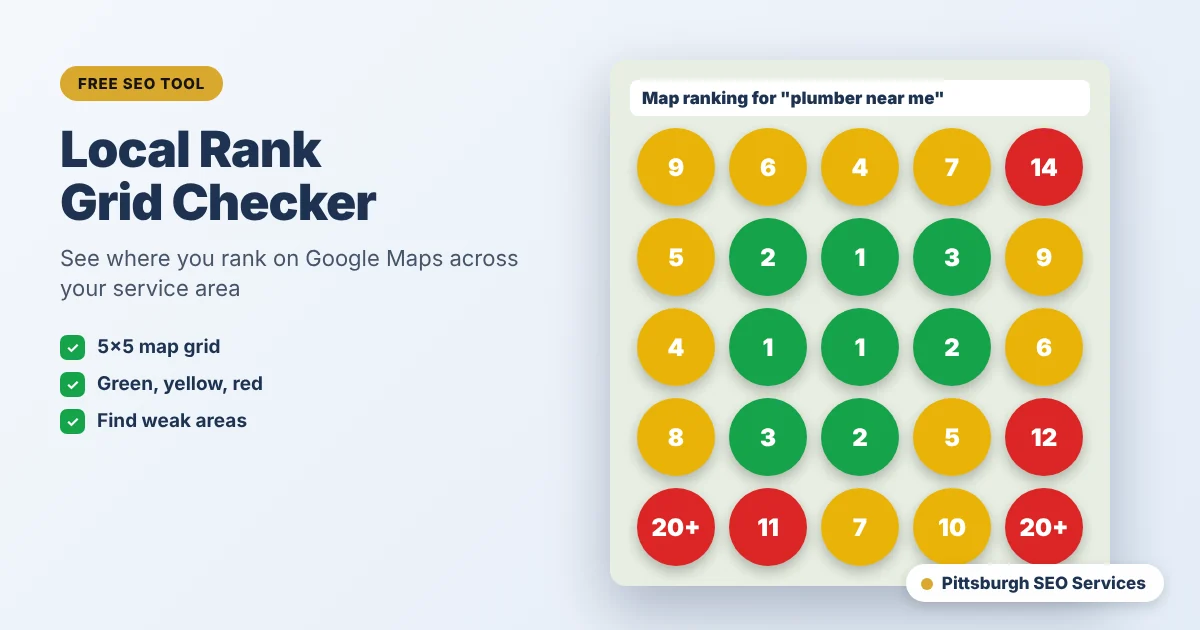
- Click Run My Rank Grid. We check 25 points and color each one by your position.
How to Read the Grid
- Green (1–3): you’re in the map pack, the three businesses shown first.
- Orange (4–20): you appear, but only after someone taps “More places”.
- Red (20+): you aren’t showing for that search in that spot.
Most businesses see a cluster of green near their address that fades with distance. That’s normal: distance is one of Google’s three main local ranking factors, along with relevance and prominence.
How to Grow Your Green Area
- Choose the most specific Google Business Profile category and add secondary categories that match your services.
- Earn reviews steadily, and ask customers to mention the service and town in their own words.
- Build helpful pages for the services and towns you want, with real local detail.
- Earn links and mentions from local organizations, suppliers and news sites.
About the Results
Google personalizes map results by exact location, device and search history, so no outside tool can match every searcher. This checker uses Google’s Places search for each point, which gives a consistent way to track progress over time. Results are cached for 12 hours.
Frequently Asked Questions
What is a local rank grid?
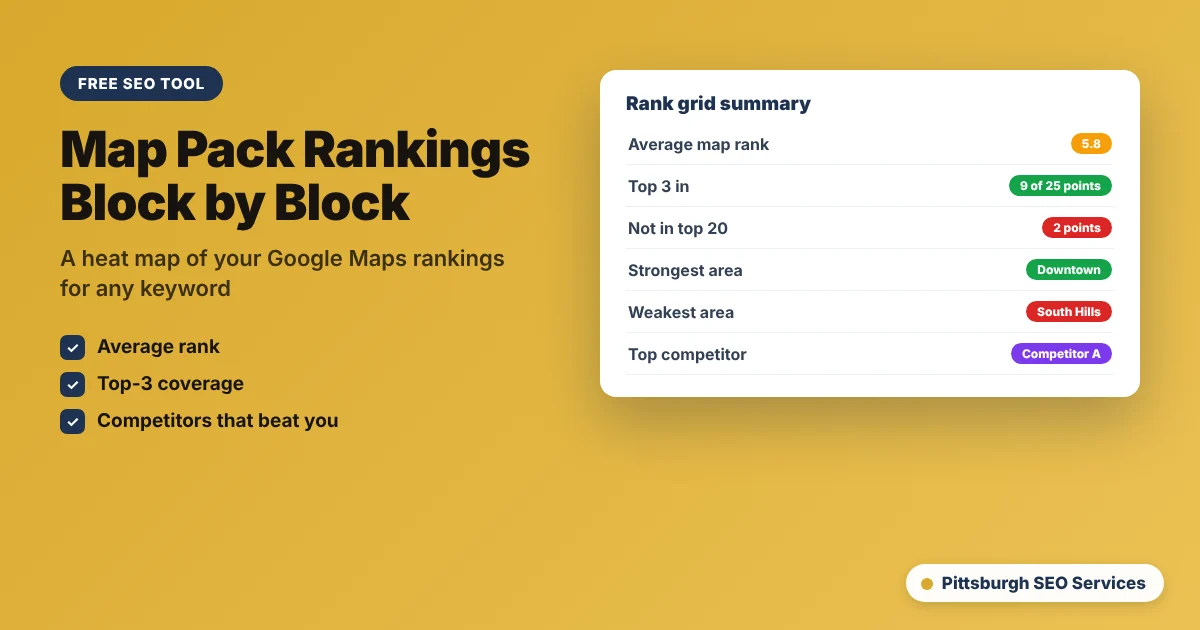
A local rank grid checks your Google Maps position for one keyword from many points around your business and shows the results as a color-coded map, so you can see where you rank well and where you don’t show up.
Why do my rankings drop a few miles away?
Distance from the searcher is a major local ranking factor. Businesses with strong relevance and prominence, such as many reviews and good local links, rank across a wider area.
How often should I run a rank grid?
Monthly is enough for most businesses. Rankings move gradually, and checking too often mostly shows normal day-to-day changes.
Can I rank in a town where I don’t have an office?
It is harder in the map pack, but possible nearby. A strong profile, reviews and helpful service pages can widen your area, and the regular organic results are less tied to your address.
Does this tool use my Google account?
No. It runs public Google Places searches. Nothing is changed on your profile and no sign-in is needed.
Is the Local Rank Grid Checker free?
Yes. It is free and needs no account. Because each scan runs 25 searches, there is a daily limit per visitor. Request a free review if you want us to run more scans for you.
Sources and Further Reading
- Google Business Profile Help: Tips to improve your local ranking on Google
- Google Maps Platform: Text Search (New)
- OpenStreetMap copyright and license
Related Free Tools and Guides
- Google Business Profile Checker
- Local Keyword Generator – plan service and town pages
- NAP Consistency Checker
- Local SEO Page Checker
Need Help With This?
We track map rankings with grids like this every month for our local SEO clients and focus the work on the areas where you are losing calls to competitors.
Get a free website and local SEO review
Prefer to talk it through? Call 412-250-7965. Pittsburgh SEO Services LLC is based in Moon Township, PA and works with businesses in Western Pennsylvania, Ohio and West Virginia.