
Working Hours
Mon - Fri 8AM to 5PM
AI Crawler Access Checker
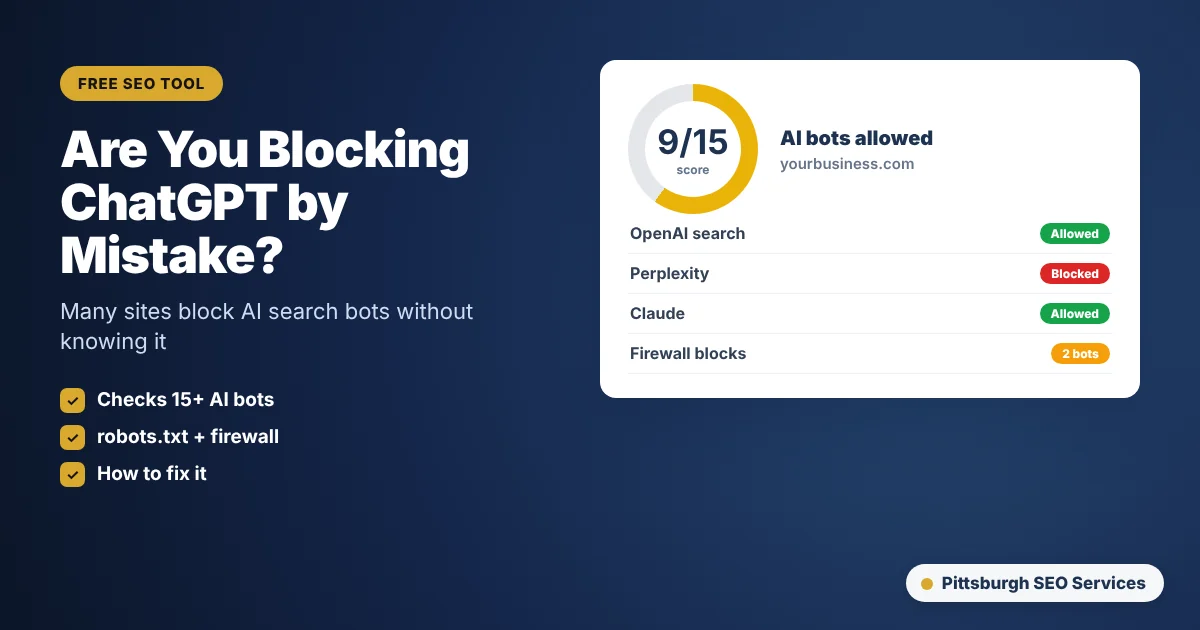
Find out whether ChatGPT, Claude, Perplexity, Google, Bing and other AI tools can reach your website, or whether your robots.txt or firewall is quietly blocking them.
FREE FULL REPORT
See your full detailed results
Enter your name and email to unlock every check and fix on screen. We'll also email you a copy of the full report.
- Every check, with what passed and what to fix
- A copy of the full report in your inbox
- Optional: a free review from our team
How to Use the AI Crawler Access Checker
- Enter your website address or a specific page.
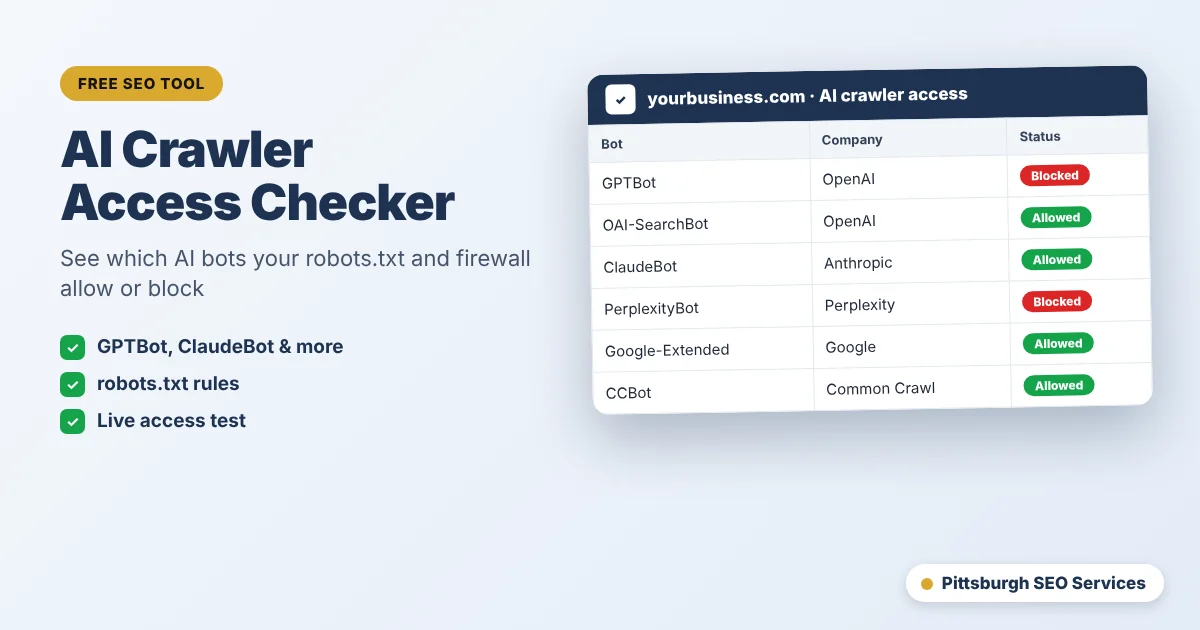
- Click Check AI Crawler Access. We read your robots.txt and request your page with each crawler’s user agent.
- Review the table. Each bot shows whether robots.txt allows it and how the live request was answered.
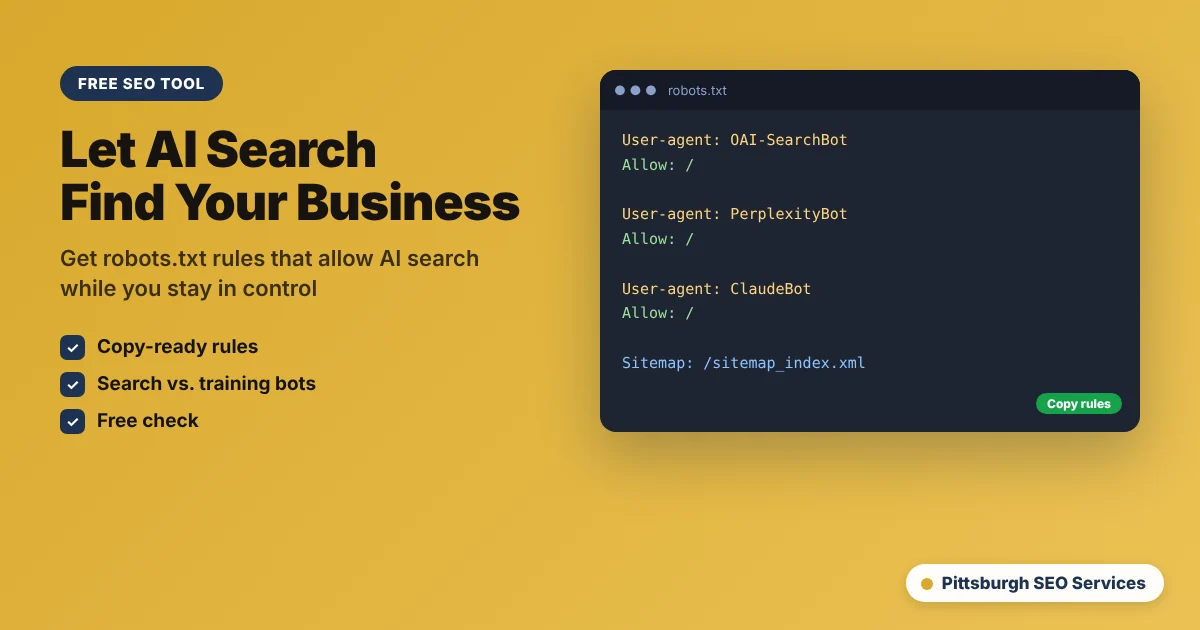
- Copy the recommended rules if you need to unblock AI search bots.
Search Bots vs. Training Bots
AI companies now run separate crawlers for different jobs, and the difference matters:
- Search and answer bots such as OAI-SearchBot, Claude-SearchBot and PerplexityBot fetch pages so the assistant can show and link to them in answers. Blocking these can keep your business out of AI search results.
- User-triggered agents such as ChatGPT-User, Claude-User and Perplexity-User visit a page when a person asks the assistant to.
- Training bots such as GPTBot, ClaudeBot, Google-Extended, Applebot-Extended and CCBot collect content to train models. Blocking these is a business decision and doesn’t affect regular search rankings.
Common Problems We Find
- A security plugin or CDN setting that blocks all “AI bots”, including the search bots that would send customers your way.
- A leftover
Disallow: /from when the site was being built. - Copying a robots.txt from another site that blocks bots you didn’t intend to block.
About the Live Test
Some firewalls verify real crawlers by IP address. Because our test comes from our server, a few firewalls may block it even though the real bot would be allowed, especially for Googlebot and Bingbot. If the live test shows a block, check your firewall’s bot settings to confirm.
Frequently Asked Questions
Should I block AI crawlers?
Most local businesses should allow AI search and answer bots so assistants can recommend and link to them. Blocking training-only bots is optional and doesn’t affect search visibility.
What is the difference between GPTBot and OAI-SearchBot?
GPTBot collects content that may be used to train OpenAI models. OAI-SearchBot fetches pages so they can appear and be linked in ChatGPT search. You can allow one and block the other in robots.txt.
Does blocking Google-Extended remove me from Google Search?
No. Google-Extended only controls whether your content is used for Gemini model training and grounding. Googlebot handles Google Search, including AI Overviews.
My robots.txt allows a bot but the live test shows it blocked. Why?
A firewall, CDN or security plugin is probably blocking it by user agent. In Cloudflare, check the bot and AI crawler settings. Some firewalls also block tests that only look like a bot.
How do I edit robots.txt on WordPress?
Most SEO plugins, including Yoast SEO and Rank Math, have a robots.txt editor. You can also edit the file in your hosting file manager.
Is the AI Crawler Access Checker free?
Yes. It is free and needs no account. To keep it fast and fair, there is a limit on how many checks one visitor can run, and you may be asked to complete a quick human check.
Sources and Further Reading
- OpenAI: Overview of OpenAI crawlers
- Anthropic: Does Anthropic crawl data from the web?
- Google: Google’s common crawlers (Google-Extended)
- Perplexity: Perplexity crawlers
Related Free Tools and Guides
Need Help With This?
We review robots.txt, firewall and CDN bot settings for Pittsburgh-area businesses so search engines and AI assistants can find you, while you stay in control of training.
Get a free website and local SEO review
Prefer to talk it through? Call 412-250-7965. Pittsburgh SEO Services LLC is based in Moon Township, PA and works with businesses in Western Pennsylvania, Ohio and West Virginia.