
Working Hours
Mon - Fri 8AM to 5PM
Who Hosts This Website? Domain & Hosting Lookup
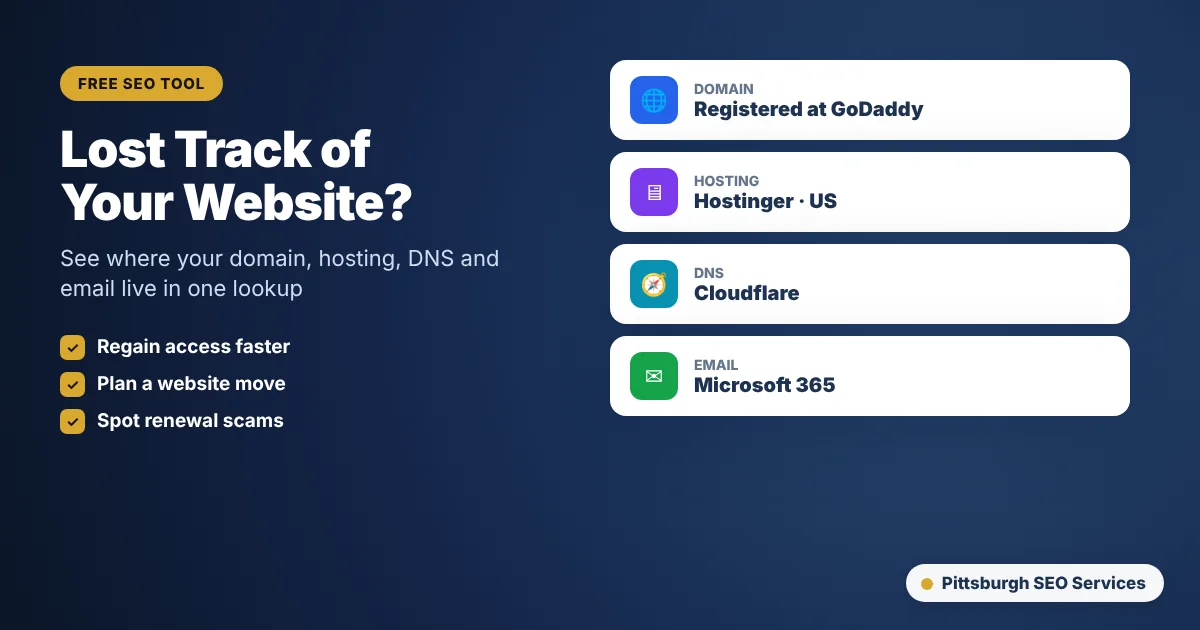
Lost track of where your website lives? Find your domain registrar, web host, DNS provider and email provider in one lookup, plus when your domain expires.


FREE FULL REPORT
See your full detailed results
Enter your name and email to unlock every check and fix on screen. We'll also email you a copy of the full report.
- Every check, with what passed and what to fix
- A copy of the full report in your inbox
- Optional: a free review from our team
How to Use the Hosting Lookup
- Enter a website address, such as yourbusiness.com.
- Click Look It Up. We query public domain registration (RDAP) and DNS records and read the website’s server headers.
- Save the results. Keep a copy with your business records so you always know where to log in.
What You’ll Find Out
- Domain registrar: the company where your domain name is registered and renewed, such as GoDaddy, Namecheap or Squarespace Domains.
- Expiration date: if a domain expires, your website and email go down. We warn you when it’s less than 60 days away.
- SSL certificate: who issued it and when it expires, so visitors never see a security warning.
- Transfer lock: protects your domain from being moved without your permission.
- Web host: the company whose servers run your website. If the site is behind Cloudflare, the real host is hidden.
- DNS provider: where records like MX, SPF and verification codes are changed.
- Email provider and website platform, such as WordPress, Wix, Squarespace or Shopify.
Why Business Owners Use This
- A web designer disappeared and you need to find out where the site is hosted to regain access.
- You’re switching providers and need to know which company controls the domain, DNS and email before anything moves.
- You received a renewal notice and want to confirm it’s from your real registrar, not a look-alike scam.
- You’re researching a competitor’s setup to see what platform and hosting they use.
Keep Your Domain in Your Name
Your domain should be registered to your business, under an account you control, with auto-renew turned on. If a past developer registered it in their own account, ask them to transfer it to you while you still have a good relationship. It’s one of the most common and expensive problems we help small businesses untangle.
Frequently Asked Questions
How do I find out who hosts my website?
Enter your domain above. We combine the server’s IP address owner, server headers and DNS records to name the hosting company.
Why does it say the site is behind Cloudflare?
Cloudflare sits in front of many websites to speed them up and protect them, and it hides the real host’s IP address. Check your Cloudflare account or your billing records to find the host.
Why is the domain owner not shown?
Most registrars hide owner contact details for privacy. We show the registrar, dates and status, which are public.
Is my registrar the same as my web host?
Not always. Many businesses register the domain at one company, host the website at another and use a third for email. That’s why this tool shows all three.
What should I do if my domain expires soon?
Log in to your registrar, renew it for at least a year and turn on auto-renew. Make sure the payment card on file is current.
Is the hosting lookup free?
Yes. It is free and needs no account. To keep it fast and fair, there is a limit on how many checks one visitor can run, and you may be asked to complete a quick human check.
Sources and Further Reading
Related Free Tools and Guides
- Email Deliverability Checker
- Website Technology Detector
- HTTP to HTTPS Redirect Checker
- WWW and Non-WWW Redirect Checker
Need Help With This?
We help businesses regain access to websites and domains from former developers, move sites to better hosting and keep domains, DNS and email organized under the owner’s control.
Get a free website and local SEO review
Prefer to talk it through? Call 412-250-7965. Pittsburgh SEO Services LLC is based in Moon Township, PA and works with businesses in Western Pennsylvania, Ohio and West Virginia.