
Working Hours
Mon - Fri 8AM to 5PM
Free Social Media Image Maker
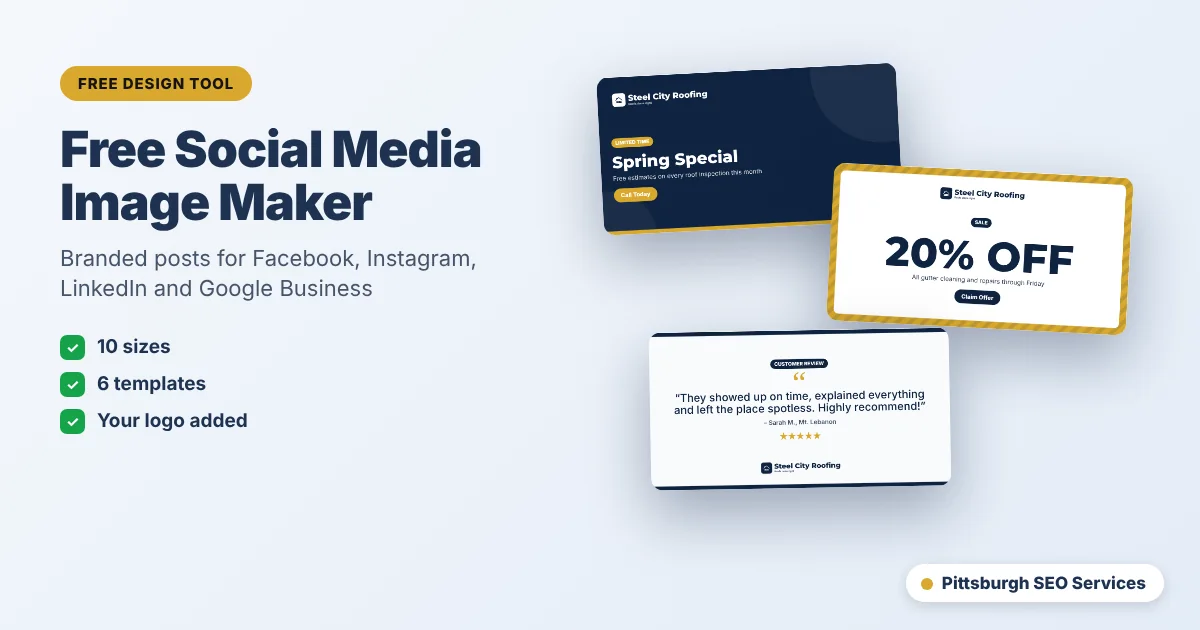
Create branded posts for Facebook, Instagram, LinkedIn and your Google Business Profile in minutes, in the right size for every platform.
Loading the image maker…
FREE FULL REPORT
See your full detailed results
Enter your name and email to unlock every check and fix on screen. We'll also email you a copy of the full report.
- Every check, with what passed and what to fix
- A copy of the full report in your inbox
- Optional: a free review from our team
How to Use the Social Media Image Maker
- Pick a size, such as Facebook post, Instagram post, Story or Google Business post.
- Choose a template: bold color, photo overlay, split, promo, customer review or clean and minimal.
- Write your headline, supporting text and button text, or click “Fill with example text” to start from an example.
- Add a background photo of your work, your team or your shop (optional).
- Adjust colors and fonts, then download your image. You can also download the same design in all 10 sizes at once.
Make a Week of Posts in One Click
The 4-post pack creates an offer, a customer review, a tip and an announcement in your brand style. Click any post to edit it, then download all four at once.
Your Logo, Added Automatically
If you’ve made a logo with our Free Logo Maker in the same browser, it appears on your posts with your brand colors and fonts. You can also upload your own logo file.
Sizes Included
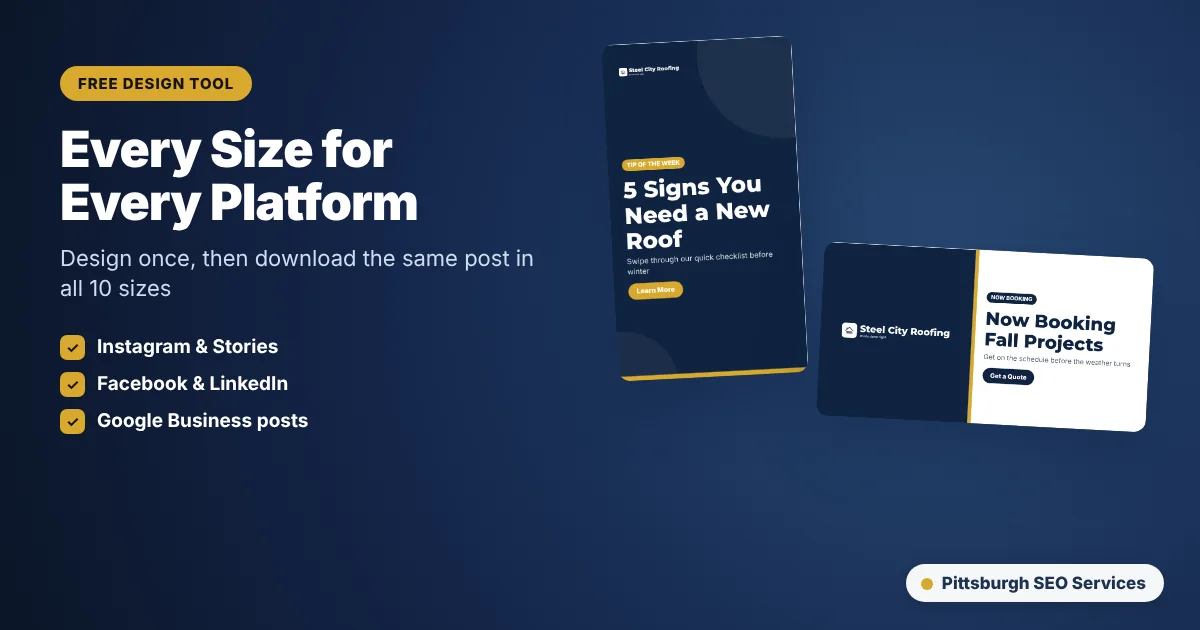
- Facebook post (1200 × 630) and Facebook cover (1640 × 624)
- Instagram post (1080 × 1080), Instagram portrait (1080 × 1350) and Story or Reel cover (1080 × 1920)
- LinkedIn post (1200 × 627) and X post (1600 × 900)
- Google Business Profile post (1200 × 900)
- YouTube thumbnail (1280 × 720) and Pinterest pin (1000 × 1500)
Post Ideas for Local Businesses
- Before and after photos of a recent job, with the town name in the headline.
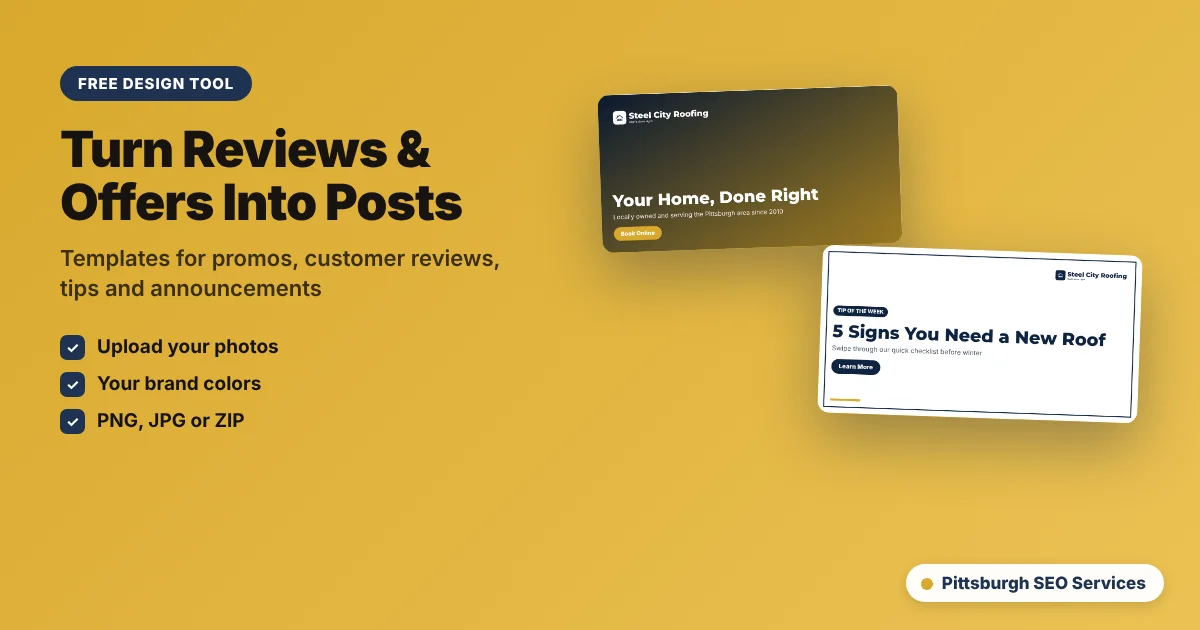
- Customer reviews: turn your best Google reviews into shareable graphics with the review template.
- Seasonal offers and limited-time specials.
- Quick tips that show your expertise, like “5 signs you need a new roof”.
- Hiring posts and team introductions.
Google Business Profile Posts Help Too
Regular posts with photos keep your Google Business Profile active and give customers a reason to call. Post weekly, use real photos where you can and add a call button. Our UTM Link Builder lets you track the visits each post sends.
Frequently Asked Questions
Is the social media image maker really free?
Yes. Designing is free with no account. Enter your name and email once to unlock downloads, which also unlocks our Logo Maker and Business Card Maker.
Can I use my own photos?
Yes. Upload a photo for the background. It stays in your browser and is never uploaded to our server.
What size should a Facebook post image be?
We use 1200 × 630 pixels for link-style Facebook posts. For posts seen mainly on phones, the Instagram portrait size (1080 × 1350) also works well on Facebook.
Can I use these images in ads?
Yes. Keep text short, since platforms favor images with little text, and check each ad platform’s current size requirements.
Do you keep my designs?
Your settings are saved in your own browser so you can come back to them. Photos and uploaded logos aren’t saved.
Can I edit the design after downloading?
Come back to this page in the same browser and your last design will be waiting. Change it and download again.
Sources and Further Reading
Related Free Tools and Guides
- Free Logo Maker
- Free Business Card Maker
- Google Review Response Generator
- UTM Link Builder & QR Code Generator
Need Help With This?
We create and schedule Google Business Profile posts for our local SEO clients, using real photos from their jobs to keep their profiles active.
Get a free website and local SEO review
Prefer to talk it through? Call 412-250-7965. Pittsburgh SEO Services LLC is based in Moon Township, PA and works with businesses in Western Pennsylvania, Ohio and West Virginia.