
Working Hours
Mon - Fri 8AM to 5PM
UTM Link Builder & QR Code Generator
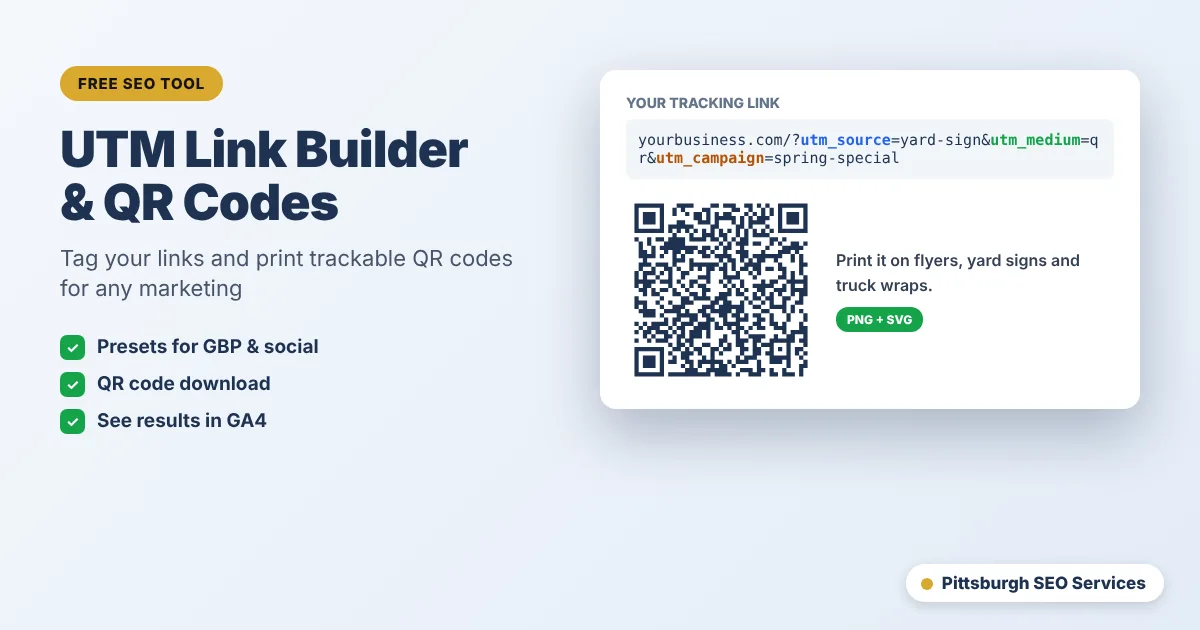
Find out which marketing actually brings people to your website. Tag your links, print a trackable QR code and see every source in Google Analytics.
FREE FULL REPORT
See your full detailed results
Enter your name and email to unlock every check and fix on screen. We'll also email you a copy of the full report.
- Every check, with what passed and what to fix
- A copy of the full report in your inbox
- Optional: a free review from our team
How to Use the UTM Link Builder
- Enter the page people should land on, such as your home page or a specific service page.
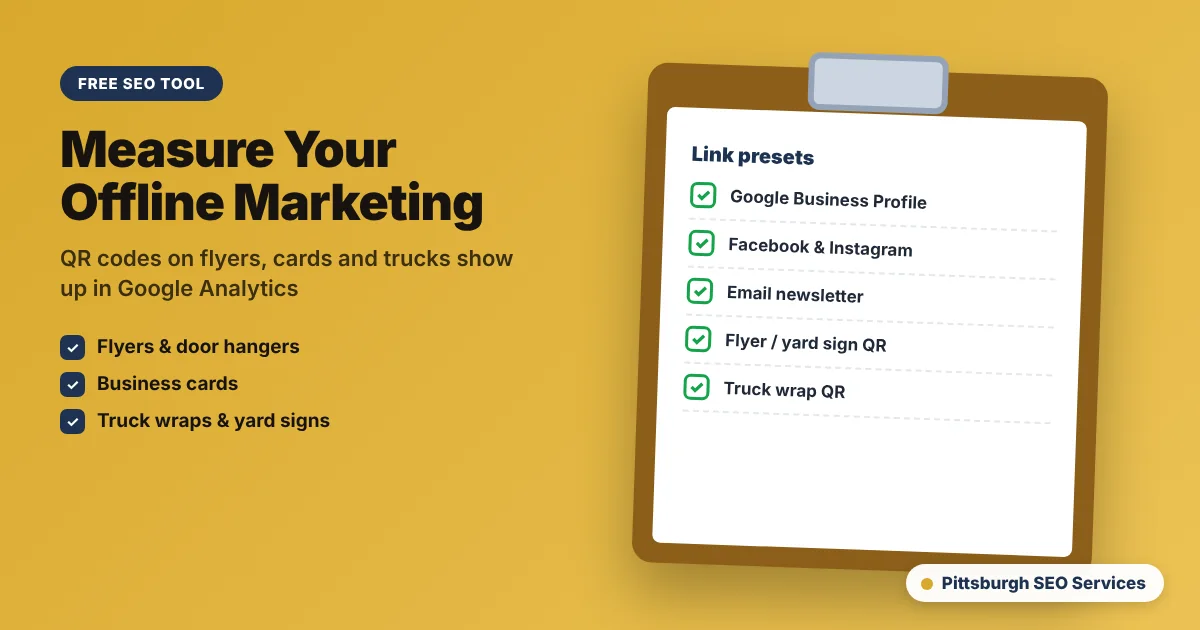
- Pick a preset, like Google Business Profile, Facebook post, email newsletter, flyer or truck wrap, or fill in the fields yourself.
- Add a campaign name, such as spring-roof-special.
- Click Build My Link, then copy the link or download the QR code.
What Each UTM Field Means
- utm_source: where the visit came from, such as google, facebook or yard-sign.
- utm_medium: the type of channel, such as organic, social, email, cpc or qr.
- utm_campaign: the promotion or campaign name.
- utm_term and utm_content (optional): the keyword or the specific ad, button or version.
Keep the values lowercase and consistent. GA4 treats “Facebook” and “facebook” as two different sources, so the builder cleans them for you.
Best Places to Use Tracking Links
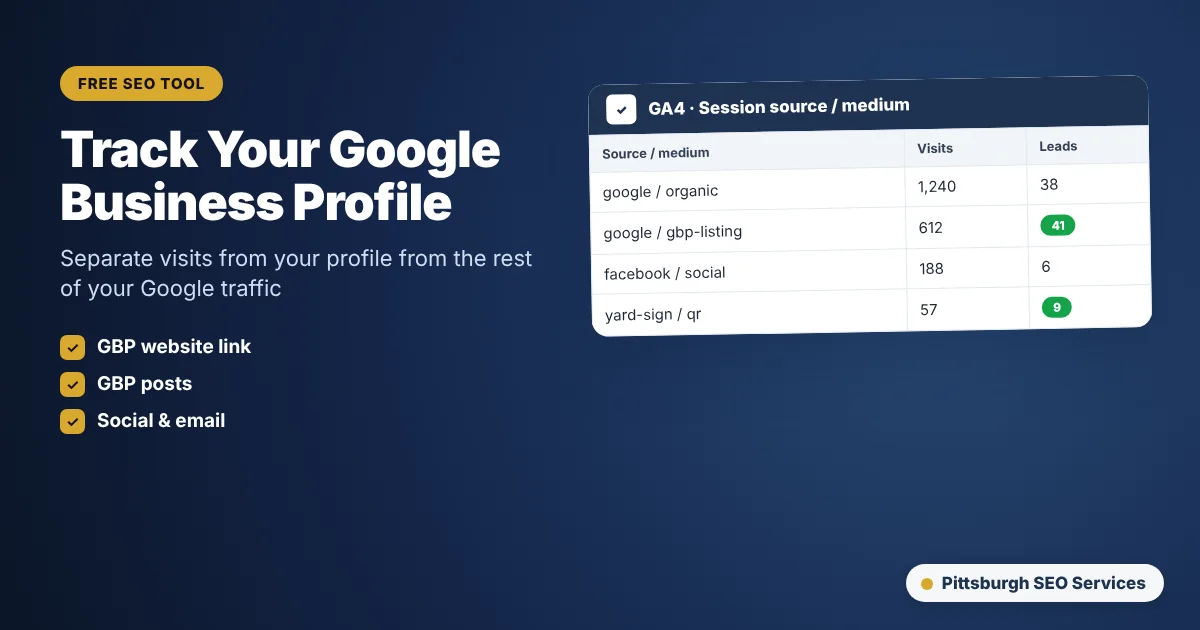
- Your Google Business Profile website link. Without it, visits from your profile are mixed in with regular Google search traffic.
- Google Business Profile posts, social media posts and email newsletters.
- Printed QR codes on flyers, door hangers, business cards, yard signs and vehicle wraps. It’s the only way to measure most offline marketing.
Don’t add UTM tags to links between pages on your own website. They overwrite the visitor’s original source and break your reports.
Finding the Results in GA4
In Google Analytics 4, go to Reports, then Acquisition, then Traffic acquisition. Change the table’s dimension to Session source / medium or Session campaign to see visits, engagement and key events for each link.
Frequently Asked Questions
What is a UTM link?
It’s a normal web address with extra tags on the end that tell Google Analytics where the visitor came from, such as a Facebook post or a flyer.
Should I use a UTM link on my Google Business Profile?
Yes. It separates visits from your profile from other Google traffic, so you can see how many visits and leads your profile sends.
Do QR codes from this tool expire?
No. The QR code holds your full link directly, with no redirect service in between, so it works as long as your web page does.
Do UTM tags hurt SEO?
No, when used on links from other places to your site. Don’t use them on internal links within your site.
Should I shorten the link?
You can, but the QR code works with the full link. If you use a link shortener, make sure it redirects to the full tagged URL.
Is the UTM builder free?
Yes. It’s free, needs no account and runs in your browser.
Sources and Further Reading
- Google Analytics Help: URL builders – Collect campaign data with custom URLs
- Google Analytics: Campaign URL Builder
Related Free Tools and Guides
- Tracking Tag Checker
- Free Business Card Maker – add your QR code to a card
- Google Review Link Generator
- Google Business Profile Checker
Need Help With This?
We set up GA4 reporting that shows which marketing brings in calls, forms and customers, from your Google Business Profile to your truck wrap.
Get a free website and local SEO review
Prefer to talk it through? Call 412-250-7965. Pittsburgh SEO Services LLC is based in Moon Township, PA and works with businesses in Western Pennsylvania, Ohio and West Virginia.