
Working Hours
Mon - Fri 8AM to 5PM
Google Business Profile Checker
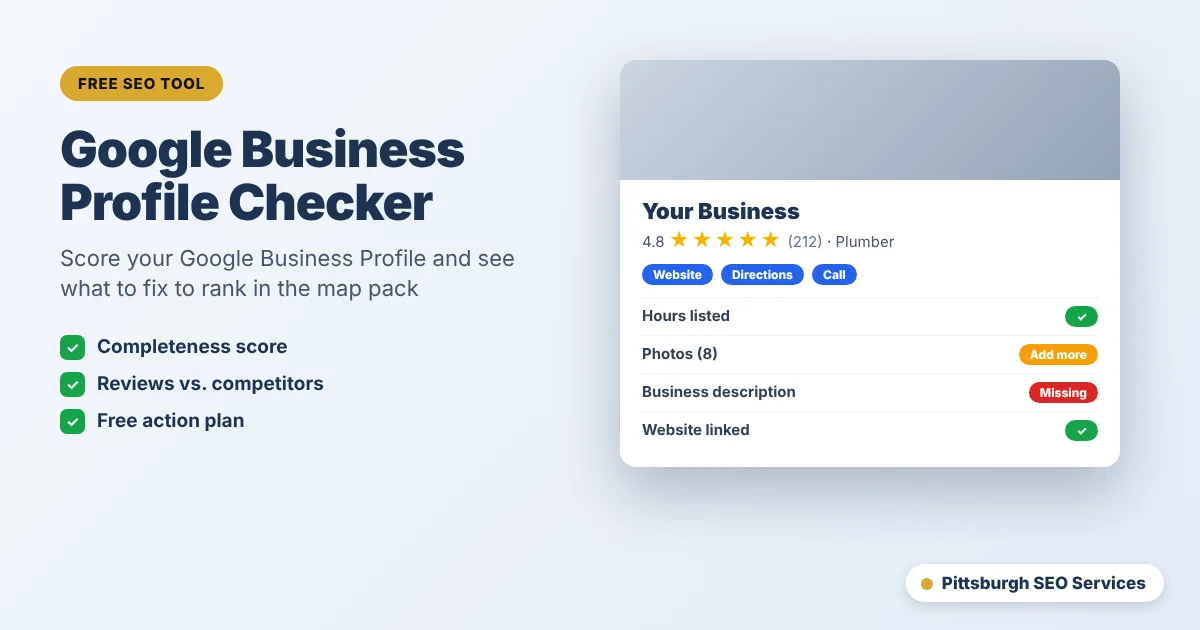
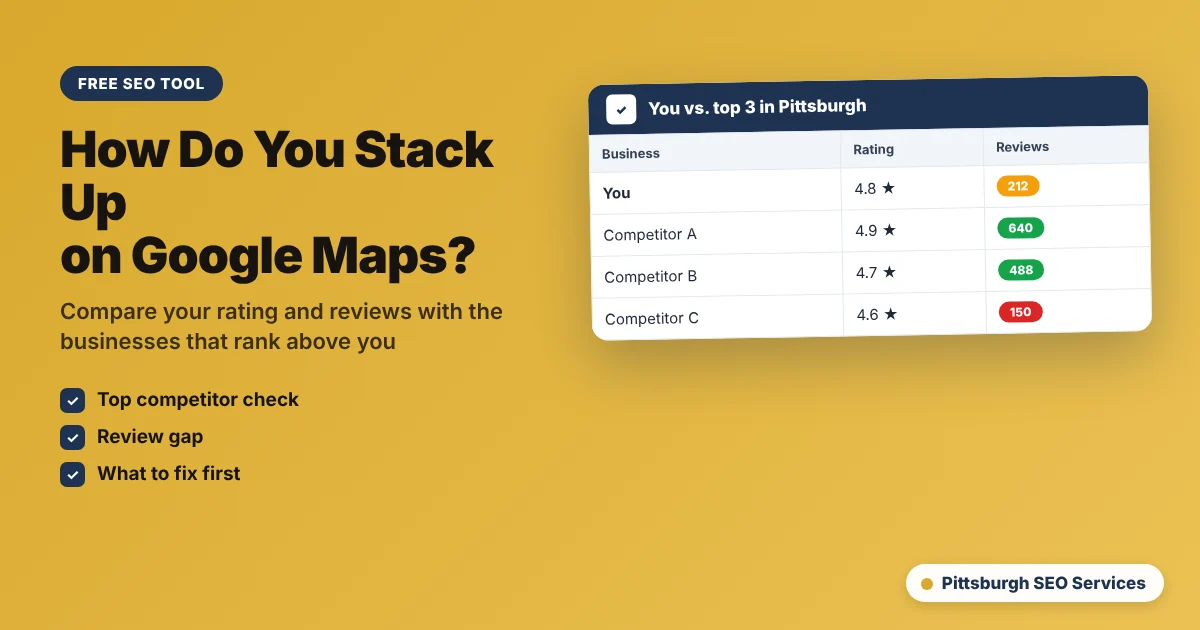
See how your Google Business Profile compares with the businesses that outrank you on Google Maps, and get a clear list of what to fix first.
FREE FULL REPORT
See your full detailed results
Enter your name and email to unlock every check and fix on screen. We'll also email you a copy of the full report.
- Every check, with what passed and what to fix
- A copy of the full report in your inbox
- Optional: a free review from our team
How to Use the Google Business Profile Checker
- Enter your business name exactly as it appears on Google.
- Enter your city, such as Pittsburgh, PA or Cranberry Township, PA.
- Click Check My Google Profile. We search Google Maps, find your listing and the top businesses for your main category in your city.
- Not the right listing? Pick the correct business from the list under your results.
What the Checker Scores
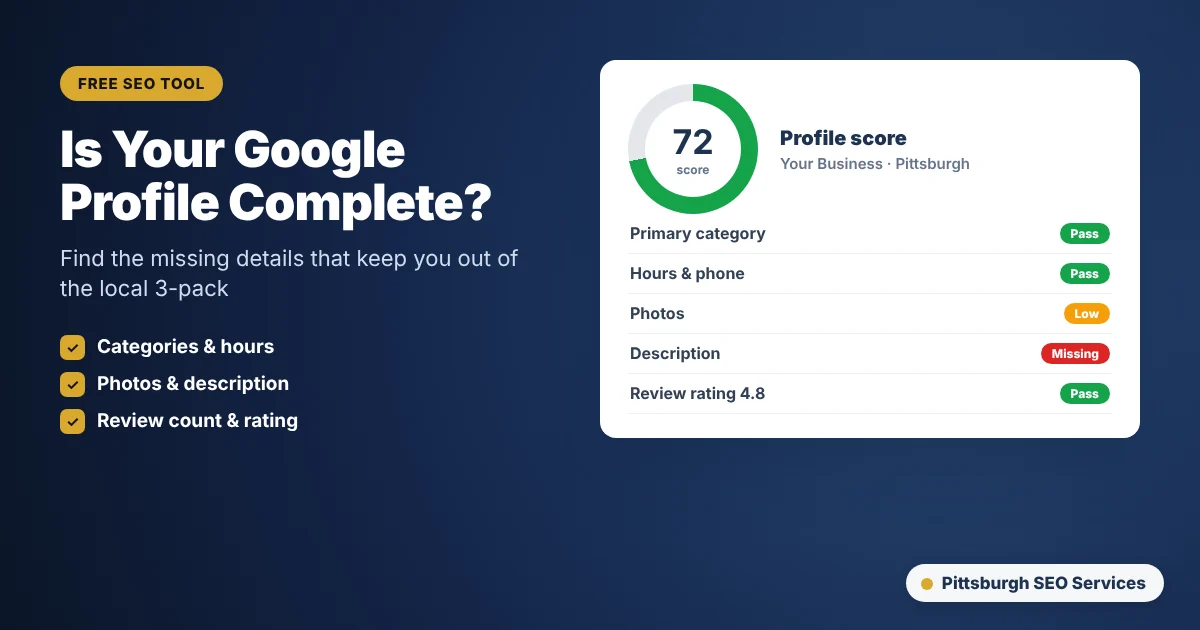
- Primary category. The category you choose is one of the strongest signals for which searches you appear in.
- Phone, website and hours. Complete basics help Google trust your listing and make it easy for customers to act.
- Photos. Real photos of your team, vehicles and finished jobs build trust and give people a reason to call.
- Rating and review count. We compare yours with the average of the top competitors for the same search.
- Your position. Where you appear when someone searches your category in your city.
Why Your Google Business Profile Matters
For most local service businesses, the Google map pack brings in more calls than the regular results below it. Google says local results are based mainly on relevance, distance and prominence. You can’t change where a searcher is standing, but you can control how complete and relevant your profile is, and you can earn the reviews and mentions that make a business prominent.
When we audit Pittsburgh-area profiles, the same gaps come up again and again: a broad primary category, few photos, no hours, an old phone number, and a review count far behind the businesses in the top three. Those are fixable, and they usually move the needle faster than anything on the website.
What This Tool Can’t See
Google doesn’t share every profile field publicly. Your business description, services list, posts, Q&A and secondary categories aren’t available to outside tools. If you’d like a complete review, request a free profile audit and we’ll look at everything in your dashboard with you.
Frequently Asked Questions
What is a Google Business Profile checker?
It looks up your business on Google Maps and reviews the public parts of your profile, such as category, phone, website, hours, photos, rating and reviews, then compares them with the businesses that rank near you.
How do I rank higher in the Google map pack?
Choose the most specific primary category, complete every section of your profile, add real photos regularly, ask every happy customer for a review, keep your name, address and phone the same everywhere, and make sure your website supports the same services and city.
How many Google reviews do I need?
There is no fixed number. What matters is how you compare with the businesses you are competing against for the same search. This checker shows the average review count of your top competitors so you can set a realistic goal.
Why does my business show a different rank than I see on my phone?
Map results change with the searcher’s exact location, search history and the device used. This tool uses one Google search for your category and city, so treat the position as a guide, and use our Local Rank Grid Checker to see how rankings change across your area.
Does this tool change anything on my profile?
No. It only reads public information from Google. Nothing is changed and you don’t need to sign in.
Is the Google Business Profile Checker free?
Yes. It is free and needs no account. To keep it fast and fair, there is a limit on how many checks one visitor can run, and you may be asked to complete a quick human check.
Sources and Further Reading
- Google Business Profile Help: Tips to improve your local ranking on Google
- Google Business Profile Help: Guidelines for representing your business
- Google Business Profile Help: Get reviews on your Business Profile
Related Free Tools and Guides
- Local Rank Grid Checker – see your map rankings across your service area
- Google Review Link Generator – get more reviews
- Review Response Generator
- NAP Consistency Checker
- Local SEO Page Checker
Need Help With This?
Google Business Profile optimization is the core of our local SEO work for Pittsburgh-area service businesses. We fix categories, photos, posts and review flow, and track map rankings month to month.
Get a free website and local SEO review
Prefer to talk it through? Call 412-250-7965. Pittsburgh SEO Services LLC is based in Moon Township, PA and works with businesses in Western Pennsylvania, Ohio and West Virginia.