
Working Hours
Mon - Fri 8AM to 5PM
llms.txt Generator and Checker
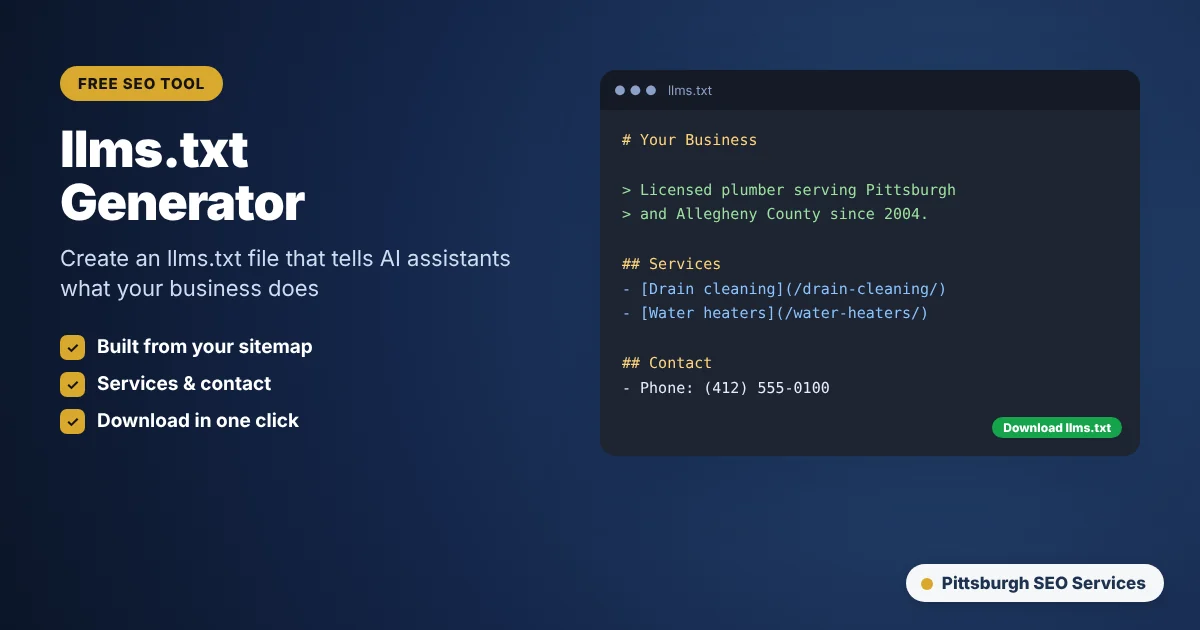
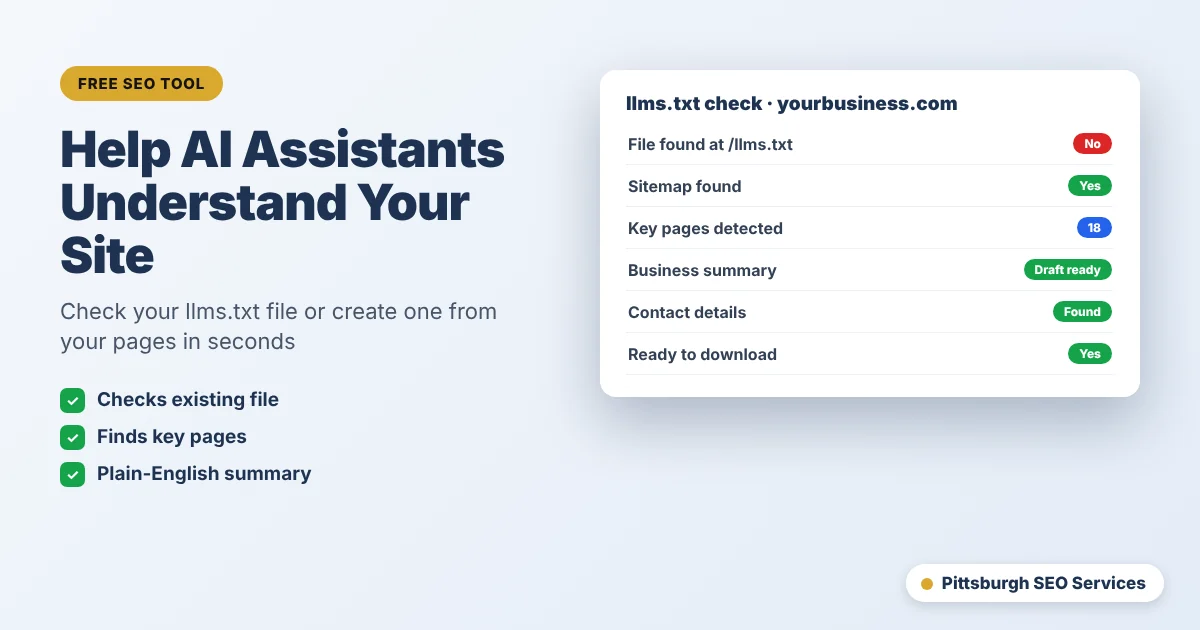
Create an llms.txt file that points AI assistants to your most useful pages and your correct business details, or check the one you already have.
FREE FULL REPORT
See your full detailed results
Enter your name and email to unlock every check and fix on screen. We'll also email you a copy of the full report.
- Every check, with what passed and what to fix
- A copy of the full report in your inbox
- Optional: a free review from our team
How to Use the llms.txt Generator
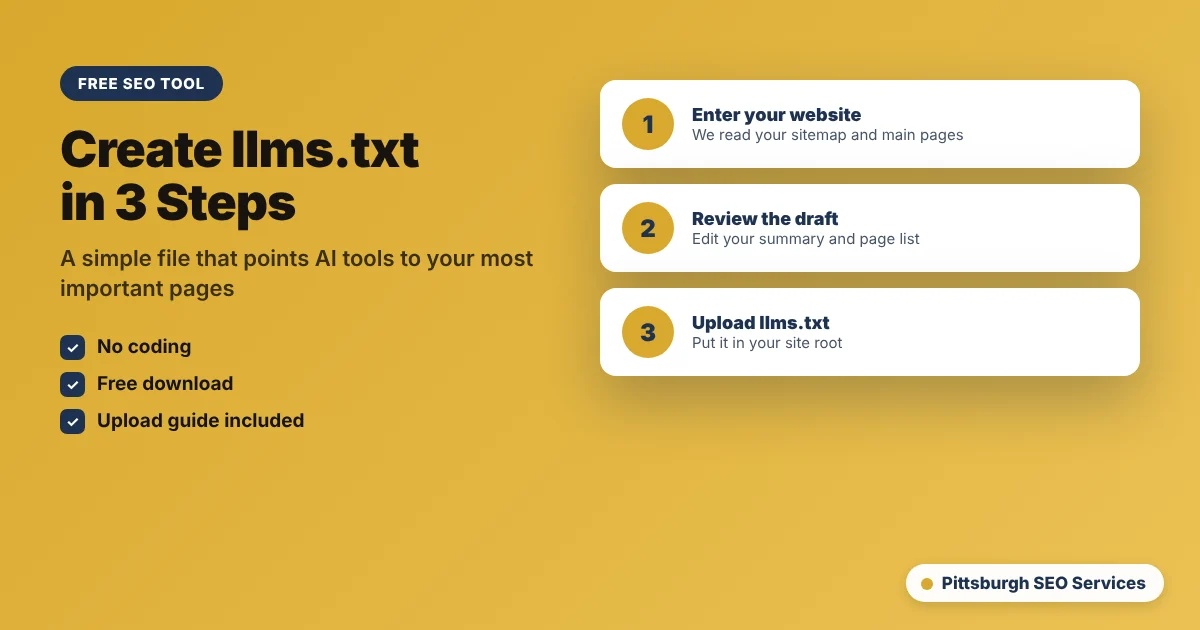
- Enter your website address.
- Click Check and Generate llms.txt. We look for an existing file, then read your homepage and up to 24 pages from your sitemap.
- Edit the draft. Improve the one-line summary, remove pages that don’t matter and add any that are missing.
- Download llms.txt and upload it to the root of your website so it loads at yourdomain.com/llms.txt.
What Is llms.txt?
llms.txt is a proposed standard: a plain Markdown file at the root of a website that gives AI tools a short summary of the site and links to its most useful pages. It’s similar in spirit to a sitemap, but written for language models rather than search crawlers.
It’s important to be clear about what it does and doesn’t do. As of late 2026, major AI search providers haven’t confirmed that they use llms.txt for ranking or citations, and Google has said it doesn’t use it. It takes a few minutes to create and does no harm, but it isn’t a substitute for crawlable pages, clear content and accurate structured data.
What a Good llms.txt Includes
- An H1 title with your business name.
- A one- or two-sentence summary in a blockquote: what you do and where.
- Key business facts: address or service area, phone and website.
- Sections of links to your main services, locations, about and contact pages, each with a short description.
Do These First
If you want AI assistants to find and recommend your business, start by making sure AI search crawlers aren’t blocked (use our AI Crawler Access Checker), that your pages load without JavaScript errors, and that your business details are in your schema.
Frequently Asked Questions
What is an llms.txt file?
llms.txt is a proposed plain-text Markdown file placed at the root of a website. It gives AI tools a short summary of the site and links to its most important pages.
Does llms.txt help SEO or AI rankings?
There is no confirmed ranking benefit. Google has said it doesn’t use llms.txt, and other AI providers haven’t confirmed using it. It is quick to add and harmless, but crawlable content, schema and allowing AI search crawlers matter more.
Where do I upload llms.txt?
Upload it to the root folder of your website so it loads at https://yourdomain.com/llms.txt. On WordPress you can use your host’s file manager, an FTP client, or an SEO plugin that supports llms.txt.
Is llms.txt the same as robots.txt?
No. robots.txt tells crawlers what they may access. llms.txt is a summary and reading list. To allow or block AI crawlers, use robots.txt.
How often should I update it?
Update it when you add or remove main services, change your phone or address, or launch important new pages.
Is the llms.txt Generator free?
Yes. It is free and needs no account. To keep it fast and fair, there is a limit on how many checks one visitor can run, and you may be asked to complete a quick human check.
Sources and Further Reading
- llmstxt.org: The /llms.txt file proposal
- Google Search Central: AI features and your website
- Google Search Central: Introduction to robots.txt
Related Free Tools and Guides
Need Help With This?
We help Pittsburgh-area businesses get found in Google, AI Overviews, ChatGPT and other AI tools with clear content, accurate schema and technical fixes that let crawlers in.
Get a free website and local SEO review
Prefer to talk it through? Call 412-250-7965. Pittsburgh SEO Services LLC is based in Moon Township, PA and works with businesses in Western Pennsylvania, Ohio and West Virginia.