
Working Hours
Mon - Fri 8AM to 5PM
Broken Link Checker
Find the links on any page that lead to 404 errors, server errors or long redirects, so visitors and search engines never hit a dead end.
FREE FULL REPORT
See your full detailed results
Enter your name and email to unlock every check and fix on screen. We'll also email you a copy of the full report.
- Every check, with what passed and what to fix
- A copy of the full report in your inbox
- Optional: a free review from our team
How to Use the Broken Link Checker
- Enter the page you want to check, such as your homepage, a services page or a popular blog post.
- Click Check Links. We collect every link on the page and request each one.
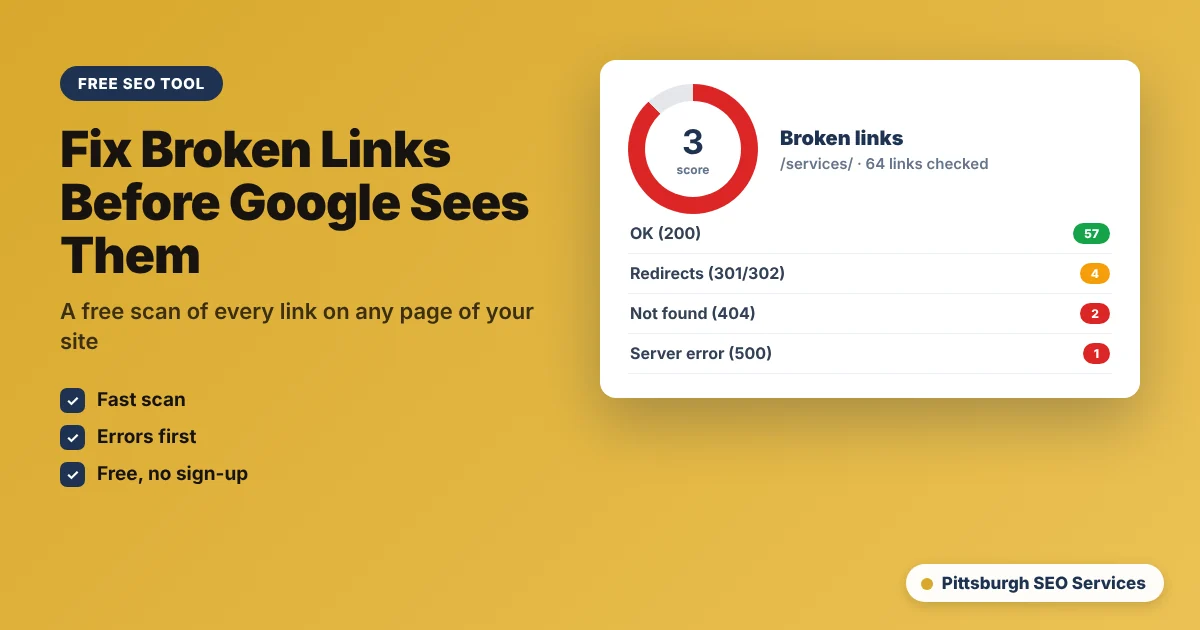
- Start with the red rows. Broken links are listed first, then redirects, then links that work.
What the Status Codes Mean
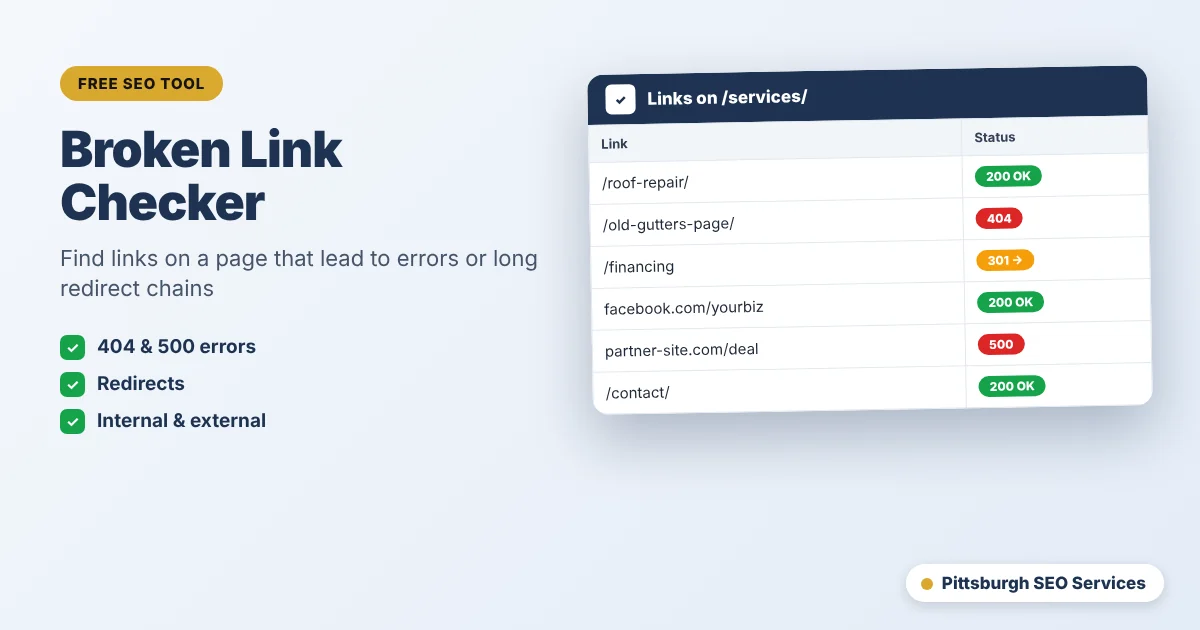
- 200 OK: the link works.
- 301 / 308: permanent redirect. Fine for old links, but update your own internal links to point straight to the final page.
- 302 / 307: temporary redirect. Check that it’s intentional.
- 404 / 410: the page doesn’t exist. Update the link, point it to the right page, or remove it.
- 5xx: the other server had an error. Recheck later; if it persists, replace the link.
Why Broken Links Matter
A broken link is a dead end for a customer who was ready to learn more or get in touch. For search engines, broken internal links waste crawl time and stop link value from flowing to your important pages. After a website redesign, broken links are one of the most common problems we find on Pittsburgh business sites, usually because old page addresses changed without redirects.
Things to Know
Some large sites, such as LinkedIn, Facebook and Amazon, block automated checks and may return 999, 403 or 429 even when the link works in a browser. Click those links yourself to confirm before removing them.
Frequently Asked Questions
Do broken links hurt SEO?
A few broken external links won’t hurt rankings much, but they make a page less useful. Broken internal links matter more because they stop visitors and search engines from reaching your own pages.
What is the difference between a 301 and a 302 redirect?
A 301 is permanent and tells search engines to move ranking signals to the new address. A 302 is temporary. Use 301s when a page has moved for good.
Can this check my whole website?
This free tool checks one page at a time. Run it on your main pages, or ask for a free review and we’ll crawl your entire site.
Why does a link work in my browser but show an error here?
Some sites block automated requests or require cookies or a login. Those links may show 403, 429 or 999 errors here but work for real visitors.
How do I fix a broken internal link in WordPress?
Edit the page and update the link to the correct address. If the old page was removed, add a 301 redirect from the old address to the best replacement page with a redirect plugin or your SEO plugin.
Is the Broken Link Checker free?
Yes. It is free and needs no account. To keep it fast and fair, there is a limit on how many checks one visitor can run, and you may be asked to complete a quick human check.
Sources and Further Reading
- Google Search Central: Redirects and Google Search
- Google Search Central: HTTP status codes and how they affect Google
- Google Search Central: Link best practices
Related Free Tools and Guides
- Link Analyzer – review anchor text
- Redirect Checker
- HTTP Status Code Checker
- Free Website SEO Audit
Need Help With This?
We crawl entire websites for broken links and redirect chains, and set up proper redirects after redesigns so you keep your rankings.
Get a free website and local SEO review
Prefer to talk it through? Call 412-250-7965. Pittsburgh SEO Services LLC is based in Moon Township, PA and works with businesses in Western Pennsylvania, Ohio and West Virginia.