
Working Hours
Mon - Fri 8AM to 5PM
Google Review Response Generator
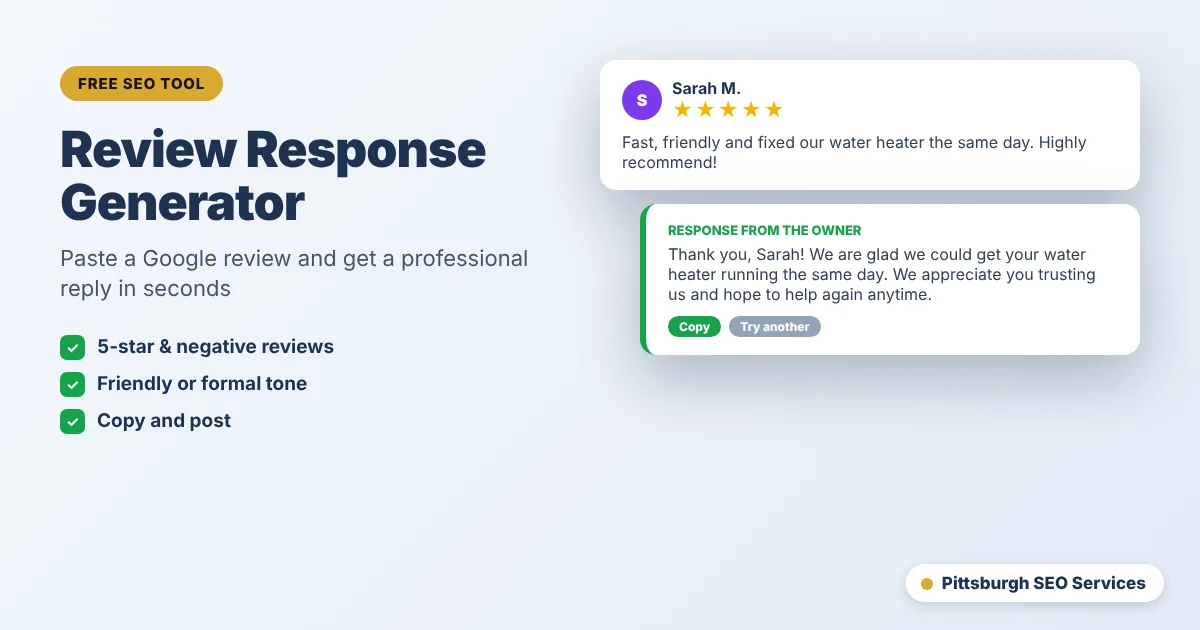
Paste a review and get three professional replies you can edit and post in under a minute, whether it’s a 5-star thank-you or a calm answer to a complaint.
FREE FULL REPORT
See your full detailed results
Enter your name and email to unlock every check and fix on screen. We'll also email you a copy of the full report.
- Every check, with what passed and what to fix
- A copy of the full report in your inbox
- Optional: a free review from our team
How to Use the Review Response Generator
- Paste the customer’s review and choose the star rating.
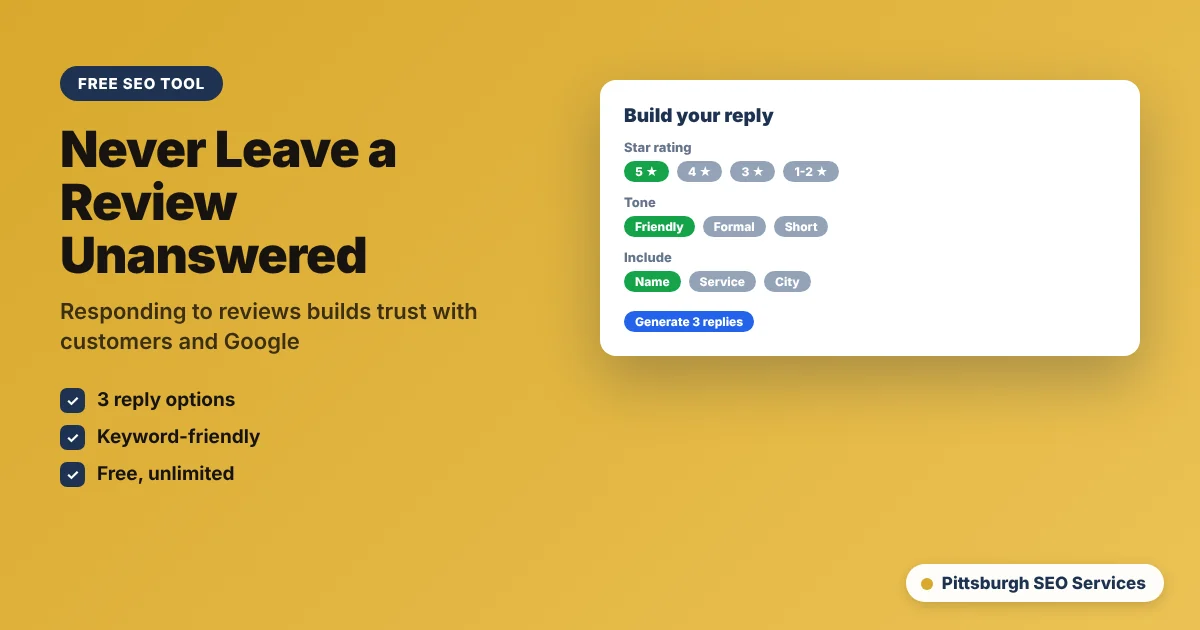
- Add the reviewer’s first name, the service and the town if you’d like the reply to be more personal.
- Pick a tone: friendly, professional or short.
- Click Write My Replies, edit the one you like best, then copy it into your Google Business Profile.
The tool runs in your browser. The review you paste isn’t stored.
Why Replying to Reviews Matters
Google encourages businesses to respond to reviews, and customers notice. A thoughtful reply shows you’re listening, and a calm answer to a bad review often matters more to the next customer than the complaint itself. Replies also give you a natural chance to mention the service you provided and the area you serve.
How to Reply to a Negative Review
- Respond within a day or two, after you’ve cooled off.
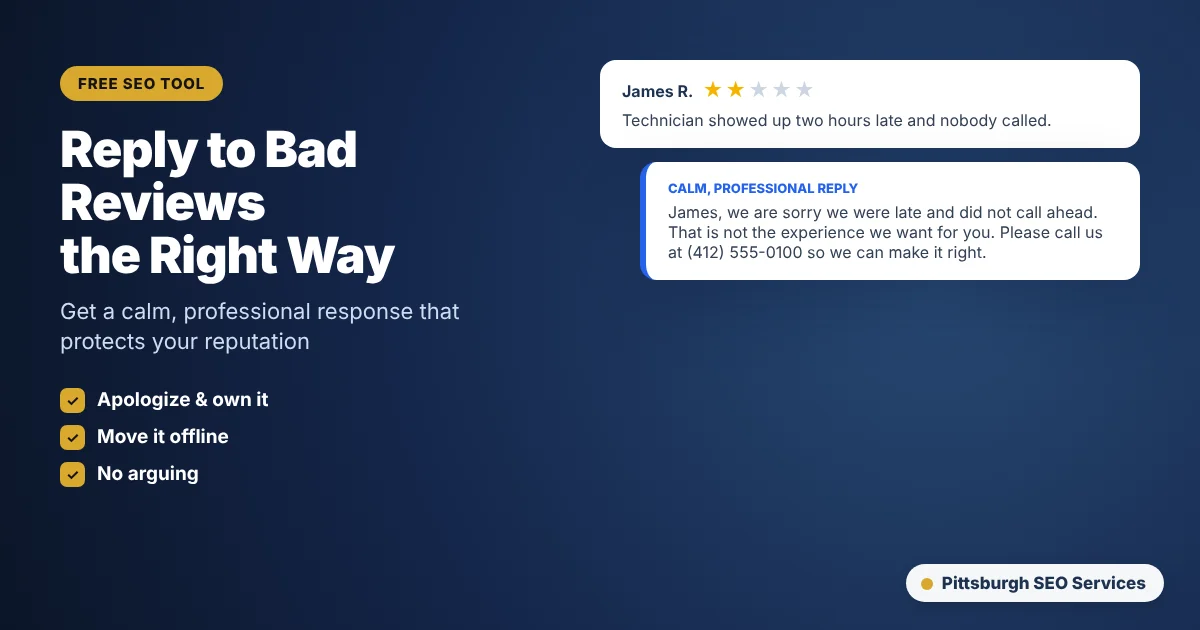
- Thank them and apologize for their experience without arguing about details in public.
- Move it offline with a phone number or email and a name to ask for.
- Never share private details about the customer or the job.
- Report fake or abusive reviews from your Business Profile if they break Google’s policies.
How to Reply to a Positive Review
Keep it short, personal and specific. Thank them by first name, mention what you did and where, and invite them back. Avoid copying the same reply onto every review; vary the wording, which this tool does for you.
Frequently Asked Questions
Should I respond to every Google review?
Yes, if you can. Replying to both positive and negative reviews shows customers you care, and Google recommends responding to reviews.
How fast should I reply to a bad review?
Within 24 to 48 hours is ideal. Take a moment to calm down first, then reply politely and offer to resolve it offline.
Can I put keywords in my review replies?
Mentioning the service and town naturally is fine and helpful for readers. Stuffing keywords into replies looks spammy and isn’t a reliable ranking tactic.
Can I get a bad review removed?
Only if it breaks Google’s policies, for example fake reviews, conflicts of interest, harassment or off-topic content. You can report it from your Business Profile. Honest negative reviews stay, so a good reply is your best tool.
Are the replies written by AI?
They are built from templates that adapt to the star rating, the words in the review and the details you enter. Always read and personalize the reply before posting.
Is the Review Response Generator free?
Yes. It is free, needs no account and runs in your browser.
Sources and Further Reading
- Google Business Profile Help: Read and reply to reviews
- Google Maps: Prohibited and restricted content (reviews policy)
- Google Business Profile Help: Get reviews on your Business Profile
Related Free Tools and Guides
- Google Review Link Generator – get more reviews
- Google Business Profile Checker
- Local Rank Grid Checker
Need Help With This?
We set up review request systems, train teams to respond to reviews and manage Google Business Profiles for local businesses across the Pittsburgh area.
Get a free website and local SEO review
Prefer to talk it through? Call 412-250-7965. Pittsburgh SEO Services LLC is based in Moon Township, PA and works with businesses in Western Pennsylvania, Ohio and West Virginia.