
Working Hours
Mon - Fri 8AM to 5PM
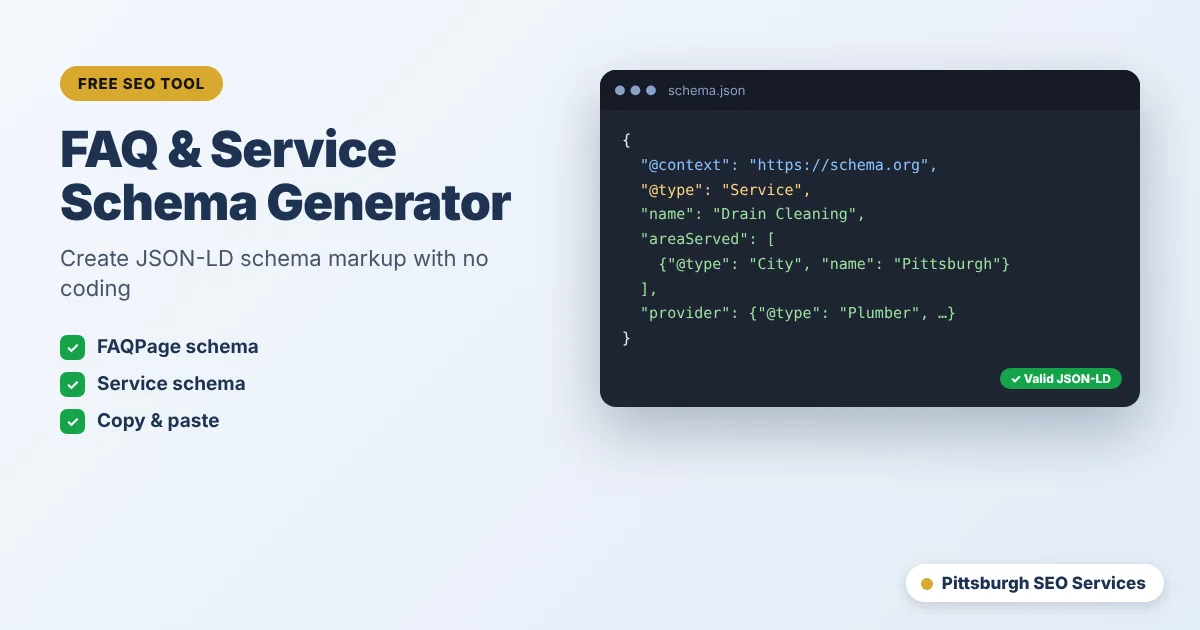
FAQ & Service Schema Generator
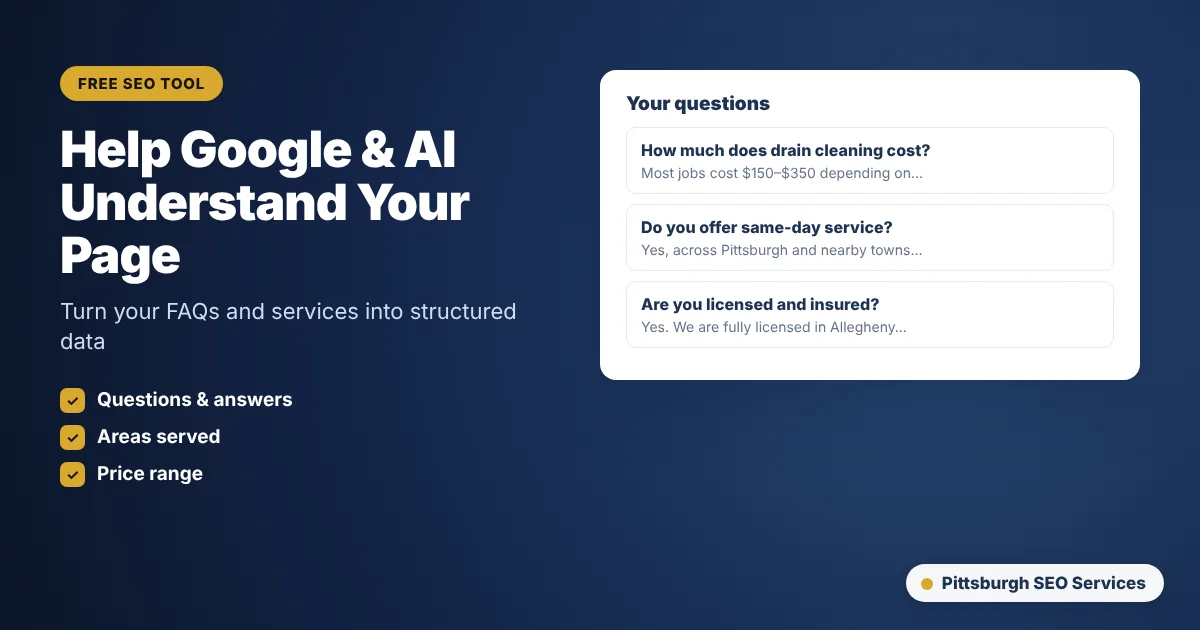
Help Google and AI search tools understand your services and FAQs. Fill in a simple form and get schema code you can paste into any page.
FREE FULL REPORT
See your full detailed results
Enter your name and email to unlock every check and fix on screen. We'll also email you a copy of the full report.
- Every check, with what passed and what to fix
- A copy of the full report in your inbox
- Optional: a free review from our team
How to Use the Schema Generator
- Choose FAQ or Service schema.
- For FAQ schema, add each question and answer exactly as they appear on your page.
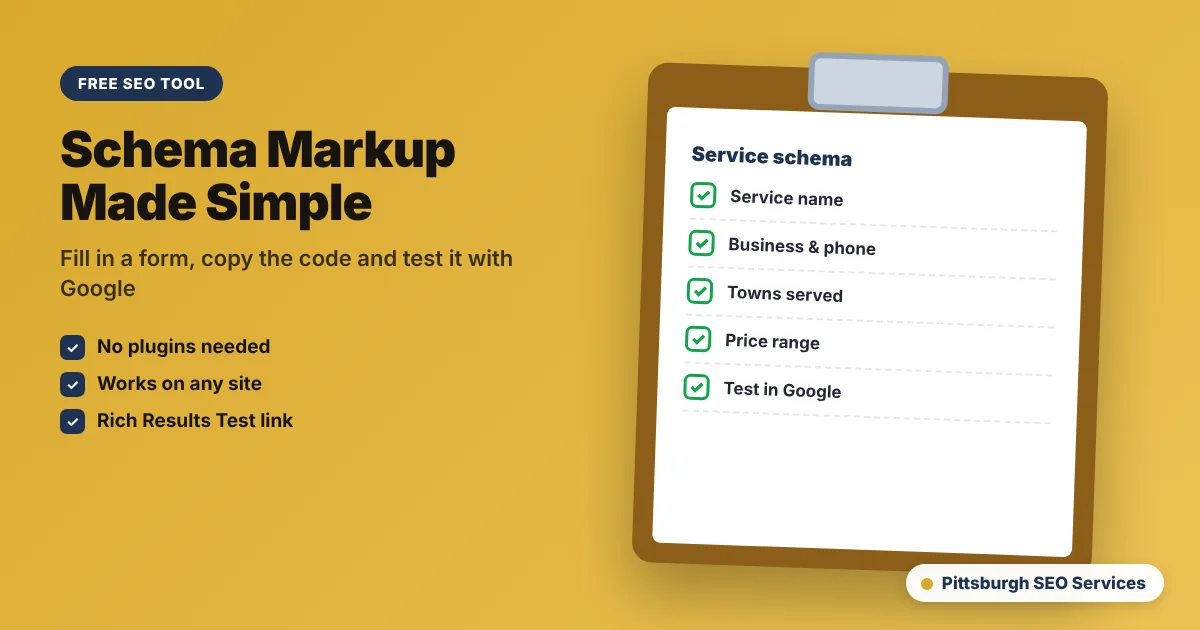
- For Service schema, enter the service name, description, your business details, the towns you serve and an optional price range.
- Click Generate Schema, copy the code and paste it into the page in an HTML or code block.
- Test it with Google’s Rich Results Test.
What Is Schema Markup?
Schema markup is code that describes your page in a standard format search engines read. It doesn’t change how the page looks. It tells Google and AI tools facts like “this page is about drain cleaning, offered by this business in these towns, at this price range” or “here are the questions this page answers”.
FAQ Schema
FAQPage schema lists the questions and answers on a page. Google now shows FAQ rich results mainly for well-known government and health websites, so most businesses won’t see the expandable questions in search. FAQ schema is still useful: it clearly labels your answers for search engines and AI assistants that answer questions directly. The questions and answers must be visible on the page.
Service Schema
Service schema describes one service you offer, who provides it and where. It’s a good fit for each service page on a local business website, alongside LocalBusiness schema on your home or contact page. Use our Local Business Schema Generator for that.
Schema Rules to Follow
- Only mark up content that’s actually on the page.
- Keep prices, hours and details up to date.
- Don’t add the same FAQ schema to many pages.
- If your SEO plugin already adds schema, check for duplicates with our Structured Data Checker.
Frequently Asked Questions
Will FAQ schema show my questions in Google results?
Probably not. Google limited FAQ rich results to well-known government and health sites in 2023. FAQ schema still helps search engines and AI tools understand your content.
Where do I paste the schema code?
Paste it anywhere in the page’s HTML. In WordPress, use a Custom HTML block. In Wix or Squarespace, use a code or embed block, or the page’s custom code settings.
Do I need Service schema if I have LocalBusiness schema?
They do different jobs. LocalBusiness describes your business; Service describes a specific service. Using both on the right pages gives search engines a clearer picture.
Can schema hurt my site?
Schema that doesn’t match what’s on the page can be ignored or, in serious cases, lead to a manual action from Google. Keep it accurate.
How do I test my schema?
Use Google’s Rich Results Test or the Schema Markup Validator at validator.schema.org, or our Structured Data Checker.
Is the schema generator free?
Yes. It’s free, needs no account and runs in your browser.
Sources and Further Reading
Related Free Tools and Guides
- Local Business Schema Generator
- Structured Data Checker
- AI Search Visibility Checker
- SEO Content Brief Generator
Need Help With This?
We add accurate LocalBusiness, Service, FAQ and review schema across our clients’ sites and fix conflicts between themes and SEO plugins.
Get a free website and local SEO review
Prefer to talk it through? Call 412-250-7965. Pittsburgh SEO Services LLC is based in Moon Township, PA and works with businesses in Western Pennsylvania, Ohio and West Virginia.